


Planning a new office layout or reworking an existing one usually starts the same way. Someone has a PDF from the landlord, a rough headcount, a list of teams that want different things, and no one wants to commit to furniture until they can see the plan. That's exactly where a free office space design tool earns its place.
These tools are useful because they let you test fit desks, meeting rooms, circulation paths, and support spaces before you spend money on procurement or installation. Browser-based options also lowered the barrier for nontechnical users by making floor-plan software accessible without specialized CAD training, with examples such as SketchUp for personal use, HomeStyler, IKEA Office Planner, and Microsoft Visio's Office Layout template highlighted in BTOD's roundup of free office layout tools (BTOD's office layout tool roundup).
What matters in practice is not just whether a tool looks good on screen. It's whether it helps you answer real project questions. Will the workstations fit? Are doors, fixed walls, and pathways being respected? Can you hand the plan to a furniture dealer and move toward something buildable?
Free Office Space Design Tools Best of 2026
1. Floorplanner
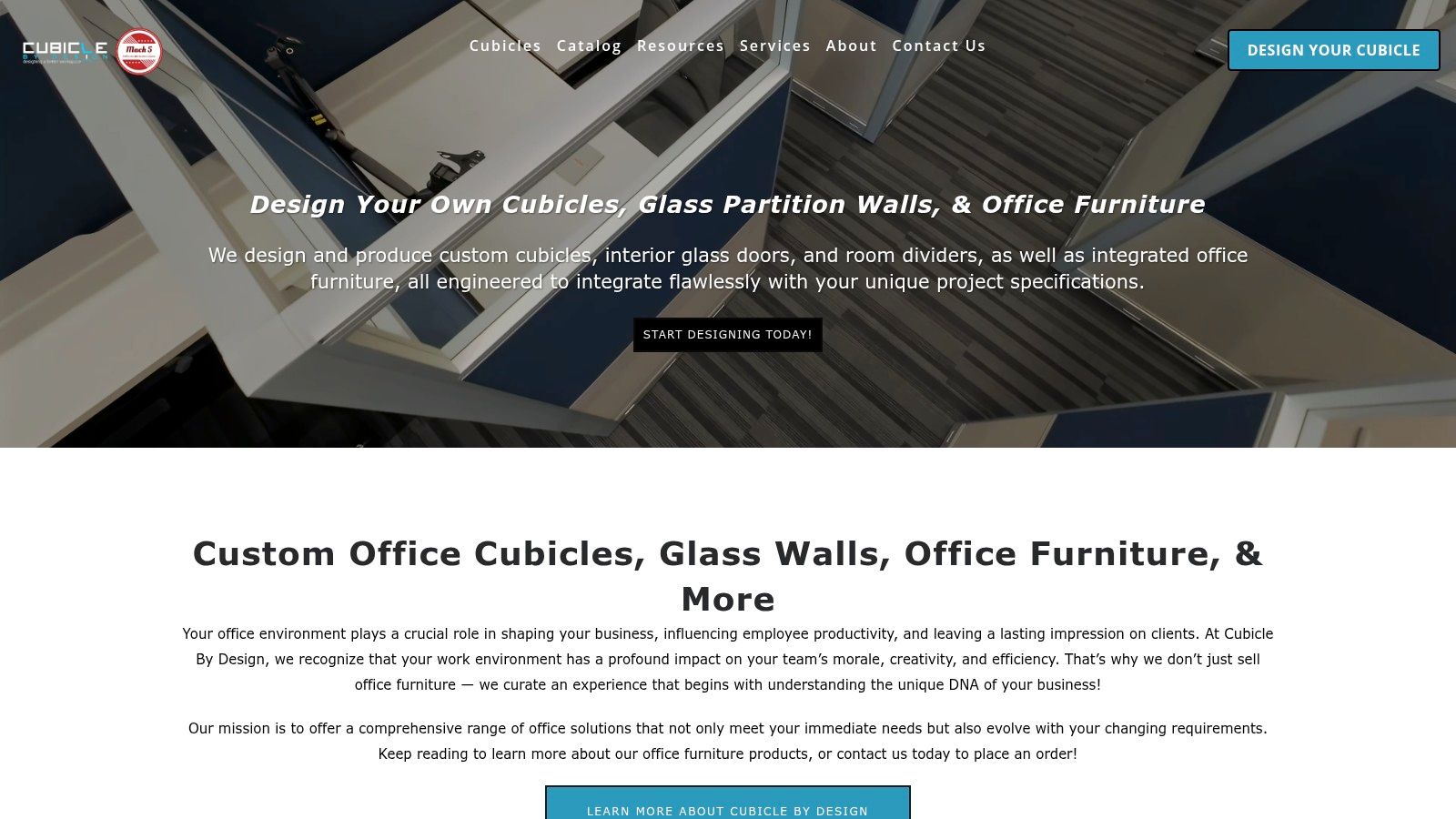
Floorplanner is one of the easiest places to start if you need a presentable layout fast. The browser-based workflow is simple enough for office managers and operations leads, but it's still capable enough to test desk runs, conference rooms, reception areas, and support spaces without much setup.
Its biggest strength is speed. You can sketch walls in 2D, drop in furniture, then flip into 3D to catch obvious spacing problems before they turn into ordering mistakes. For stakeholder review, that matters more than flashy rendering.
Where Floorplanner works well
The asset library is the reason many teams stick with it for early planning. You can mock up a workplace without building custom objects from scratch, which keeps the concept phase moving.
- Best fit: Small to midsize office test fits, quick space studies, and leadership presentations.
- Why teams like it: It runs in a browser, sharing is straightforward, and the learning curve is light.
- Where it falls short: Detailed specifications and polished export output usually push you toward paid credits.
Use Floorplanner when you need alignment, not final documentation. It's good at helping people agree on a direction.
If your project is still deciding between benching, private offices, and a mixed plan, Floorplanner is a strong option. If you're trying to produce handoff-ready furniture schedules, it's not the last tool you'll use.
2. RoomSketcher
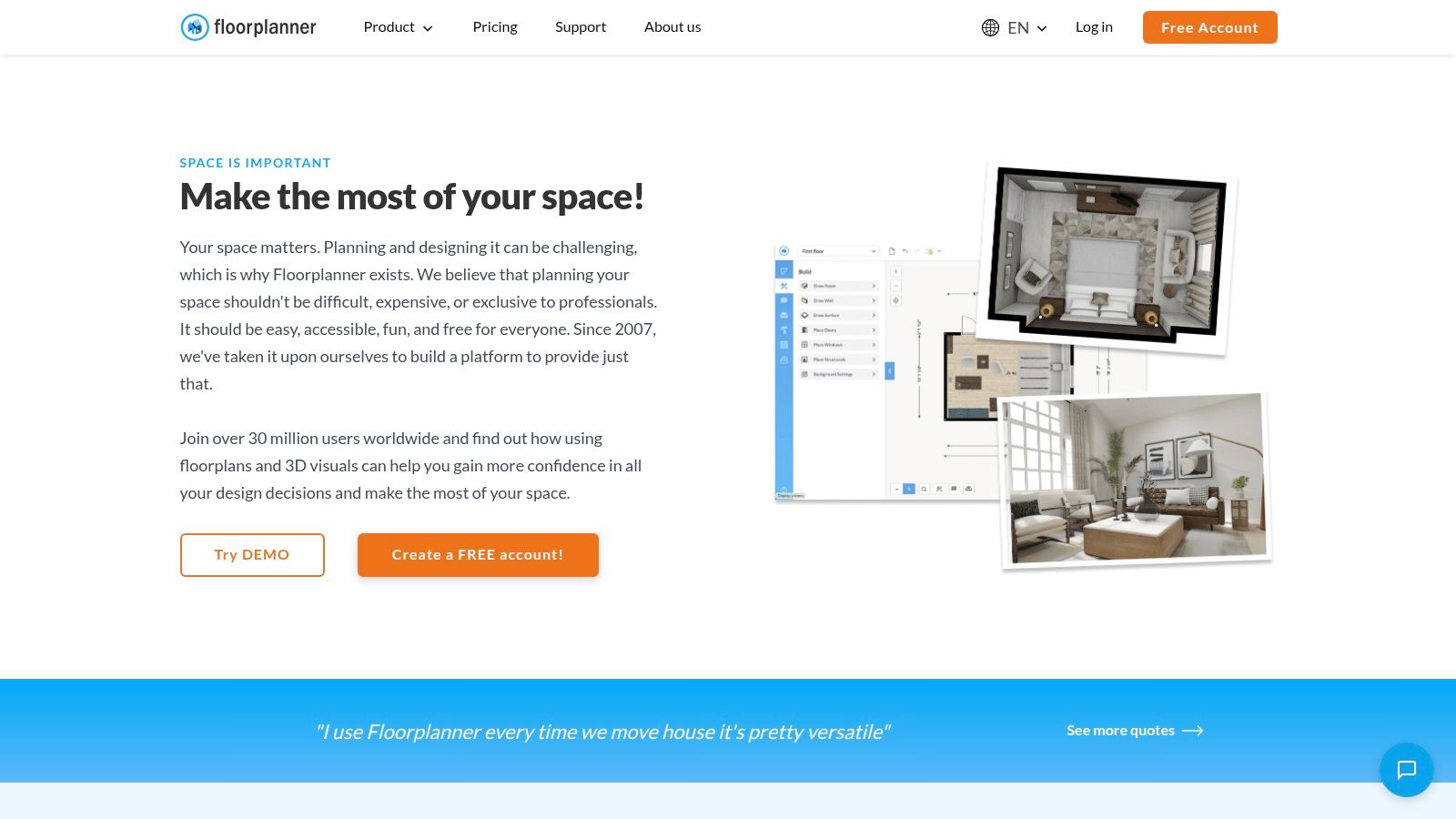
RoomSketcher is a practical choice for non-designers who need to draw clean plans without fighting the software. It's especially useful when the person building the layout is an office administrator, founder, or facilities lead rather than a trained planner.
Click-to-draw walls, room labels, and quick furniture placement make it easy to block out space. The free account gives you enough to build and review a plan, then you can pay for premium outputs on the projects that need them.
Best use case
RoomSketcher is a good fit for teams that don't design every day. It doesn't overwhelm casual users, and that alone makes it productive in real office planning.
- Strong point: Simple drafting with dimensions and room naming that keeps plans readable.
- Practical advantage: You can avoid a full subscription if you only need polished output occasionally.
- Main limitation: Free 3D views and advanced documentation are limited.
I like RoomSketcher for tenant improvement discussions and smaller office refreshes. It helps teams move from “we think this fits” to “this arrangement looks workable,” which is often the decision point before bringing in a dealer or design partner.
3. Planner 5D
Planner 5D is useful when visual communication matters as much as layout logic. It's quick for test fits, easy to use on the web or mobile, and helpful for teams that want to review layouts on site instead of waiting to get back to a desk.
The mobile side is more important than it sounds. If you're walking a vacant suite, checking column locations, or confirming where support spaces should land, being able to adjust a plan on the spot speeds up decisions.
Why planners use it differently
Planner 5D is strongest in early concepting. It helps teams compare layout directions and communicate them clearly to people who don't read plans for a living.
Field note: If a tool helps a nontechnical stakeholder understand the difference between “more seats” and “better circulation,” it's doing real work.
The trade-off is familiar. Many of the better assets and export options live behind paid plans, so the free version works best for layout thinking rather than technical handoff. For startup offices, speculative blocking plans, or quick hybrid seating studies, that's often enough.
4. SketchUp Free
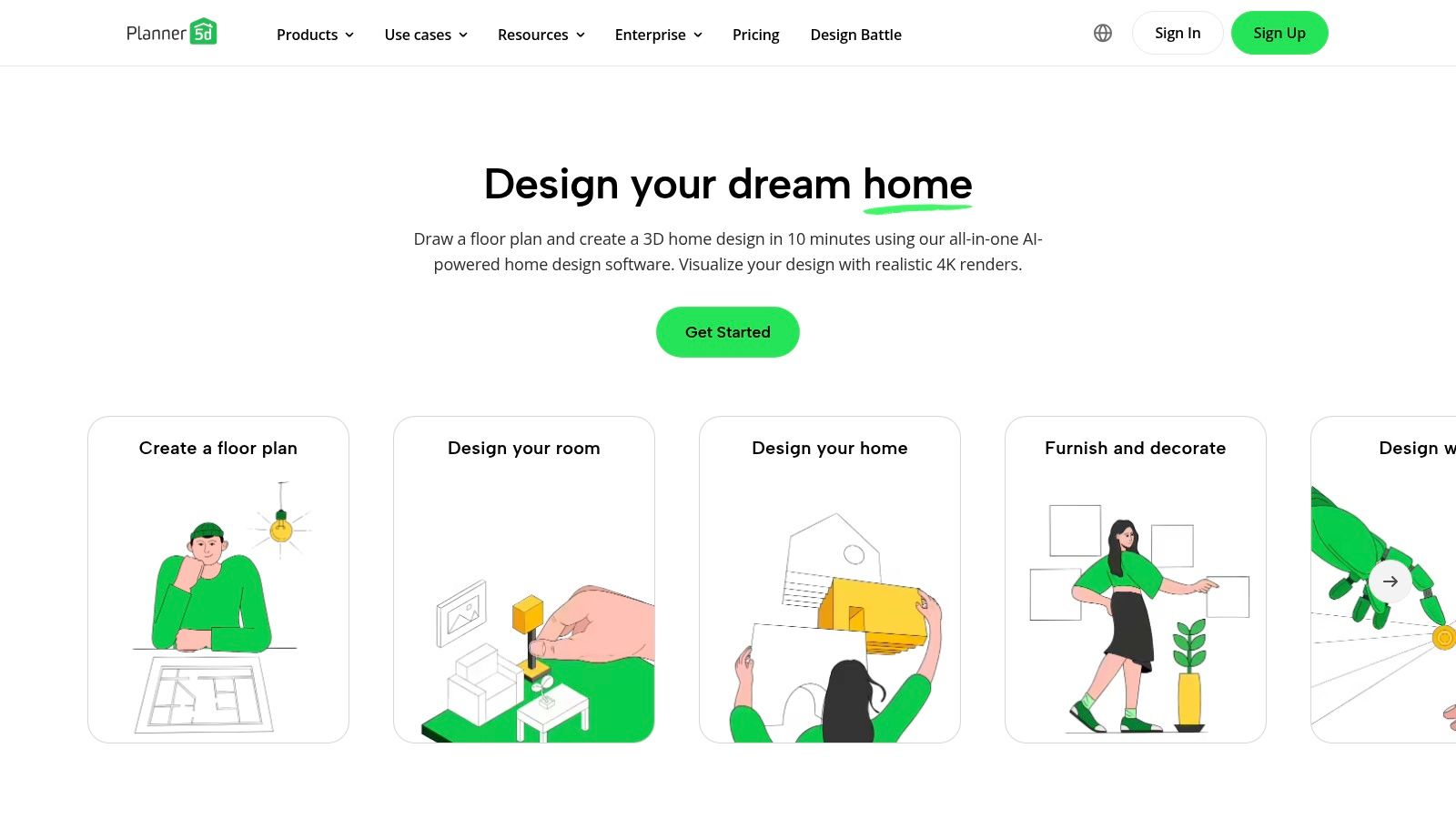
SketchUp Free is the most capable option here if your priority is dimensionally accurate 3D blocking. It's not as turnkey as the drag-and-drop planners, but it gives you more control over geometry, fit, and massing.
That matters when the office has awkward conditions. Columns, unusual wall jogs, partial-height elements, and custom furniture layouts are easier to model precisely in SketchUp than in many lightweight planners. Access to 3D Warehouse also helps when you need representative furniture objects quickly.
Where SketchUp Free earns its keep
It's best for users who care about accuracy more than convenience. If you're comfortable modeling, you can test fit real conditions with more confidence than most free planners offer.
The broader floor plan software market shows why browser-based tools have become normal. Dataintelo valued the global floor plan software market at $7.2 billion in 2025 and projected it to reach $16.8 billion by 2034, with cloud-based software already holding a 51.6% share in 2025 and forecast to grow faster than on-premises tools (Dataintelo floor plan software market analysis).
SketchUp Free fits that shift well. The catch is that the free version isn't built for deep professional workflows. No extensions, lighter documentation features, and less structured annotation mean you'll eventually outgrow it on serious projects.
5. Homestyler
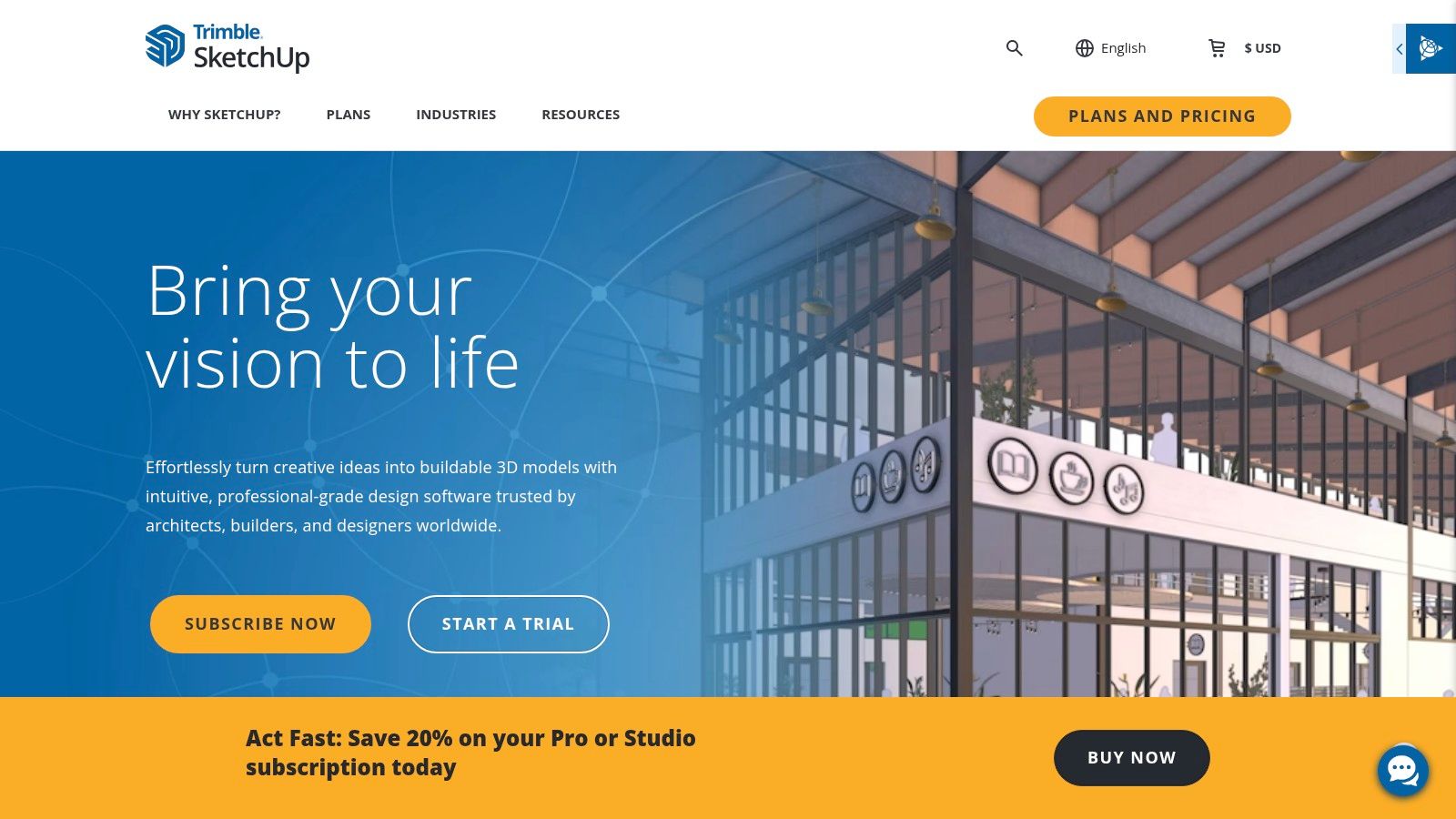
Homestyler is one of the better options when you need a layout to look polished without a long learning curve. It's well suited to small office planning, front-of-house areas, meeting suites, and concept presentations where finish, mood, and appearance matter.
The interface is approachable, and it's fast to move from floor plan to visual. That's useful when decision-makers care about how the office will feel, not just whether the chairs fit.
The real trade-off
Homestyler is stronger for presentation than technical delivery. You can explore furniture and finishes effectively, but more serious import, export, and collaboration needs usually lead to paid features.
- Good choice for: Early concept boards, simple office visualizations, and stakeholder buy-in.
- Less ideal for: Construction-level planning and formal furniture specification.
- What to watch: Don't confuse a strong render with a verified plan.
This is the common trap with many free office space design tool platforms. They're excellent at making a plan look resolved before the hard constraints have been checked.
6. pCon.planner
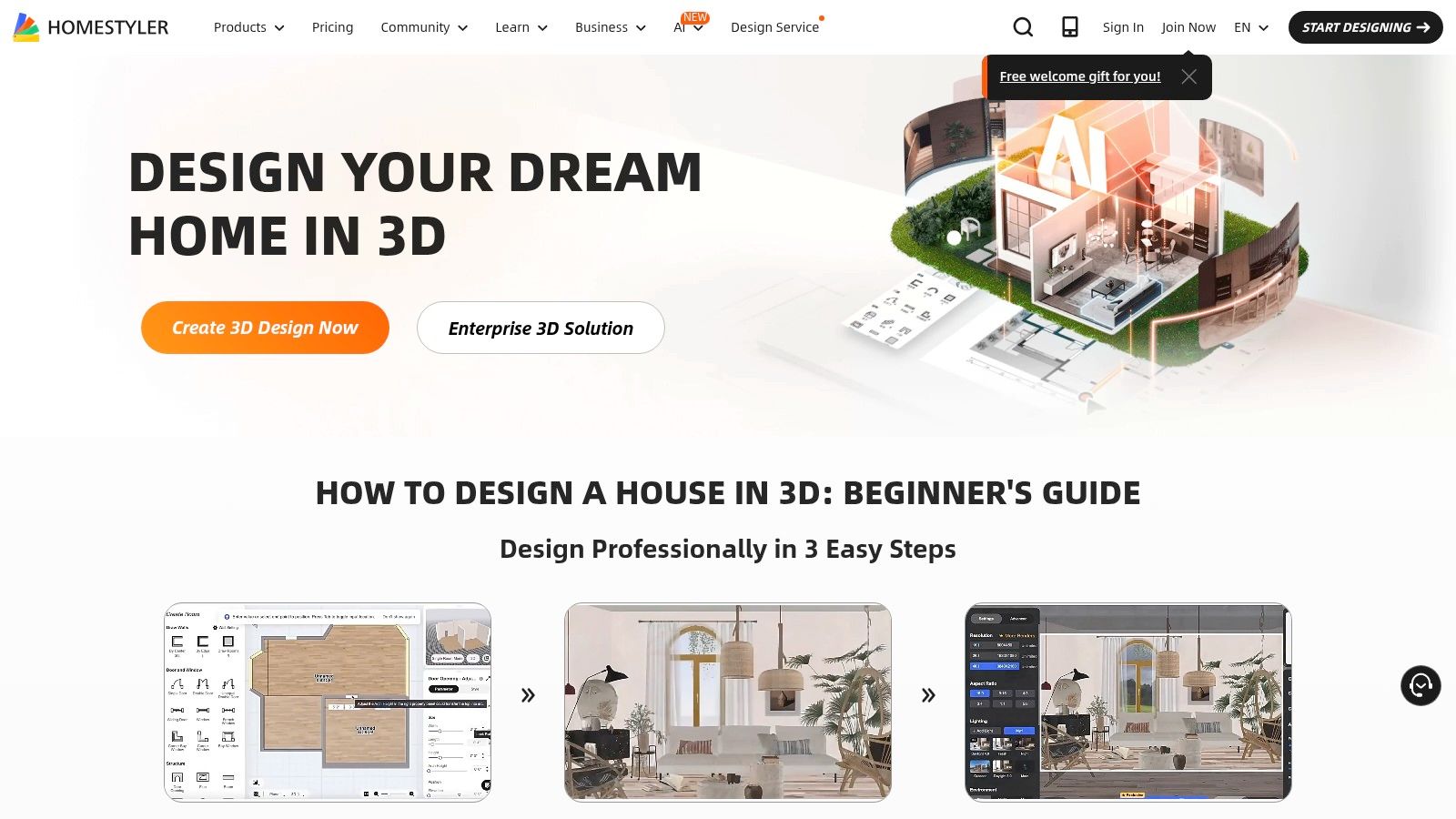
pCon.planner is the most dealer-friendly tool on this list. It's free, but it doesn't behave like a casual planner. It's aimed at commercial furniture workflows, which makes it especially useful when ordering accuracy matters more than visual simplicity.
If you've ever had a workstation order go sideways because dimensions, finishes, or symbols weren't coordinated properly, this is the kind of software that helps reduce that risk. Its strength is not style. Its strength is product realism.
Why contract furniture teams like it
pCon.planner supports precision 2D and 3D planning, dimensioning, and manufacturer-oriented catalogs. That makes it more useful for office furniture layouts than many general-purpose room planners.
Practical rule: The closer your project gets to procurement, the more your tool needs to reflect actual products instead of generic placeholders.
The downside is obvious. It's Windows-only, less beginner-friendly, and not the tool I'd hand to a first-time office manager who just wants to sketch a rough plan. But if your office project is moving toward real specifications, pCon.planner deserves serious consideration.
7. Sweet Home 3D
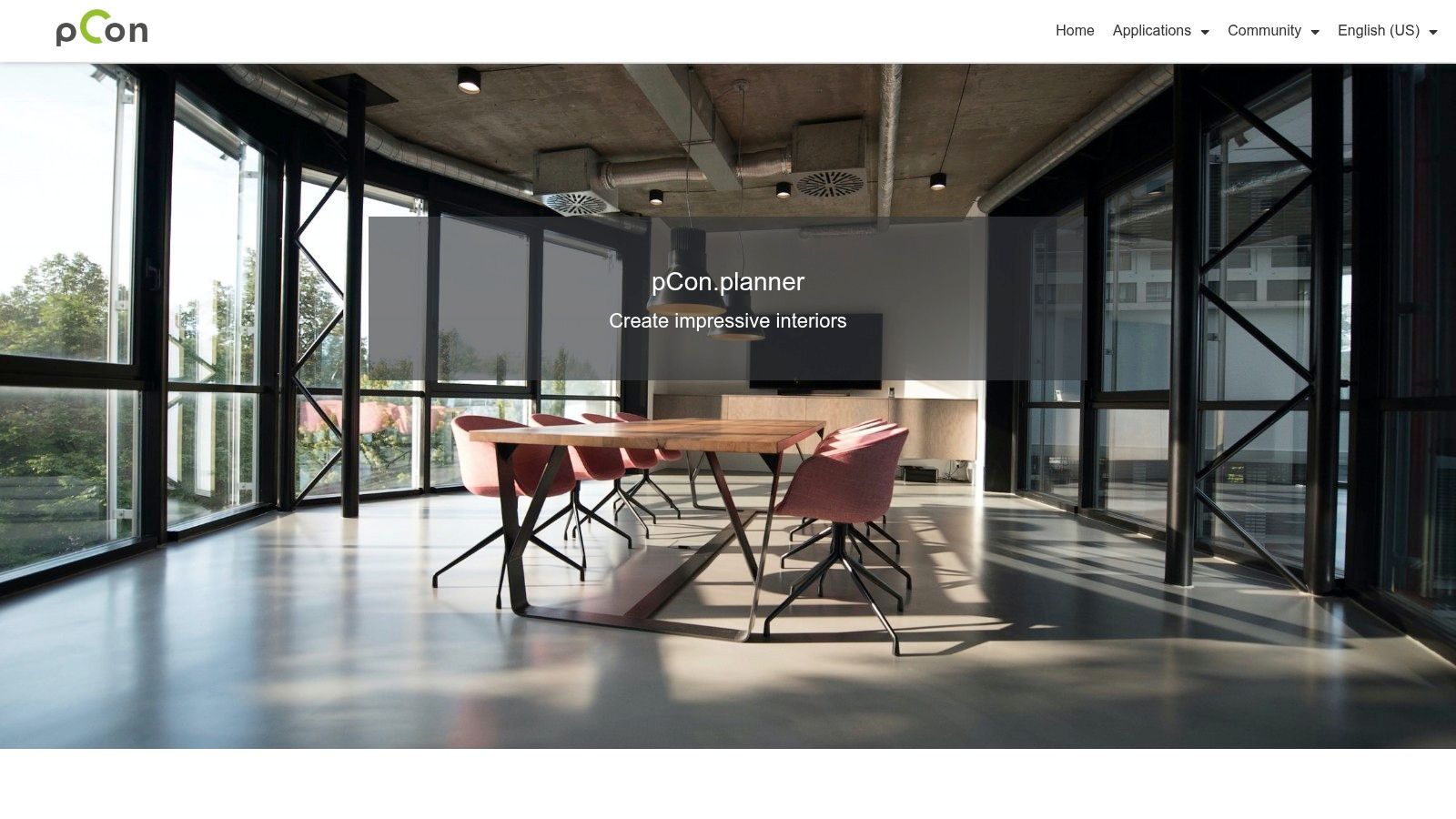
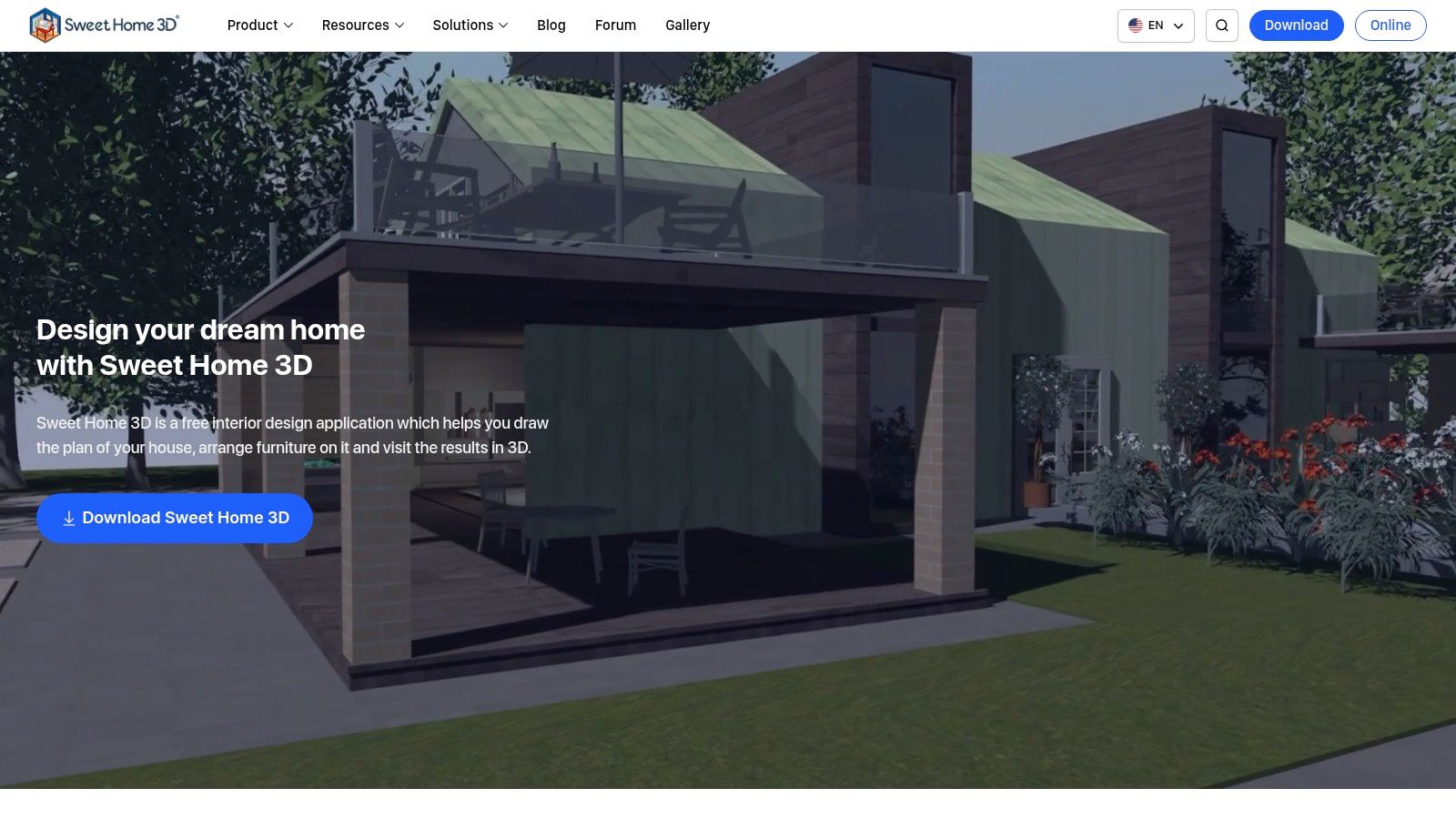
Sweet Home 3D remains a solid option for teams that want a fully free desktop tool with no subscription pressure. It's open-source, lightweight, and better than many people expect for simple office sketches and furniture placement.
This is a practical pick when the project doesn't need glossy output. If the task is to map walls, place workstations, confirm clearances, and review an idea internally, Sweet Home 3D gets there without much friction.
What it's good at
Its synchronized 2D and 3D views make basic planning easy to understand. You draw walls with dimensions, add furniture, and verify the overall fit.
- Best use: Internal planning, move-add-change sketches, and budget-sensitive early layouts.
- Advantage: No major barrier to entry for desktop use.
- Limitation: Libraries and visuals are simpler than more commercial tools.
Sweet Home 3D is a good reminder that not every office layout needs cinematic rendering. Sometimes a clean, dimensioned plan is enough to make the next decision.
8. magicplan
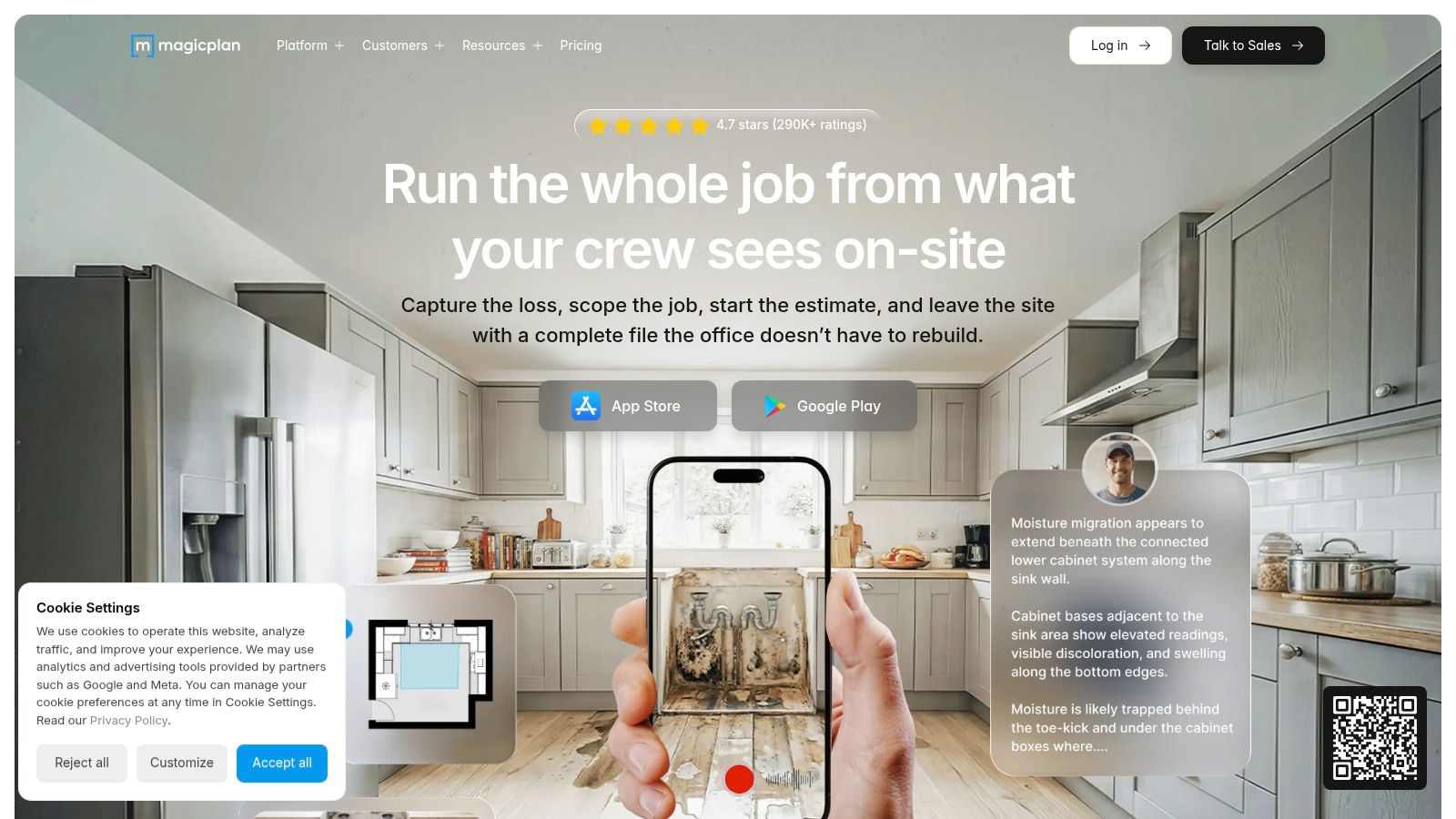
magicplan solves a different problem than most tools on this list. It's not primarily about designing from scratch. It's about capturing what already exists.
That makes it useful for renovations, office reconfigurations, and any project where the current condition is poorly documented. If your team is standing in a suite with a tape measure and a phone, magicplan can save time by turning site survey work into editable floor plans with notes and photos attached.
Where it fits in the workflow
I'd use magicplan before I'd use it for final planning. It's a strong front-end tool for as-builts, field verification, and move planning.
For workplace strategy, the important point is that design choices should connect to actual utilization. OfficeSpace Software's 2026 guide reports a global average space utilization rate of 53%, notes that most companies target above 65%, and recommends combining sensor, badge, and booking data with four weeks of rolling data to reveal meaningful usage patterns more reliably than a single week (OfficeSpace utilization analytics guide).
magicplan helps with the physical side of that equation. It gives you a better map of the space you're studying. It won't replace a full planning stack, but it improves the starting data.
9. HomeByMe
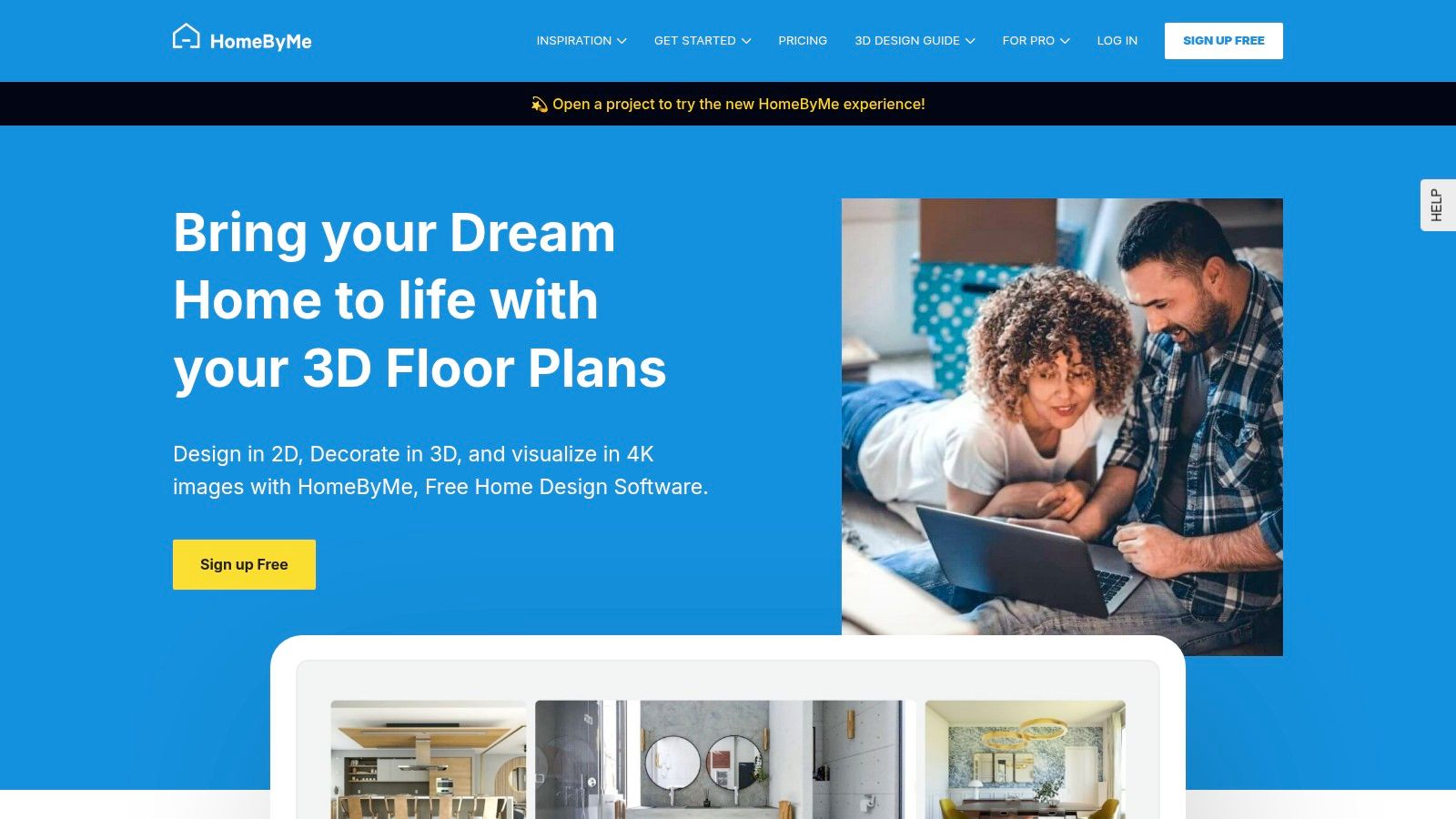
HomeByMe is one of the cleaner browser-based tools for office concepting. It's easy to understand, easy to share, and particularly useful when you need to present ideas to leadership, HR, or employees who respond better to visuals than to technical plans.
The platform is strongest when the project is still forming. You can build a simple layout, furnish it, and generate realistic views that help people react to a future workplace before any procurement decisions are locked in.
Keep expectations realistic
HomeByMe is good at concept communication. It is not the tool I'd trust by itself for a procurement-ready commercial office package.
That distinction matters because one of the biggest gaps in this category is buildability. Arcadium points out that many office floor plan tools emphasize drag-and-drop layouts and visualization but don't clearly address whether plans account for fixed walls, doors, stairs, pathways, furniture fit, or the point where free tools stop being enough for code-compliant planning and handoff-ready documentation (Arcadium on buildable office floor plans).
That's exactly the issue with HomeByMe. Use it to get the concept right. Then move to a product-specific and execution-focused process.
10. Cubicle By Design Custom Cubicle Designer
A common office planning scenario looks like this. The team has a workable test fit, leadership has approved the direction, and then procurement asks the question that free layout tools rarely answer well: which stations, in which sizes, with which panels, storage, and finishes?
The Cubicle By Design Custom Cubicle Designer is useful at that point. It focuses on configurable workstation products, so the plan starts moving from abstract blocks on a floor plan to a setup a dealer can review, quote, and refine for installation.
That distinction matters in real projects. A six-person benching area and a six-person high-panel cubicle layout can occupy similar square footage, but they perform very differently for acoustics, privacy, cable management, and supervision. If the goal is to hand off a viable starting plan to a full-service provider, product definition has to start early.
Best use case
Use this tool after space planning, not instead of it.
General office design apps help teams test circulation, adjacency, and density. A product configurator helps specify the workstation solution inside that footprint, including panel heights, work surfaces, storage, and finish direction. That makes it a practical bridge between DIY planning and professional procurement.
Where it adds value
Cubicle By Design is strongest when the project is heading toward modular office furniture rather than broad architectural redesign.
- Product-specific configuration: Users can set dimensions, materials, panel styles, and storage options with procurement in mind.
- Stronger handoff: The output is closer to something a furniture dealer or workplace team can price and adjust.
- Useful for real trade-offs: It helps teams compare openness versus privacy, footprint versus storage, and visual lightness versus separation.
- Support after the draft stage: The concept can be reviewed and developed into a final furniture solution by the provider.
A generic planner tells you six stations fit. A product-focused tool helps you determine what those six stations should be.
There are limits, and they are important. This tool does not replace base building verification, code review, life safety planning, or full-suite programming. It works best as the second step in the process: first build the layout with a free planning tool, then convert that concept into a furniture package that can be specified, quoted, and installed without friction.
Top 10 Free Office Space Design Tools Comparison
A team can produce a workable test fit in an afternoon with free software. The harder part is choosing the right tool for the stage of the project, then knowing when a draft is detailed enough to hand off for pricing, specification, and installation planning.
That is the fundamental difference between a planning app and a procurement-ready workflow. Some tools are built for fast diagrams, some for polished presentations, and some for dimension control that stands up better once furniture decisions start.
| Tool | Core focus / Best use | Key features ✨ | UX / Quality ★ | Pricing / Value 💰 | Target audience 👥 |
|---|---|---|---|---|---|
| Floorplanner | Fast browser-based test fits and stakeholder review | Drag-and-drop 2D planning, instant 3D views, shareable layouts | ★★★★☆, quick to learn | 💰 Free tier, paid credits for advanced output | 👥 Small teams, office managers, stakeholders |
| RoomSketcher | Simple floor plans for non-designers | Click-to-draw walls, furniture library, live 3D view | ★★★★☆, approachable | 💰 Free version, paid upgrades per project or subscription | 👥 Small businesses, admin teams, real estate users |
| Planner 5D | Early concepts on mobile and web | Mobile apps, 2D and 3D planning, AR and VR options on paid plans | ★★★★☆, convenient for quick concepts | 💰 Freemium, paid assets and renders | 👥 Mobile-first users, early planning teams |
| SketchUp Free | Precise 3D massing and dimension control | Browser modeling, snapping tools, 3D Warehouse library | ★★★★☆, capable but less beginner-friendly | 💰 Free web version | 👥 Designers, architects, advanced planners |
| Homestyler | Visual concepts and client-facing presentation | Quick 3D scenes, material libraries, rendered views | ★★★★☆, clean interface | 💰 Freemium, paid rendering options | 👥 Small design teams, presentation-focused users |
| pCon.planner (Free) | Detailed office planning with stronger specification logic | Precise 2D and 3D drafting, manufacturer catalog support | ★★★★☆, professional but takes time to learn | 💰 Free desktop version for Windows | 👥 Dealers, specifiers, furniture planners |
| Sweet Home 3D | Lightweight office layouts and basic planning | 2D and 3D sync, editable walls, plugin support | ★★★☆☆, simple and functional | 💰 Free, open-source | 👥 DIY planners, schools, light-use teams |
| magicplan | Fast field measurement and as-built capture | Mobile scanning, annotations, reporting tools, estimate support | ★★★★☆, strong for site work | 💰 Freemium, subscription for fuller reporting | 👥 Facilities teams, contractors, survey staff |
| HomeByMe | Presentation-ready visual concepts | 2D to 3D conversion, realistic renders, shareable project views | ★★★★☆, polished output | 💰 Free project limits, paid upgrades | 👥 Stakeholders, concept teams, client presentations |
| Cubicle By Design Custom Cubicle Designer 🏆 | Product configuration after the layout is set | Configure dimensions, panel types, worksurfaces, storage, and power paths | ★★★★★, focused on furniture decisions and quote readiness | 💰 Free designer, furniture priced by quote | 👥 Buyers, facilities leads, procurement teams, office planners |
Use the table as a screening tool, not a final verdict. If the goal is quick internal alignment, Floorplanner, RoomSketcher, and Planner 5D usually get there faster. If the project needs cleaner dimensions and more control before furniture is priced, SketchUp Free and pCon.planner hold up better.
Cubicle By Design belongs at a different point in the process. It is less about broad space planning and more about converting an approved layout into workstation configurations a provider can review, price, and refine without guesswork. That makes it useful after the free planning phase, especially for teams buying modular cubicles, benching, or panel systems.
The practical trade-off is simple. General planning tools help you test fit. Product-focused tools help you specify what will be ordered.
From Digital Plan to Real-World Workspace
At 4:30 p.m., the layout looks settled. By the time pricing starts, the actual problems show up. A bench run blocks the aisle, the door swing eats into a touchdown spot, or the power feed sits on the wrong wall. Free planning tools are useful, but they stop short of procurement, specification, and installation.
That handoff decides whether a plan stays on schedule or goes back for revision.
Early-stage software helps teams answer planning questions fast. Can the floor support the headcount? Where should enclosed rooms sit? How much open space should stay flexible? How will assigned seating and hybrid use affect the footprint? Guidance from People Managing People's office space management software review is helpful here because it frames the project around utilization and workplace operations, not just drawing.
After the concept is approved, the standard changes. The layout now has to work with actual furniture footprints, panel heights, storage access, cable routing, delivery paths, and install sequencing. That is the point where a DIY plan becomes a procurement document, or falls apart under review.
How to use your plan with Cubicle By Design
- Send a clean base plan. Export a PDF, JPG, or PNG with overall dimensions, columns, doors, windows, and fixed building elements. Flag anything that is still tentative.
- Add the operating brief. Include headcount, assigned versus shared seating, team adjacencies, privacy needs, and any known requirements for reception, meeting rooms, storage, or training space.
- Expect a fit check. A dealer-side review usually catches aisle conflicts, oversized workstation footprints, poor storage placement, sightline issues, and acoustic problems that general planning tools do not test well.
- Move into furniture specification. The discussion should shift to panel systems, worksurface sizes, storage mix, power distribution, and which stations need more privacy or denser planning.
- Review the buying conditions. Lead times, phased delivery, freight access, and future reconfiguration can change the right furniture choice even when two layouts look equally efficient on screen.
I see one mistake repeatedly. Internal teams treat the free design file as the finished plan, even though it is only the first draft of a package a provider can quote and build from.
The better approach is straightforward. Use free tools to get alignment, test fit the space, and narrow the layout direction. Then hand that plan to a full-service provider who can check it against real product dimensions, code-related clearance concerns, installation constraints, and procurement timing. That is the gap this article has been addressing from the start. Free tools help you create a viable starting plan. Professional review turns that plan into a workspace that can be ordered with fewer surprises and fewer pricing revisions.
If the drawing is already approved internally, the next job is specification. That is how a digital layout becomes a real workplace.