You sit down for a late match, then end up shifting your keyboard, nudging a mic arm, and tracing one loose cable with your foot before the round even starts. That usually means the problem is not the PC. The room is working against the setup.

Good gamer desk ideas solve more than surface space. They shape how the full station performs day to day, including monitor distance, power access, cable routing, speaker placement, light control, and the way the space switches between gaming, work, and streaming.

That is the angle here. Each of the seven ideas treats the desk as part of a complete environment, not a standalone purchase. The useful questions are practical ones. How much depth does the layout need? Where does power live so adapters do not spill onto the floor? What kind of lighting reduces glare without flattening the room? Which modular pieces help the setup stay organized as gear changes?

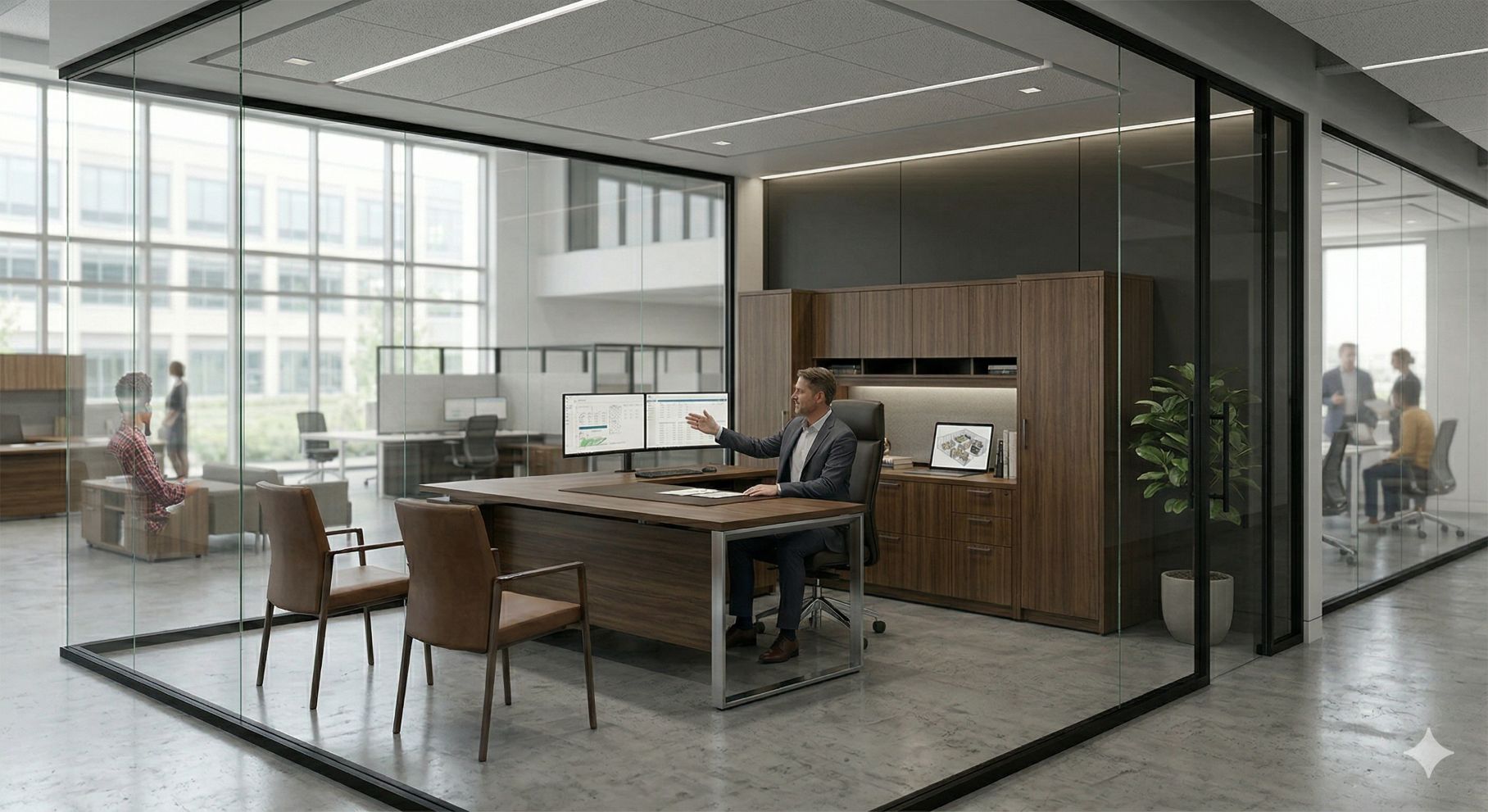
In many rooms, the desk alone cannot solve those problems. A cleaner result often comes from pairing the desk with room-level infrastructure such as an under-desk power strip setup, partial dividers, acoustic boundaries, or glass zoning that separates a play area from the rest of a home office without closing it off.

If you need a visual baseline before rebuilding your station, this ultimate gaming desk setup guide is a useful companion. The ideas below go further by organizing each setup around four pillars: layout and dimensions, cable and power strategy, lighting and acoustics, and modular system integration.

Beyond the Battlestation: Building Your Ultimate Gaming Space

1. Idea 1 The All-in-One Command Center

The cleanest high-end setups usually start with one decision: stop treating cable management as an afterthought. The Secretlab MAGNUS Pro works because the desk itself is the cable strategy. You’re not clipping solutions onto a basic slab. You’re building around an integrated system with a rear cable bay, magnetic accessories, and power handled in a way that keeps the top surface usable.

This style fits players who want one desk to do almost everything well. It also works in executive home offices where visual clutter kills the look of the room.

Layout and dimensions

Depth matters more than most buyers expect. Standard gaming desk sizes start at 23 to 24 inches deep for compact setups, move to 27 to 30 inches for more comfortable long sessions, and go beyond 30 inches for extensive gear. If you’re using a large monitor arm, desktop speakers, and a full-size keyboard, shallow desks force your elbows and eyes too close to the screen.

For a command-center layout, keep the main monitor centered and mount secondary gear off the primary work zone. The MAGNUS line is strongest when you commit to that discipline instead of filling every inch of visible surface.

Practical rule: If the desk looks tidy only when nothing is plugged in, it isn’t a tidy desk.

Cable, power, and room integration

The biggest advantage here is that the desk encourages hidden routing by default. Pair it with an under-desk power strip solution when you need cleaner distribution for chargers, speakers, and streaming accessories that shouldn’t live in plain sight.

Lighting should stay indirect. A metal desk and glossy peripherals can reflect more than you expect, so rear bias lighting usually works better than bright front-facing LED bars. Acoustically, this setup benefits from surrounding structure. In an open room, adding partial privacy panels or nearby modular dividers from a broader office system helps keep the station from feeling exposed and noisy.

The trade-off is price. Once you add monitor arms, mounts, and ecosystem accessories, this becomes a premium build fast. But if your top priority is order, very few desks feel as complete.

2. Idea 2 The Modular Streaming Studio

Idea 2: The Modular Streaming Studio

A streaming setup breaks down fast when the desk is treated like a gaming surface with a webcam clipped on top. Cameras need clean sightlines. Microphones need stable mounting points that do not invade mouse space. Lights, interfaces, and switchers add weight, heat, and cables in places a standard desk plan rarely accounts for. The Corsair Platform:6 works well here because its rails and attachment system let the desk function like a small production bench.

That distinction matters.

For this idea, the desk is only one part of the environment. The stronger approach is to build a complete streaming zone around four pillars: layout and dimensions, cable and power strategy, lighting and acoustics, and modular system integration that makes the setup feel intentional instead of improvised.

Layout and mounting strategy

Start with width, then protect the center zone. A streaming desk needs enough span for the main display, a secondary screen for chat or controls, and free forearm room for actual play. The desktop should stay focused on the keyboard, mouse, and the monitor you perform from. Mount the rest off that primary plane whenever possible.

Rear rails and side attachments solve a common problem. They move key lights, microphones, and camera accessories out of the hand zone without pushing them so far away that adjustments become awkward mid-stream.

If you are still sorting your signal chain, understanding what a capture card is helps clarify which devices belong within arm’s reach and which can live on shelves, risers, or mounted trays.

Cable, power, and room control

Streaming desks carry a heavier cable load than standard gaming desks. Power bricks, USB hubs, camera cables, XLR or USB audio, charging leads, and LED controllers stack up quickly. A rail system helps, but distribution matters just as much as routing. Use a dedicated under-desk power strip setup for streaming gear so chargers and adapters stay off the floor and away from the visible work surface.

Lighting needs restraint. Soft front light does the useful work. Rear accent light should stay subtle enough that it shapes the background without causing glare on bezels, glasses, or glossy peripherals.

Acoustics usually get ignored until the first recording sounds harsh. Hard walls and bare corners reflect more high-frequency noise than streamers expect, especially in smaller rooms.

Modular system integration

The broader room design plays a key role. A modular streaming studio works better when the desk is supported by surrounding structure, not left floating in a noisy open room. Partial dividers, glass-fronted boundaries, and adjacent storage can define a cleaner backdrop, contain clutter, and create separation between the on-camera zone and the rest of the workspace.

That is the professional angle behind this idea. The desk handles the immediate workflow. Modular architectural pieces turn it into a repeatable studio environment that is easier to maintain, easier to cable, and more credible on camera.

The trade-off is complexity. This setup takes more planning than a standard battlestation, and the accessory count adds up quickly. For creators who stream often, that extra planning pays back in cleaner framing, faster setup, and less friction every time the camera goes live.

3. Idea 3 The Ergonomic Hybrid Work and Play

Idea 3: The Ergonomic Hybrid (Work & Play)

A desk that handles client calls at noon and competitive matches at night needs different priorities than a pure gaming setup. The goal is not spectacle. The goal is fast resets between focused work, casual browsing, and longer play sessions without forcing your posture to change every time the task changes. The IKEA UPPSPEL gaming desk fits that role because it gives you electric height adjustment, a restrained surface finish, and practical cable control at a price that still leaves room in the budget for the parts around the desk that matter just as much.

This idea works best as a system, not a standalone purchase.

Layout and dimensions

For hybrid use, start with width before accessories. A desk around 55 to 63 inches wide usually gives enough room for a centered monitor, a proper keyboard position, and one active work zone for a notebook, tablet, or paperwork. Depth matters too. If the screen sits too close, both work and gaming suffer. A deeper top gives better viewing distance and leaves enough forearm support to reduce shoulder tension over a full day.

Height adjustment matters more here than in almost any other desk idea in this guide. Shared use, task switching, and long total desk hours all reward presets that return you to a known position quickly. Gaming setup guidance from Access Creative's setup overview also notes the practical value of sit-stand flexibility for users who split time between different activities.

Cable and power strategy

Hybrid stations usually fail in the same place. Chargers, docking cables, headset leads, and controller cords end up crossing the same surface. Keep work power and play power in separate zones. Put a dock and laptop charger on one side, then keep console, speakers, and accessory charging on the other so you are not tracing cables every evening.

If the setup also supports content capture, plan for that before the desk fills up. Streamers and hybrid creators benefit from understanding what a capture card is when deciding where consoles, secondary PCs, and passthrough displays should sit, because that choice affects cable runs, desk depth, and how often devices need to be reconnected.

Lighting and acoustics

This room should read as a workspace first and a gaming setup second. Neutral task lighting beats aggressive color effects during the day, especially if you spend hours reading documents or joining calls. At night, accent lighting can shift the tone without contaminating the main work surface with glare.

Noise control matters more than many buyers expect. Mechanical keyboards, open speakers, and hard wall reflections make both meetings and voice chat less pleasant. Even light room treatment helps. A rug, fabric seating, and nearby storage do more for day-to-day comfort than another strip of RGB.

Modular system integration

The professional version of this setup adds structure around the desk. A hybrid station benefits from adjacent storage, partial division from the rest of the room, and furniture that can adapt as the workload changes. That is the advantage of modular furniture for flexible workspaces. It lets the desk stay clean while the surrounding system handles printers, files, peripherals, and the visual separation between work mode and play mode.

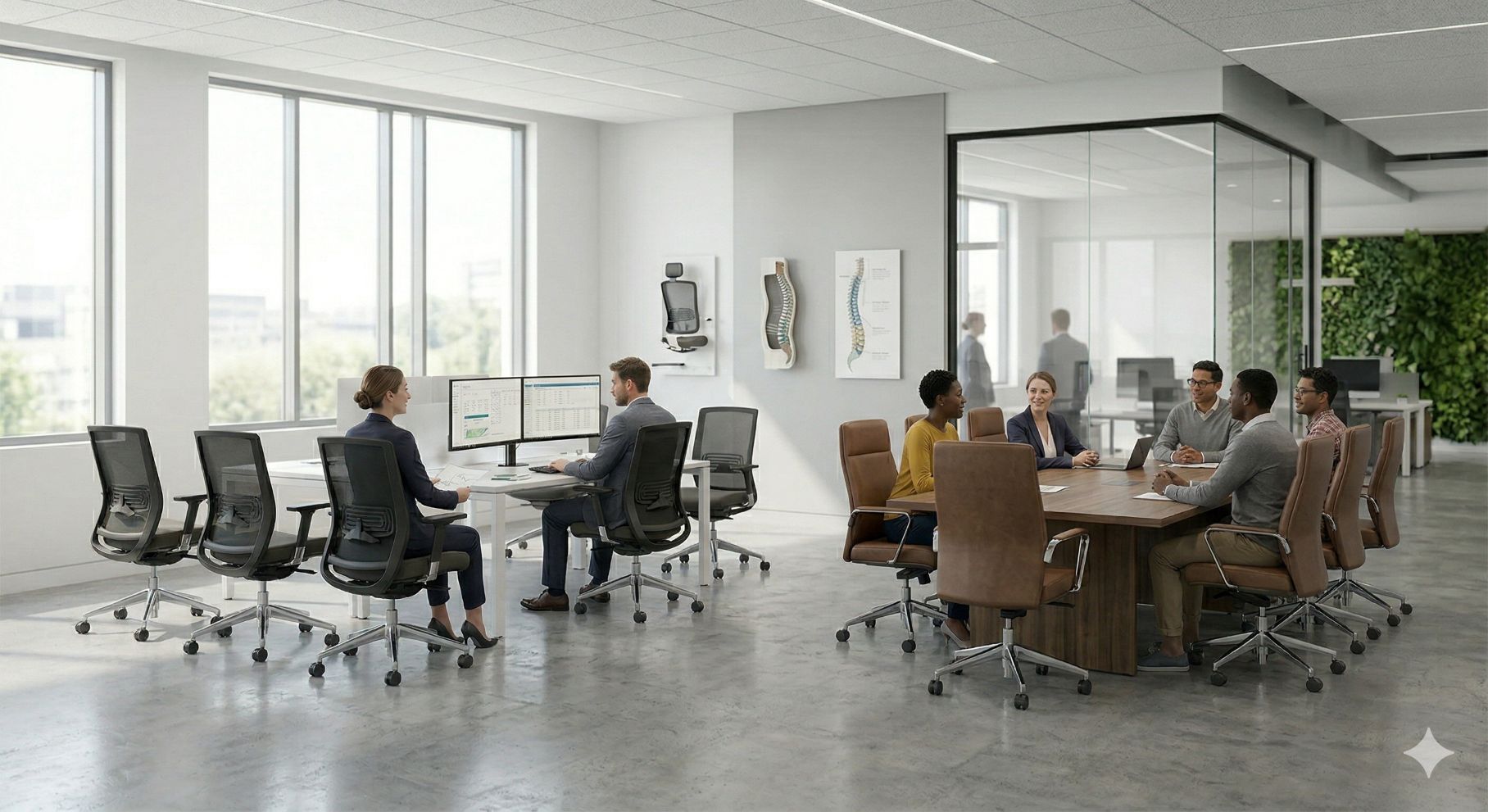
The chair still decides whether the setup holds up over time. Pair the desk with guidance on best ergonomic office chairs so seat height, arm support, and desk height work together instead of fighting each other.

The trade-off is simple. Hybrid desks rarely look as dramatic as purpose-built battlestations, and mid-range finishes can show wear earlier than heavier commercial furniture. For people who need one station to do real work and real play, this approach usually delivers better long-term value.

4. Idea 4 The Immersive Corner Battlestation

A corner battlestation works best when one seat has to control a lot of hardware. Triple monitors, a racing wheel, flight controls, a streaming keypad, and a full-size tower all compete for reach. The Eureka Ergonomic GTG-L60 fits that use case because the L-shape creates two usable zones instead of forcing everything onto one straight span.

The practical advantage is reach efficiency. You can keep the main display wall directly in front of you and place secondary gear on the return. That reduces the constant twisting that makes long sessions feel worse than they should.

Making the corner work

Corner layouts earn their keep through zoning. Put the primary monitor array on the longer side and keep the keyboard and mouse centered to that viewing line. Use the return for the PC, charging dock, audio interface, sim accessories, or a notebook area that stays available without crowding the play surface.

The weak point in many L-shaped setups is the inside seam. If the chair points into the seam instead of toward the main screen, shoulders rotate inward and wrist position gets awkward fast. I usually recommend treating the corner itself as dead space unless the desk has a well-finished radius or a single-piece top.

This idea also solves a room-planning problem. In tighter bedrooms, dens, or office game rooms, a corner desk can use wall perimeter efficiently while still leaving center-floor clearance for movement and a better camera angle.

Cable and power strategy

More surface area usually means more devices, and that raises the failure rate of bad cable planning. Run power on one side, data on the other where possible, and mount the surge protector underneath instead of letting a power strip sit in the corner well. That keeps the foot zone clear.

Leave service loops behind monitors and sim gear. Corner desks often get pushed hard against two walls, so cables need enough slack for maintenance without forcing you to dismantle the whole setup.

Light, materials, and integration

Glass and glossy accents make RGB read brighter, but they also show dust, fingerprints, and monitor reflections quickly. For a setup that has to look presentable during the day, mixed materials usually age better than a fully glossy gaming surface. A tempered glass desk surface for modern gaming setups can work if you are willing to clean it often and control reflected light carefully.

Keep the brightest fixture behind the screens or overhead. Direct light on the desktop looks dramatic for photos and distracting in actual use.

For a more professional version of this idea, use the desk as one part of a larger system. A partial divider, nearby storage, or a framed glass boundary can turn an aggressive gaming corner into a defined work-and-play pod. That matters in hybrid spaces where the station needs to feel intentional instead of visually spilling into the rest of the room.

The trade-off is straightforward. You get immersion, reach, and excellent peripheral capacity. You also give one setup more floor space and more visual dominance than a simple straight desk.

5. Idea 5 The Ultrawide Arena

Idea 5: The Ultrawide Arena

A wide desk changes how the whole room works. You sit down, drop your forearms naturally, and get uninterrupted mouse travel without fighting monitor legs, speaker stands, or a pile of desk accessories. That is the primary appeal of the Arozzi Arena. It favors usable surface area over features you may never use.

For low-sensitivity players, that trade-off makes sense.

Layout and dimensions

This idea works best for players who want a broad horizontal setup rather than a wrapped cockpit. The curved front edge keeps the torso centered while giving both arms more lateral range, which helps if you run a full-size keyboard, a large mouse area, and one ultrawide or dual displays with modest stands.

Restraint matters here. One main screen plus one support display usually keeps the desk balanced. Once too many clamps, shelves, and accessory arms start crowding the rear edge, the advantage of a wide-open surface disappears.

If you want this same side-to-side freedom with more corner support and better zoning for peripherals, an L-shaped executive desk for a wider gaming workspace can create a cleaner primary play zone and a separate area for charging, audio gear, or streaming controls.

Cable and power strategy

Wide desks often look simple from the front and messy from the back. Plan the rear edge before the gear goes on the surface. Put power on one side, data on the other, and leave enough slack for monitor adjustment without letting cables drape into view.

The integrated full-surface mat is useful in daily use because it removes hard seams under the mouse and keeps the desk feeling unified. It also means spills and dust need more attention than they would on a bare laminate top, so this setup rewards users who will maintain it.

Lighting, acoustics, and system fit

The Ultrawide Arena fits rooms that need a lighter visual footprint. A broad fixed desk reads cleaner than a deep corner battlestation or an RGB-heavy setup, especially if the rest of the room already has storage, shelving, or work furniture competing for attention.

Lighting should stay practical. Bias light behind the monitor and one controlled task light do more for comfort than decorative glare across the mat. If the desk sits in a shared office or hybrid room, that restraint helps the gaming setup feel intentional instead of visually loud.

The weakness is adjustability. You do not get sit-stand movement, and large one-piece surfaces can be awkward to assemble and reposition. But if the goal is pure arm room, stable placement, and a surface that stays clear during play, this format still earns its place.

6. Idea 6 The RGB-Integrated Ecosystem

Idea 6: The RGB-Integrated Ecosystem

You sit down for a late session, dim the room, and the desk itself becomes part of the setup. That approach works best when the entire space is planned as a system, not just a desk with lights added after the fact. The Thermaltake ToughDesk 300 RGB fits that kind of room because it combines sit-stand movement with built-in lighting and software control.

For this idea, the desk is only one layer. The room needs the same four-part planning standard as the rest of this guide: enough surface area for the gear load, a cable and power plan that stays serviceable, lighting that supports visibility instead of glare, and modular elements that make the setup feel intentional in a mixed-use room.

Layout and dimensions

An RGB desk needs more discipline than a standard workstation because the visual noise can hide bad layout decisions. Keep the monitor at the centerline, keep speaker placement symmetrical, and leave open space at the front edge so the lighting reads as an accent instead of visual clutter. If the desk is height-adjustable, check clearances at both sitting and standing positions, especially if a PC tower, subwoofer, or drawer unit sits nearby.

This category works best in dedicated gaming rooms, creator studios, and branded streaming environments.

If the room also handles client calls or office work, balance the visual style with cleaner architectural elements. Using tempered glass desk solutions for adjacent work zones or glass dividers can help separate the gaming station from the rest of the workspace without making the room feel closed off.

Cable and power strategy

Integrated RGB adds one more layer of wiring, and that is where many flashy setups fall apart. Plan for power bricks, controller modules, monitor cables, and sit-stand slack before the equipment goes on the desk. Mount power underneath, route lighting control on its own path, and label the key connections. Future maintenance gets much easier.

Brand lock-in is the primary trade-off here. A unified control stack can look polished, but each added device increases software dependence and troubleshooting time. I usually recommend this route only for users who already run synchronized peripherals and are willing to maintain that ecosystem.

Lighting, acoustics, and modular system integration

Desk lighting should support the room, not dominate it. Use the built-in RGB as ambient edge lighting, then add neutral task lighting for the keyboard area and bias lighting behind the display. That combination reduces eye strain better than relying on saturated color alone.

Acoustics matter more than many gaming setups admit. Hard desktop surfaces, bare walls, and LED-heavy rooms often create a sharper, more reflective feel. If the goal is a professional-grade environment, add soft materials nearby or use modular panels and partitioning to control echo. Cubicle systems, privacy screens, and glass room elements can bring structure to the setup and help the gaming zone coexist with a serious workspace.

The result can look impressive and work well. It just requires tighter planning than a standard desk.

7. Idea 7 The Budget-Friendly LAN Hub

Idea 7: The Budget-Friendly LAN Hub

Budget desks matter because not every setup is a solo flagship build. Some rooms need multiple stations. Student spaces, esports practice areas, staff lounges, and startup flex rooms often need desks that are easy to buy, easy to replace, and good enough to perform. The RESPAWN desk collection fits that job.

This category wins on practicality, not prestige.

What budget desks should still do well

A lower-cost desk still needs enough depth and width for a usable setup. Basic gaming desk guidance suggests load capacity should match the rig. Single-monitor setups call for 100 to 150 lbs, dual-monitor setups for 150 to 200 lbs, triple-monitor setups for 200 to 300 lbs, and heavier rigs can exceed 300 lbs. Even when shopping budget, don’t ignore what the station has to carry.

For multi-user rooms, keep accessories standardized. Use the same monitor arms, cable clips, and power layout across stations where possible. It makes maintenance easier and replacement less messy.

Best use cases for group environments

This idea becomes more compelling when you think beyond one player. Online stores accounted for 60% of 2024 gaming desk revenue, which makes fast sourcing easier for small organizations that need several desks quickly. That’s useful for short timeline rollouts, overflow stations, and temporary project rooms.

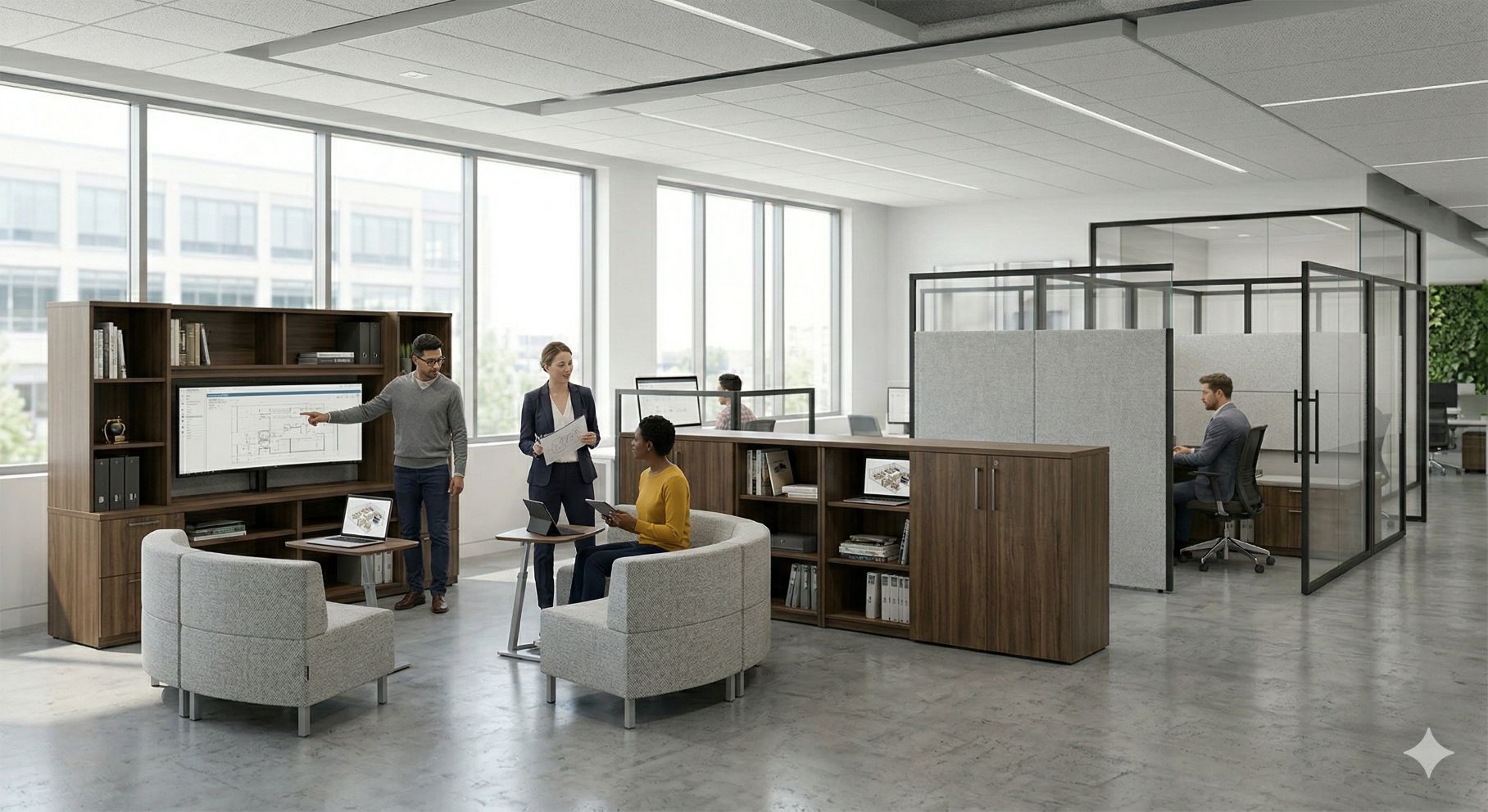
The most overlooked angle is modularity. The underserved opportunity in this market is the hybrid work-play environment, where modular and reconfigurable setups solve desk inflexibility and support both productivity and gaming-style ergonomics (hybrid desk angle from Fezibo background reference). A budget desk can be the front-end surface, while surrounding privacy panels, shared power planning, and scalable layout come from a modular office system.

That’s what makes this more than a starter setup. In the right room, it becomes a repeatable station template.

7-Point Gamer Desk Ideas Comparison

A good gamer desk idea is not just a tabletop choice. It is a room strategy. The stronger setups in this list solve four things at once: layout and dimensions, cable and power planning, lighting and acoustics, and how the desk fits into a larger modular system.

That is the key difference between a one-off battlestation and a repeatable environment you can use for solo play, streaming, hybrid work, or multi-user deployment. The desk starts the setup. The room makes it work.

Idea Complexity 🔄 Resources & Cost ⚡ Expected Outcomes 📊 Ideal Use Cases 💡 Key Advantage ⭐
Idea 1: The All-in-One Command Center Moderate‑High 🔄: motorized desk + accessory integration High ⚡: premium desk + paid accessories; XL sizes cost more Clean, integrated battlestation with strong cable control, better device placement, and room to build around a central workstation plan Enthusiast gamers wanting a tidy, high‑tech setup Best all-around balance of cable routing, accessories, and expansion potential ⭐⭐⭐
Idea 2: The Modular Streaming Studio High 🔄: rail systems and extensive gear mounting Very High ⚡: modular add‑ons and pro streaming gear Studio-ready environment with better camera positioning, audio control, and easier upgrades over time Professional streamers and content creators needing flexibility Highest adaptability for multi-device production setups ⭐⭐⭐
Idea 3: The Ergonomic Hybrid (Work & Play) Low‑Moderate 🔄: straightforward motorized sit‑stand setup Moderate ⚡: affordable motorized desk with retail support Better posture support across long work and play sessions without overcomplicating the room Home workers who game and value simplicity and price Strong ergonomic return for the money ⭐⭐
Idea 4: The Immersive Corner Battlestation Moderate 🔄: L‑shape layout and peripheral placement; optional motorized Moderate‑High ⚡: larger footprint; glass or Pro models increase cost Wraparound surface area for sims, multi-monitor layouts, and task zoning across one corner footprint Sim enthusiasts and users wanting cockpit‑style immersion Uses room corners efficiently while expanding usable surface area ⭐⭐
Idea 5: The Ultrawide Arena Low 🔄: simple fixed desk, minimal installation Low‑Moderate ⚡: wide desk + full‑surface mat; no motors Broad horizontal space for ultrawide displays, low‑DPI mouse movement, and cleaner left-to-right organization FPS players and users needing broad mouse/keyboard real estate Maximum lateral freedom with minimal setup friction ⭐⭐
Idea 6: The RGB‑Integrated Ecosystem Moderate‑High 🔄: sit‑stand mechanics + software RGB coordination High ⚡: premium desk tied to vendor RGB/software ecosystem Cohesive visual setup with synchronized lighting, plus ergonomic gains if the desk also supports height adjustment Users prioritizing coordinated RGB and sit‑stand functionality Best fit for users who care as much about atmosphere as hardware ⭐⭐
Idea 7: The Budget‑Friendly LAN Hub Low 🔄: basic assembly and simple features Low ⚡: affordable, widely available desks with practical accessories Cost-efficient stations that work best when repeated across a room with shared power, standardized layouts, and simple cable discipline Dorms, LAN labs, secondary gaming spots and bulk deployments Lowest-cost path to a repeatable multi-station setup ⭐

Design a Better Workspace for Work and Play

The desk is never the whole answer. A strong setup comes from matching the desk to the room, then solving the things most buyers leave until last: power routing, acoustic control, monitor placement, and how the space needs to function when gaming isn’t the only activity happening there.

That’s why the best gamer desk ideas usually borrow from professional workspace design. The command-center approach borrows infrastructure thinking. The streaming studio borrows modular mounting and acoustic separation. The hybrid desk borrows ergonomic planning from all-day office environments. Even the budget LAN concept works better when the room has repeatable layouts and cleaner cable distribution.

There’s a practical reason this crossover matters. Gaming desks have moved well beyond novelty furniture. Market projections show continued expansion in the category, and setup guidance increasingly emphasizes standing desk integration, room efficiency, and multi-monitor support rather than just flashy aesthetics. For office managers, HR teams, and facilities leaders, that creates an opening. You can build spaces that support focus, comfort, and flexibility without making the room look like an arcade.

For more permanent solutions, modular systems from Cubicle By Design solve problems most standalone desks can’t. Fabric-paneled workstation cubicles can create quieter gaming or work-play zones inside busy rooms. Glass-walled private office cubicles work well for streaming, recording, or leadership spaces that need visual openness with better separation. If you’re planning multiple stations, browsing the full line of cubicles gives you a better starting point than buying isolated desks one at a time.

A key advantage is system-level planning. Instead of asking where the surge protector will hide or where extra monitors will mount later, you can design around those needs from the beginning. The online Cubicle Designer helps with that by letting you map dimensions, privacy levels, electrical options, and overall layout before you commit.

A good desk supports your gear. A good environment supports your performance. If you want a setup that works during long sessions, looks professional, and adapts as your needs change, build the room with the same care you gave the PC.


If you’re planning a gaming-inspired workspace, a hybrid office zone, or a multi-station rollout, Cubicle By Design can help you build it with cleaner power, better acoustics, and modular layouts that fit real budgets and timelines.