


A lot of office managers are in the same spot right now. The company has embraced hybrid work, employees need home setups that support real output, and the old idea of sending someone a basic desk no longer works.
A modern home desk has to do more than hold a laptop. It has to support posture, screens, power access, daily organization, and a work routine that feels professional inside a residential space. That changes how you buy, how you spec, and how you think about the desk itself.
Modern Home Desks The Ultimate 2026 Buying Guide
The Modern Desk A Strategic Workplace Tool
The desk usually becomes the weak point first. An employee may have a good chair and a solid monitor, but if the work surface is too shallow, too cluttered, or too unstable, the whole setup underperforms. Facilities teams see the result quickly. Complaints about neck strain, cable mess, lack of storage, and poor focus often trace back to one decision that looked simple during procurement.
That's why modern home desks should be treated as workplace tools, not décor. The best choices support the same things you'd expect in a well-planned office. Clear worksurface zones. Reliable tech access. Enough depth for the monitor. Storage that doesn't turn into visual noise.
Why the desk changed
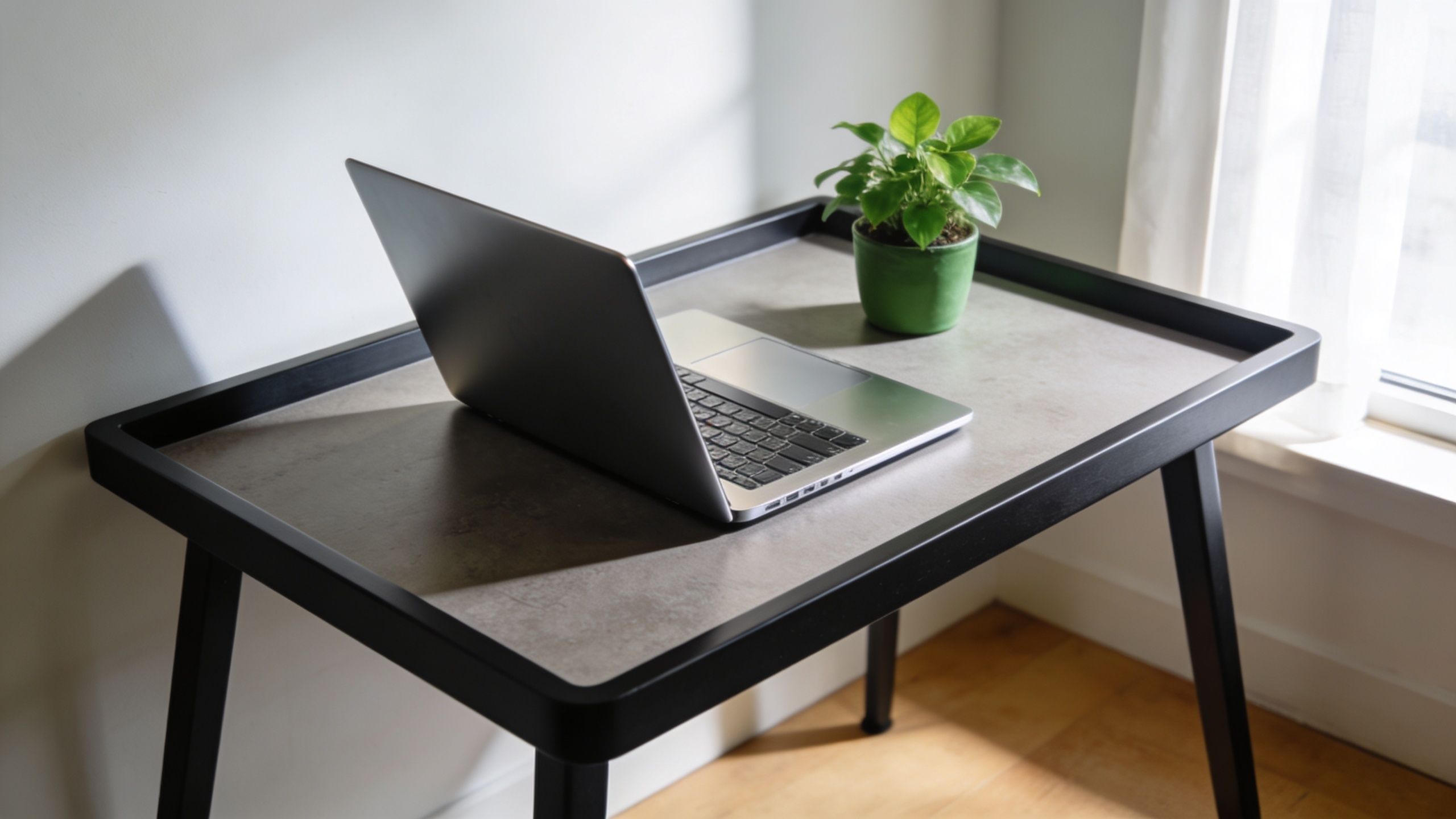
This shift didn't start with remote work. The idea of the home desk as a true workstation goes back much earlier. The modern home desk as a concept crystalized around 1947 with the introduction of Herman Miller's “Home Office Desk,” which marked the move from simple writing tables to compact workstations built for knowledge work, as noted in this history of desks.
That historical detail matters because it explains the design logic still shaping the category today. Once work moved beyond handwriting and occasional filing, desks had to handle typing, storage, repeated daily use, and eventually computing. Today's hybrid employee adds more equipment and longer work sessions to the same basic problem.
Practical rule: If the desk won't support a full workday, it's not a home office desk. It's a temporary surface.
What office managers should evaluate first
Before comparing styles or finishes, look at the role the desk plays inside the employee's workflow.
- Primary workstation use: Is this desk used all day, several days a week, or only for occasional admin work?
- Technology load: Will it support one screen, multiple screens, docking hardware, speakers, task lighting, and charging?
- Home environment: Does it sit in a dedicated room, a bedroom corner, or a multi-use living area where visual control matters?
- Standardization needs: Does your team need one repeatable solution, or a flexible kit of options for different home conditions?
A smart procurement process treats the desk as part of a larger workplace standard. That's the same mindset used in corporate planning, and it's why firms that already work with Cubicle By Design often think in systems rather than one-off pieces.
Decoding Modern Home Desk Styles
Style still matters. It affects how a workspace feels, how well it blends into a home, and whether employees will keep the area organized. But style should clarify the desk's purpose, not hide weak function.
The easiest way to evaluate modern home desks is to match the visual language to the kind of work environment you want to create.
Minimalist and Scandinavian
These two styles often overlap, but they don't do the same job.
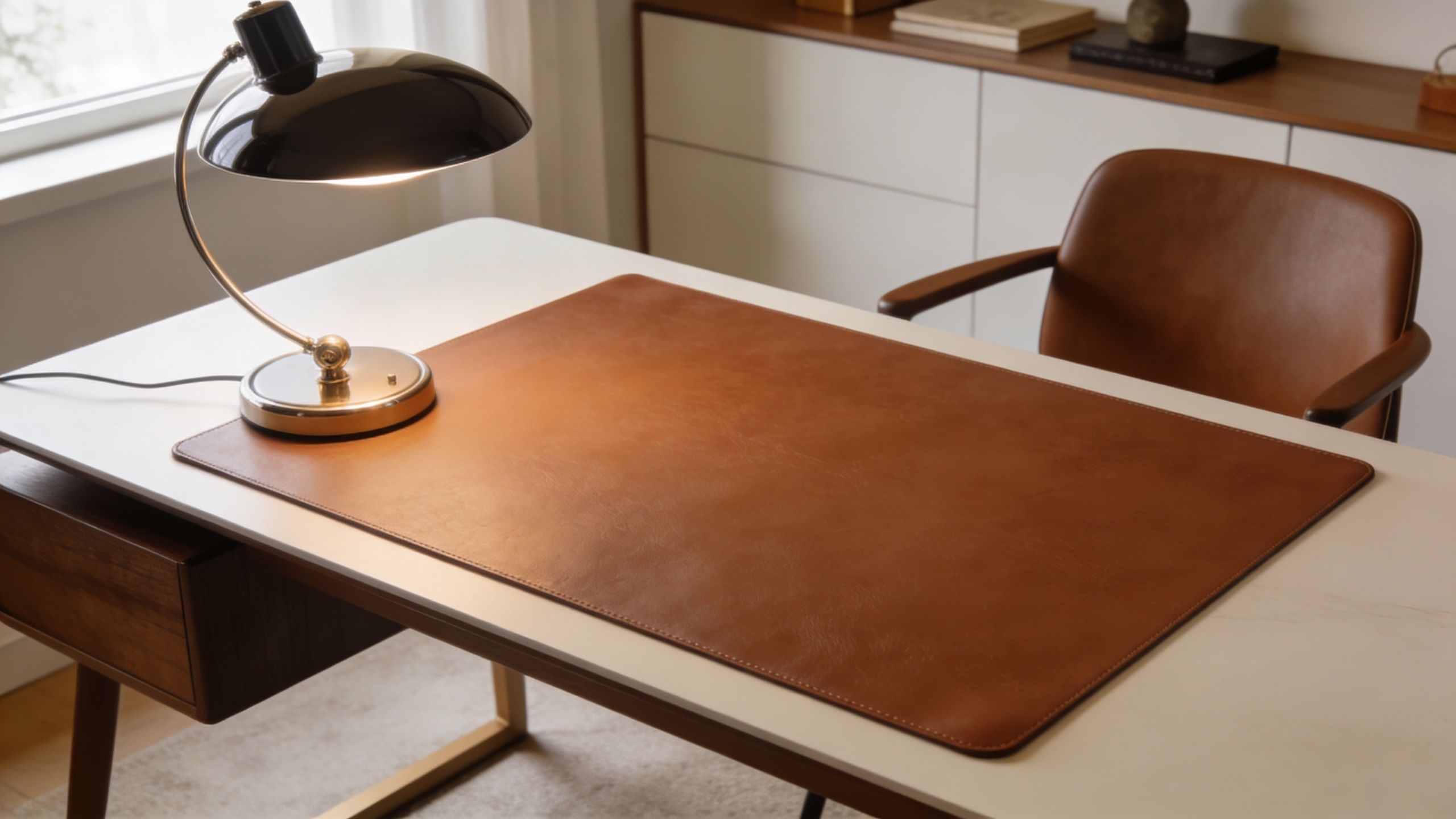
Minimalist desks tend to use clean lines, restrained profiles, and very little visible storage. They work well for employees who keep a mostly digital workflow and want the room to feel quiet. The downside is obvious. If the desk doesn't include a plan for cables, chargers, and accessories, the clean look collapses fast.
Scandinavian desks usually soften that approach. You'll see lighter wood tones, gentle edges, and a warmer residential feel. This style fits well in multi-use rooms because it feels less corporate while still looking intentional.
A good rule is simple. Minimalist works best when clutter control is already solved. Scandinavian works well when the desk has to feel productive without making the room feel cold.
Industrial and Mid-Century Modern
Industrial desks use metal frames, darker finishes, and a more structural appearance. They can feel durable and grounded, which some teams prefer for tech-heavy setups. The risk is that lower-end versions often look stronger than they are. Thin tops and exposed crossbars can create legroom issues or visual heaviness in smaller rooms.
Mid-Century Modern desks bring warmer wood tones, tapered shapes, and a more furniture-like profile. They're often attractive in executive home offices or client-facing video environments. The trade-off is that some designs prioritize appearance over cable access and monitor support.
A desk that looks refined on day one but has nowhere for a dock, power strip, or charging cable won't stay refined for long.
This short video gives a useful visual reference for how style choices affect the feel of the workspace.
Style should follow work habits
When I review home office selections for hybrid teams, the best results usually come from asking one question first. Does the employee need the desk to disappear into the room, or anchor the room?
That one distinction helps narrow the field:
- For shared spaces: lighter finishes and simpler forms usually integrate better.
- For dedicated offices: stronger material contrast and larger forms can work.
- For video calls: avoid busy backgrounds and overly reflective finishes.
- For paper-heavy roles: choose styles that can accommodate visible storage without looking overloaded.
The visual direction matters, but only after the desk can support the job.
Essential Functional Features for Productivity
Function is where modern home desks succeed or fail. A desk can look current and still create daily friction if it ignores posture, storage, or device management. For office managers, these are the specs that deserve real attention.
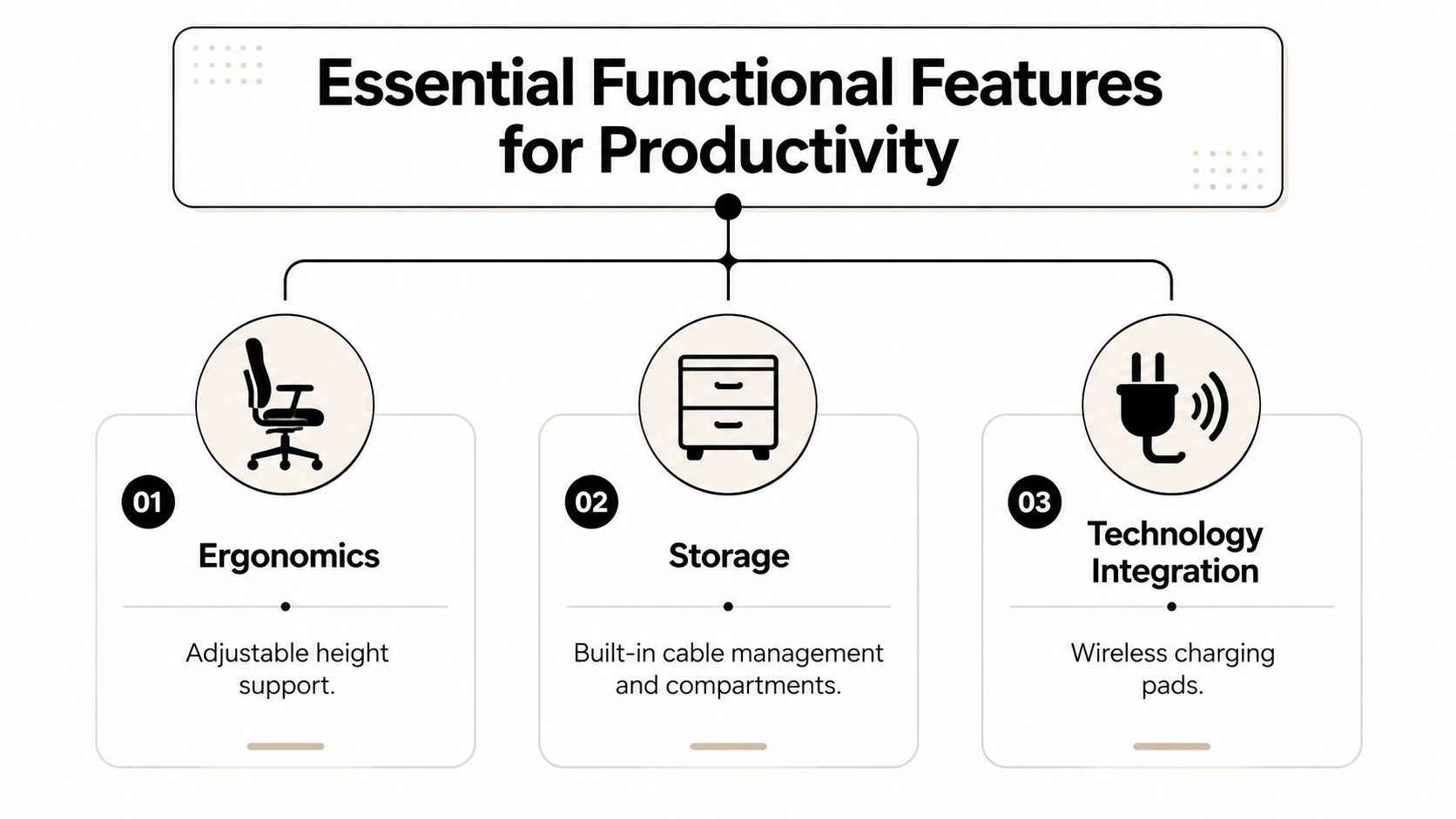
Ergonomics first
The strongest shift in the category is the move toward adjustable work. Industry reporting cited a 33% increase in the use of standing workstations since 2014 in this office desk evolution article. That doesn't mean every employee needs to stand all day. It means more buyers now expect a desk to support posture changes as part of normal work.
What works is a desk that makes adjustment easy enough to use. If the height change feels slow, awkward, or unstable, people stop doing it.
A representative premium sit-stand desk category spec includes a height range of 61.5–127 cm, dual motors, 32 mm/sec travel speed, 45 dB or lower noise, and a 120 kg (265 lb) maximum load, as described in this standing desk dimensions guide. Those details matter because multi-monitor arms, accessories, and heavy equipment punish weak frames fast.
Use this filter when you review adjustable desks:
- Height range: It should accommodate both seated and standing work without forcing awkward arm angles.
- Lift system: Dual motors generally support smoother movement across the frame.
- Noise level: Quieter operation matters in apartments, shared homes, and calls-heavy roles.
- Load capacity: The desk should carry the actual setup, not just an empty-top showroom scenario.
For teams building complete ergonomic kits, it also helps to review broader ergonomic office equipment so the desk, monitor placement, and input devices work together.
Field note: A standing desk isn't automatically a better desk. It's better only when the employee can switch postures comfortably and keep the rest of the workstation aligned.
Storage that supports work, not clutter
Storage has to match behavior. Some employees need almost none. Others need quick access to notebooks, headsets, paper files, adapters, or reference material. The mistake is choosing open storage because it photographs well, then discovering it becomes a dumping zone.
Closed storage keeps visual noise down. Open shelves are useful when the employee is disciplined and the items are used constantly. Mobile pedestals work well when flexibility matters, especially if the room has to change function outside work hours.
A productive desk usually needs defined zones:
| Work zone | Best use |
|---|---|
| Primary surface | Keyboard, mouse, writing area |
| Immediate access zone | Notebook, headset, charging devices |
| Stored zone | Paperwork, spare cables, infrequently used tools |
Technology integration is no longer optional
Most home desk buying guides still underplay power and cable planning. That's a mistake. The desk now supports monitors, docks, chargers, task lights, webcams, and sometimes under-desk peripherals. Without cable routes and power access, even a large desk feels cramped.
The most useful features are often simple:
- Cable grommets: Good for routing monitor, laptop, and charging cables without dragging them over the edge.
- Under-desk trays: Better than loose tie-wrap solutions when the setup includes a dock or power strip.
- Integrated power access: Useful when the desk sits away from the wall or when users frequently plug and unplug devices.
- Monitor arm compatibility: Important for reclaiming surface space and improving screen placement.
This is also where system furniture starts to make sense. A well-planned workstation cubicle typically addresses power, storage, and ergonomics from the start, which is why many commercial planning principles now carry over into residential workstations.
Choosing the Right Materials and Finishes
Material selection looks like an aesthetic decision, but procurement teams know better. Material determines how the desk ages, how much maintenance it needs, how easy it is to standardize, and whether it still looks professional after daily use.
What each material does well
Solid wood gives a desk weight, warmth, and a furniture-grade appearance. It's a strong fit for executive home offices or residential environments where the desk is visible all the time. It does, however, require more care. Surface wear, moisture sensitivity, and finish variation are part of the package.
Engineered wood with laminate or melamine is usually the most practical choice for broad rollout. It's easier to clean, more consistent across orders, and often better for teams trying to control budgets while keeping a professional finish palette.
Metal works well in structural components and industrial-style desks. It supports a crisp, durable look and pairs well with adjustable bases. The caution is tactile. All-metal desks can feel harsh in residential settings unless softened with the top material and surrounding finishes.
Glass creates a light visual footprint, which can help in smaller rooms or design-led spaces. It can also tie in nicely with interiors that already use glass office partitions. The trade-off is practical. Fingerprints, reflections, and visible dust make glass more demanding than many buyers expect.
A simple procurement lens
When comparing modern home desks, I usually recommend weighing materials against four questions:
- How hard will the desk be used
- How visible is it in the home
- How much maintenance will the user tolerate
- Does the finish need to match a wider workplace standard
Those questions usually separate the smart choices from the impulse purchases.
Finish quality matters as much as core material. A durable laminate with a good edge treatment often outperforms a prettier surface with weak detailing.
If glass is on the shortlist, review examples of tempered glass desks with an eye on cleaning demands, cable visibility, and how the material behaves on video calls.
Finishes that hold up better
Low-sheen finishes usually age better than high-gloss ones. They hide fingerprints more effectively and don't call attention to minor wear. Wood-look laminates often perform well because they provide warmth without the maintenance burden of solid wood.
Very dark surfaces can look sharp, but they tend to show dust, skin oils, and cable clutter quickly. Very light surfaces brighten a room but may reveal stains or edge wear depending on quality. Mid-tone finishes are often the safest long-term specification for hybrid programs.
Space Planning and Sizing Your Desk
The most common desk-sizing mistake isn't choosing too small a desk. It's choosing a desk based only on room size and ignoring the actual workstation load.
A desk can physically fit and still function poorly. If the monitor sits too close, if the keyboard crowds the edge, or if paperwork ends up stacked on the only open spot, the dimensions are wrong even when the tape measure says yes.
Start with the work, not the room
For home offices, a 48–60 inch width is standard for a single-monitor setup, while a 28–32 inch depth is recommended for viewing distance and ergonomic comfort, especially with larger displays, according to this desk dimensions guide. That's the baseline many buyers should use before moving up or down.
The room still matters, of course. But size the desk in this order:
List the equipment
Laptop only is one scenario. Laptop plus monitor, dock, keyboard, task light, and notebook is another.Map the active work zone
Decide how much uninterrupted surface the employee needs for typing and writing.Check depth before width
A desk that's wide but too shallow creates more problems than a narrower desk with enough depth.Review circulation
The user still needs room to sit, move, and access nearby storage without making the room feel blocked.
Modern Desk Size Guide
| Desk Width | Desk Depth | Ideal Use Case |
|---|---|---|
| 48–60 inches | 24 inches | Basic laptop or compact setup where space is tight |
| 48–60 inches | 28–32 inches | Single monitor setup with better viewing distance and comfort |
| Larger formats | Deeper worksurfaces | Dual monitors, ultrawide screens, or frequent paper handling |
Mistakes that show up after installation
A few sizing errors come up repeatedly in hybrid planning.
- Choosing based on wall length alone: That ignores user reach, screen distance, and chair movement.
- Underestimating accessories: Monitor arms, speakers, risers, and under-desk hardware all affect usable space.
- Forgetting storage clearance: Drawers and pedestals need swing or pull space.
- Skipping layout mockups: Even rough planning helps catch proportion problems before purchase.
For tighter rooms, it helps to review examples of good desks for small spaces and compare footprint against actual work needs instead of assuming compact means compromised.
If depth is limited, monitor arms can help reclaim some working room by moving the display off the desktop surface.
For teams standardizing multiple setups, a planning tool like the Cubicle Designer is useful for testing layout logic before ordering. Even in home environments, visual planning reduces expensive mismatch.
Integrating Desks into a Cohesive Home Office
A desk works better when it belongs to a system. That doesn't mean every home office needs to look corporate. It means the desk should connect cleanly to storage, lighting, privacy, and future changes in how the employee works.
The single biggest planning miss I see is buying a desk as an isolated object. Six months later, the employee needs more storage, a divider for video calls, or a larger monitor setup. Then the room starts filling with mismatched add-ons.
Think in modules, not one-offs
A more durable approach is to choose from furniture families or compatible components. That gives you options to expand without redesigning the whole room.
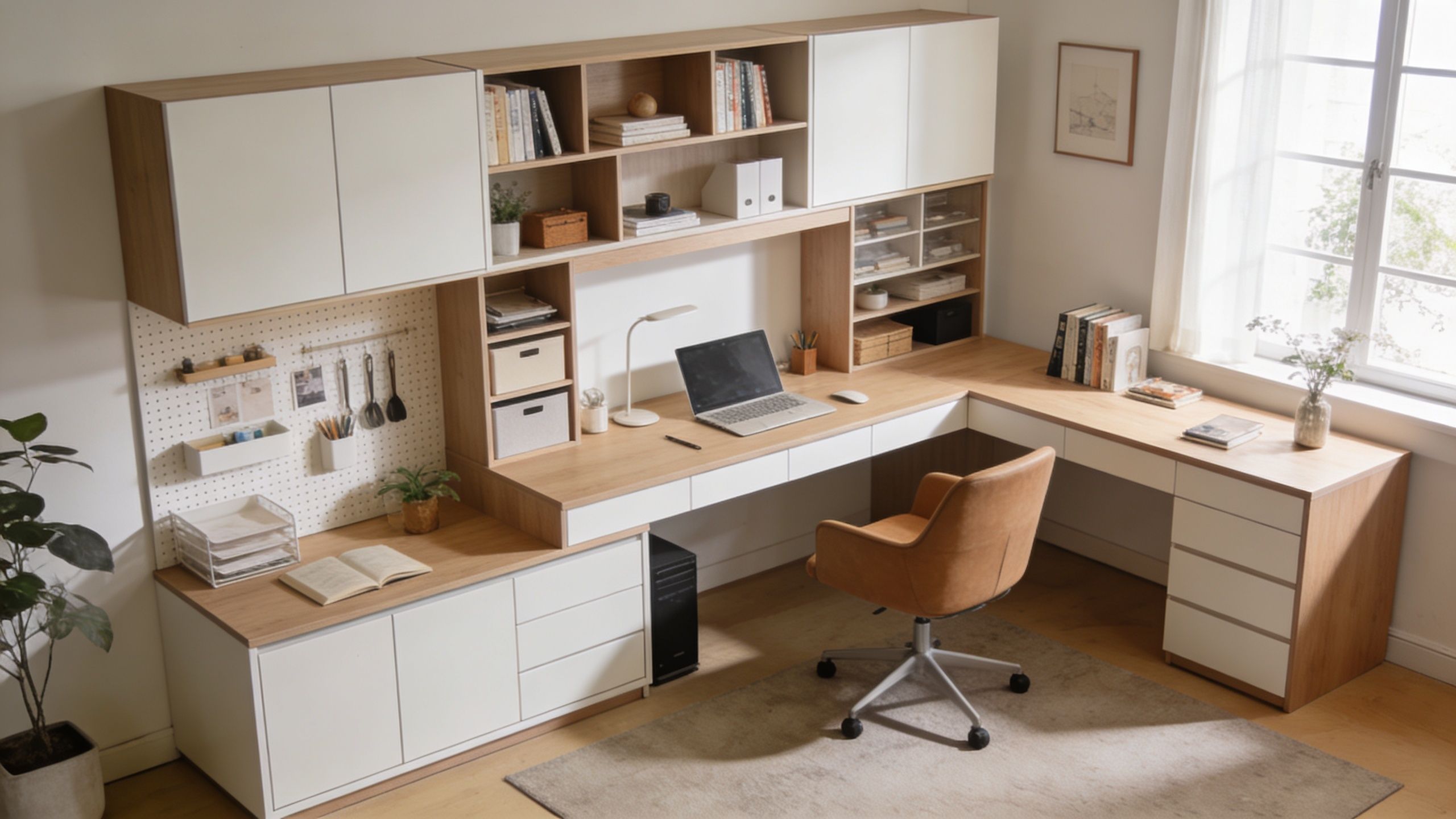
Here's where modular planning helps most:
- Storage growth: Add shelving, pedestals, or lateral support pieces as responsibilities change.
- Privacy control: Introduce screens or dividers where calls or concentration demand more separation.
- Surface expansion: Move from a straight desk to an L-shape or return when the workstation gets more complex.
- Visual consistency: Keep finishes and proportions aligned across employee setups.
This is the same principle behind custom office cubicles and specialized environments like call center cubicles. The workstation performs better because each piece supports the next one.
A home office should still feel intentional
Residential workspaces need a lighter touch than open-plan offices, but the planning logic is similar. The desk should anchor the workflow. Storage should sit where it's useful. Backgrounds for video should look clean. Power should be accessible without visible sprawl.
If you're standardizing for multiple employees, modular thinking also simplifies replacement and upgrades. That's why many teams now start with modular office desk systems rather than buying unrelated pieces one at a time.
Smart Buying and Long-Term Maintenance
The cheapest desk on the spreadsheet often becomes the expensive one in practice. If it wobbles, chips easily, lacks cable control, or can't support the employee's monitor setup, you pay for it in replacements, complaints, and lost consistency.
A better buying approach is to separate core performance from optional extras. Stable frame, proper depth, usable power access, and durable finish belong in the base spec. Trend-driven details should come later.
What to check before you buy
Look closely at warranty terms, assembly requirements, and replacement-part availability. Those details tell you whether the manufacturer expects the desk to survive real use.
It also helps to compare your shortlist against practical workstation guidance. This resource on choosing the perfect desk workstation is useful because it frames the purchase around how people work, not just how desks are merchandised.
Maintenance should also match the material:
- Laminate surfaces: Wipe regularly and avoid abrasive cleaners.
- Wood finishes: Use gentle cleaning methods and protect against moisture exposure.
- Glass elements: Expect more frequent cleaning to manage fingerprints and dust.
- Power accessories: Keep cords organized and mounted safely, especially if you're using an under-desk power strip.
Buy for the setup the employee will have after six months, not the empty desktop shown in the product photo.
A modern home desk is a long-term workplace decision. When the desk supports posture, tech, organization, and future changes, the home office works better and stays easier to manage.
Cubicle By Design helps teams plan desks, modular workstations, partitions, and power-ready layouts that fit real workflows. If you're standardizing hybrid setups or rethinking workspace strategy, connect with Cubicle By Design for practical support on planning, specification, and furniture selection.