You're probably reading this from a setup that was never meant to carry a full workday. A dining table. A spare bedroom corner. A desk that looks good in a product photo but turns into a cable nest once you add a monitor, charger, notebook, headset, and task light.
That's the problem with many modern desks for home. They're sold as decor first and work tools second. The result is usually the same: not enough depth, nowhere for power, weak storage decisions, and an awkward fit with the room.
A home desk has to do two jobs at once. It needs to support focused, professional work, and it needs to live comfortably inside a residential space. When those priorities aren't balanced, you feel it every day in your posture, your workflow, and the visual noise in the room.
Your Home Office Deserves More Than a Kitchen Table
Home offices aren't a temporary workaround anymore. The global office desks market was valued at about USD 20 billion in 2023, with growth projected to roughly USD 30 billion by 2032, and that expansion is being driven in large part by home-office demand as remote and hybrid work become a permanent fixture, according to Dataintelo's office desks market report. That matters because it confirms what buyers already feel on the ground: the home desk is now a mainstream furniture category, not a niche add-on.
Users typically don't need a flashy desk. They need one that solves predictable problems. It should support the equipment they use, fit the room without swallowing it, and maintain enough visual discipline that the space still feels like home after work ends.
Start with the failures you already know
If your current setup leaves you shifting items every time you sit down, the issue usually isn't effort. It's that the desk was never designed for sustained use. Common failure points show up fast:
- Shallow work surface that pushes the monitor too close
- No cable path so chargers and cords spill into view
- Decor-first proportions that look slim but work poorly
- No storage logic for notebooks, peripherals, and daily tools
A good home desk disappears into your routine. A bad one makes you manage it all day.
That's why I advise clients to treat the desk as infrastructure, not just furniture. Before color, before accessories, before wall art, get the base right.
Think like a room planner, not just a shopper
A desk has to belong to the room. In a bedroom, it can't make the space feel corporate. In a den, it can't drift into living-room clutter. If you're trying to balance comfort with function, Colorado Art Services' design principles are a useful reference for thinking about cohesion, contrast, and how work furniture can sit inside a more intentional interior.
If your office zone is tight, it also helps to study purpose-built examples of good desks for small spaces before you buy. The right compact desk feels efficient. The wrong one feels like compromise.
Decoding Desk Styles and Footprints
Desk shape changes how a room works. It affects circulation, storage options, visual weight, and whether your equipment has a natural home or ends up stacked into one cramped strip of surface.

Linear desks
A straight desk is still the default for good reason. It's easy to place, easy to pair with shelving, and usually the least visually intrusive option in a bedroom, loft, or shared living area.
Choose this form when your work is straightforward. Laptop, single monitor, notebook, maybe a desk lamp. It also works well when the desk needs to read as furniture first and workspace second.
What doesn't work is forcing a linear desk into a heavier workflow than it can support. Once you add multiple devices, active paperwork, and charging clutter, a minimalist straight desk can become a very expensive tray.
L-shaped and corner desks
An L-shaped desk earns its footprint when you multitask. One side can handle the screen-based work zone. The return can hold reference materials, a printer, or an analog task zone for writing and review.
This style makes sense in a dedicated office, a larger spare room, or a corner that would otherwise be underused. It creates a stronger sense of place, which many people find helpful for focus.
Practical rule: If you routinely spread work across separate zones, an L-shape supports that behavior. If you don't, it often becomes unused surface that collects clutter.
Height-adjustable desks
A sit-stand desk is less about trend and more about flexibility. It helps when your workday is long, when multiple people use the same workstation, or when you know static sitting wears on your focus and posture.
The trade-off is mechanical complexity. You need enough stability, enough clearance around the desk, and a top that still supports proper cable routing when the height changes. Cheap frames often reveal themselves quickly through wobble, noise, and messy cord movement.
Floating and ultra-compact options
In small apartments and multi-use rooms, wall-mounted and compact desks can be smart. They preserve floor space and keep the room from feeling overfurnished.
They're best for light-duty workflows. If your work involves multiple peripherals or long sessions at the screen, these options can feel too temporary.
Modern Desk Styles at a Glance
| Style | Best For | Footprint | Pros | Cons |
|---|---|---|---|---|
| Linear Desk | Focused solo work, bedrooms, shared rooms | Narrow and easy to place | Versatile, visually clean, easiest to style | Can feel cramped for heavier workflows |
| L-Shaped Desk | Multitasking, dedicated offices, dual-zone work | Larger corner footprint | Expands usable surface, separates tasks well | Dominates smaller rooms |
| Height-Adjustable Desk | Long workdays, shared users, ergonomic flexibility | Similar to linear but needs movement clearance | Supports sit-stand work, adaptable | More complex, stability varies by build |
| Floating or Compact Desk | Tight spaces, occasional work, minimalist rooms | Minimal floor use | Saves space, low visual weight | Limited storage and equipment support |
A Guide to Desk Materials and Finishes
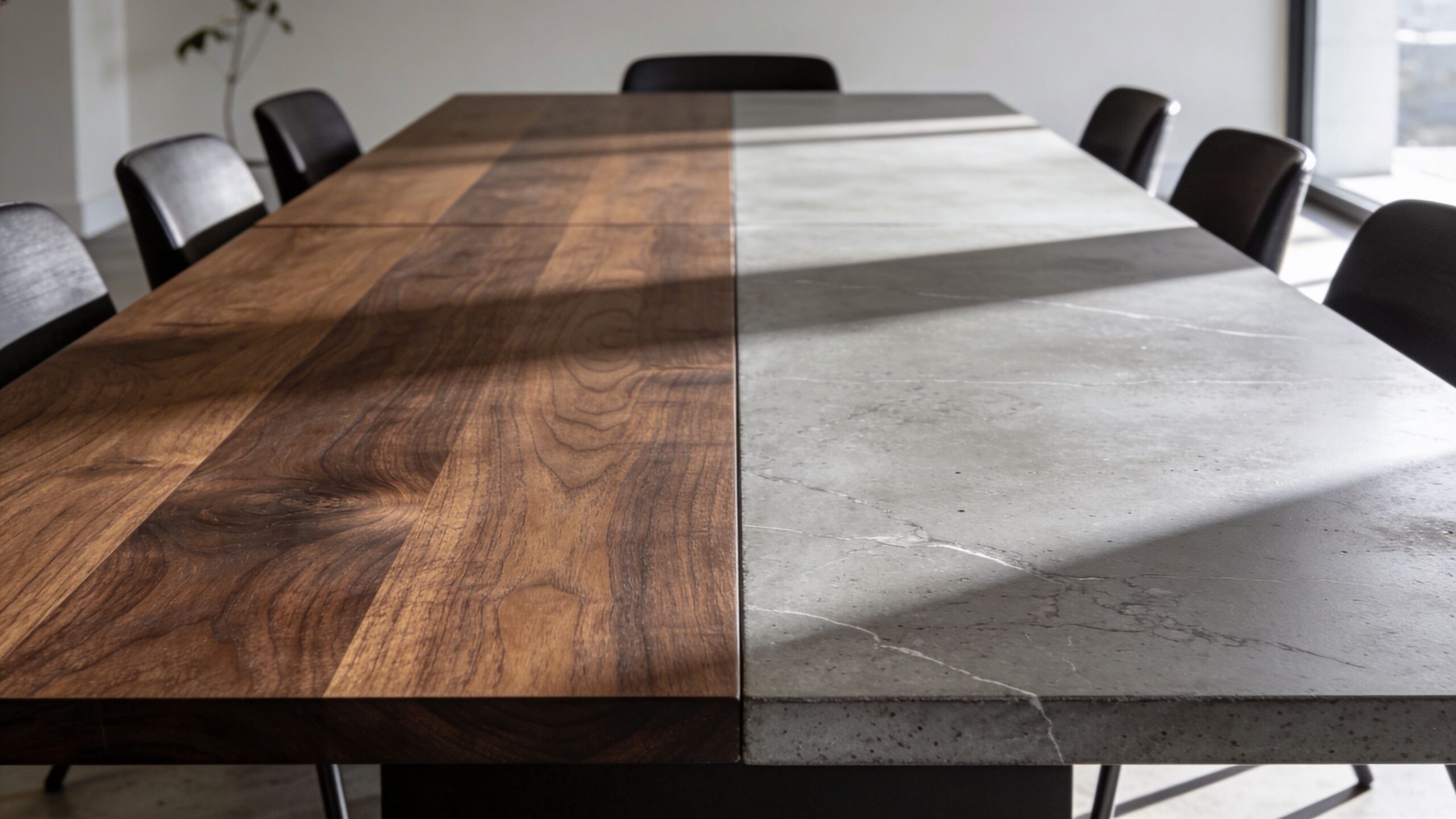
Material choice tells you how a desk will age. It also tells you how forgiving it'll be when real life shows up. Coffee cups, wrist friction, charger drag, sunlight, cleaning products, and occasional impacts all leave a mark.

Solid wood and veneer
Solid wood has warmth that manufactured surfaces rarely match. It can also be refinished, which gives it a long service life if the construction is good. The trade-offs are weight, cost, and movement. Wood expands and contracts, and lower-grade builds can telegraph that over time.
Veneer can be a smart middle path. It gives you real wood character on a more controlled substrate. A well-made veneer desk often looks sharper and more consistent than an inexpensive “solid wood” desk with weak joinery.
Engineered wood with laminate
For many practical home-office buyers, a quality laminate over engineered wood is an ideal starting point. This material can handle hard daily use, clean easily, and stay visually consistent across panels and storage pieces.
It also fits the language of commercial furniture. That matters because office-grade surfaces are built for repetitive use, not occasional styling. If you're comparing options, tempered glass desks show one direction for a crisp modern finish, but for most users, laminate remains the lower-maintenance workhorse.
The best material isn't the one that photographs well on day one. It's the one you won't resent after a year of daily use.
Metal and glass
Metal frames are useful because they add rigidity and usually support a cleaner, lighter profile. They work well in modern interiors and pair nicely with laminate, veneer, or wood tops.
Glass looks sleek and can help a room feel less heavy, but it's often less forgiving in daily work. Fingerprints show. Reflections can be distracting. And if you use paper, writing on a glass-topped surface isn't always pleasant unless you add a desk pad.
What works in actual homes
For a serious work setup at home, I usually prefer a durable top surface with a stable base and finishes that don't demand constant maintenance. Residential buyers often underestimate how quickly a desk starts to feel old when the top scratches easily or every cable rub leaves a visible mark.
Commercial-style materials solve that. They may feel less romantic than artisan furniture, but they perform better in many real work environments.
Mastering Ergonomics and Desk Dimensions
At 10 a.m., a desk can look clean and perfectly sized. By 3 p.m., the problems show up. Your monitor is too close, your wrists are riding the front edge, and a notebook has displaced the mouse because the work surface never had enough depth to begin with.

For home offices that need to perform like real workplaces, depth deserves more attention than width. Eureka Ergonomic's desk guide recommends 24 to 30 inches of depth for a single monitor and at least 30 inches for dual monitors. It also recommends choosing a standing desk with lift capacity above your total equipment load, so the frame stays stable under normal use. Those are useful office-grade benchmarks because they address how people work in practice, not just how a desk fits a wall.
Prioritize depth before width
Width is easy to shop for because floor plans make it visible. Depth is what determines whether the workstation is comfortable for six hours or irritating after one.
A shallow desk usually creates the same chain of problems. The screen sits too close. The keyboard gets pushed to the edge. Paperwork, speakers, and charging gear end up stacked outward instead of organized within reach. In commercial office planning, that would be treated as a spec issue, not a styling issue.
The practical test is simple. Sit down and map the front-to-back sequence: monitor, keyboard, mouse, and one active work zone for notes or documents. If those elements cannot coexist without compromise, the desk is undersized even if it looks generous in photos.
Height range and leg clearance matter
Standard seated desk height works for many people, but not all. A fixed-height desk is easiest to live with when the chair, keyboard position, and monitor height can still be adjusted around it. If the desk height locks your elbows too high or forces your feet off the floor, the clean modern profile stops mattering quickly.
Legroom also gets overlooked. Integrated drawers, crossbars, and decorative supports often steal knee space, especially on smaller consumer desks. Office-grade products usually handle this better because they are designed around actual seated use, monitor arms, and task chairs rather than occasional laptop sessions.
Plan for movement around the desk
Leave enough space behind the chair for normal movement and circulation. Tight layouts are common in guest rooms and converted bedrooms, but a desk that technically fits can still function poorly if the chair hits the bed, dresser, or wall every time you shift position.
Standing desks need one more check. Measure the full travel zone above the worksurface. Wall shelves, low window trim, and overhead cabinets can interfere with monitors and arms as the desk rises.
A clean setup also depends on what happens around the desk, not just on top of it. If your room includes media equipment or wall-mounted screens, the same planning principles used in professional TV wire concealment apply here too. Route cables early, keep pathways predictable, and avoid letting power access dictate desk placement.
Match the desk to the full workstation
The desk is only one part of the system. Chair support, monitor positioning, input devices, and lighting all affect whether the dimensions work in practice. That is why I treat the desk as the anchor of a workstation, not the whole solution.
If you are refining the setup beyond the desktop, ergonomic office equipment for a complete workstation matters just as much as the desk itself.
A quick visual refresher helps here:
Solving for Storage and Cable Management
Clutter usually isn't a storage problem alone. It's a systems problem. Papers, chargers, adapters, and headphones pile up when the desk doesn't tell those items where to live.
Choose storage based on behavior
A desk with drawers can be useful, but only if the drawer layout matches how you work. Shallow drawers are good for pens, notebooks, and daily tools. Deeper storage makes more sense for files, peripherals, or equipment you want close but not on the surface.
Separate storage often works better than integrated storage in home offices. A mobile pedestal, side cabinet, or wall shelf gives you flexibility without crowding the knee space under the desk. That's especially helpful when you want the room to feel lighter.
A simple framework helps:
- Active items should live on the desktop or in the top drawer
- Secondary items belong in nearby storage within easy reach
- Archive items should move away from the desk entirely
Cable routing is part of desk performance
Many consumer desks falter. They give you a flat surface and leave the rest to chance. In a professional environment, power and cable routing are designed in from the start.
Look for these details:
- Cable grommets for a clean path through the surface
- Under-desk trays that keep power bricks off the floor
- Integrated power access so charging isn't improvised
- Rear modesty panels or channels that visually hide runs
If you've ever seen a wall-mounted screen handled properly, the same logic applies at the desk. Professional TV wire concealment offers a useful parallel because the principle is identical: route intentionally, hide excess, and keep access where it's needed.
A neat desktop with a tangled underside isn't organized. It's staged.
For buyers who want built-in electrical convenience, an under-desk power strip can solve one of the most annoying daily problems without adding visual mess.
How to Budget for a Modern Home Desk
Price matters, but value matters more. The right question isn't “What's the cheapest desk I can get away with?” It's “What level of performance do I need every day?”
Entry-level thinking
At the low end, expect compromises. Materials are lighter, assembly is more demanding, and cable management is usually minimal or absent. These desks can work for occasional use, light laptop work, or temporary setups.
Where buyers get disappointed is expecting an entry product to behave like a professional workstation. It usually won't. The desk may look clean online, then feel unstable or undersized once equipment is added.
Mid-range decisions
Many good home offices reach a point where stronger hardware, better finishes, improved drawer construction, and more realistic support for monitors and accessories become apparent.
Mid-range desks are often the sweet spot for people who work from home regularly but don't need executive-level finishes. If you're comparing categories, affordable modern office furniture is a better benchmark than generic home furniture because it frames the purchase around use, not just appearance.
Premium buys
Premium desks usually justify themselves through build quality, material integrity, cleaner integration, and better movement if the desk is height-adjustable. The difference often shows up in the details: how stable the desk feels, how the finish wears, how noiselessly storage operates, and how well cables disappear.
This tier makes sense when the home office is permanent, client-facing on video, or central to your daily output. It also suits buyers who'd rather purchase once and stop replacing underbuilt furniture.
A useful budgeting test is simple:
| Question | If yes | If no |
|---|---|---|
| Do you work at the desk every weekday? | Spend for durability and ergonomics | Keep the investment lighter |
| Will the desk support more than a laptop? | Pay attention to structure and depth | Simpler forms may be enough |
| Does the room need to feel polished after hours? | Invest in finish quality and cable control | Function can outweigh furniture appearance |
Bringing Office-Grade Quality to Your Home Workspace
Monday starts at 8:30. By 10, the desk is crowded with charging cables, a second screen, a notebook, and yesterday's coffee. That is usually the point when a residential desk stops looking clean and starts showing whether it was built for real work.
Office-grade quality is less about appearance and more about standards. In a well-planned home workspace, the desk supports consistent output, holds up under daily use, and keeps the room controlled instead of chaotic. Commercial furniture solves those problems by design. Home offices benefit when you apply the same discipline.

Apply workplace planning at home
The gap between consumer desks and professional workstations usually comes down to planning. Commercial environments are built around use patterns. The monitor sits where neck strain stays low. Frequently used items stay within easy reach. Power access, wire routing, and storage are resolved before the desk is in service, not after.
That same logic works at home. Set the primary work zone for the tasks you do every day. Place reference materials and peripheral devices in a secondary zone. Keep what is visible on camera intentional. Keep what creates friction, chargers, paper piles, adapters, out of sight but easy to reach.
Cubicle By Design offers commercial-grade planning tools and products, but the larger lesson matters more than any single product category. Home offices perform better when they are planned like workplaces, with clear decisions about layout, access, privacy, and change over time.
Build a room that still works at 5 p.m.
A good desk helps, but the room has to carry the same standard. I advise clients to judge the space twice: once during focused work and once after the laptop closes. If cables are visible, storage is overloaded, or the desk dominates the room, the setup is still unfinished.
The strongest home offices meet both tests. They support concentration during the day and still read as part of the home after hours.
If you want a broader design perspective, 2026 office design insights from GIBBSONN Interiors are useful for seeing how furniture, layout, and atmosphere are being considered together.
The home office that lasts is the one designed like a workplace and finished like a home.