30 Jan The Ultimate Guide to Office Desk Separators | Cubicle By Design
An office desk separator isn't just a panel you stick between desks. It's a physical barrier designed to carve out individual workspaces, quiet the noise, and bring a little privacy back to the open office. Think of them as strategic tools for reclaiming focus and taming the chaos of shared desk areas—a must-have for any truly productive modern workplace.
At Cubicle By Design, we've seen firsthand how the right dividers can transform an office. We help businesses create smarter, more efficient environments.
Why Your Office Needs More Than Just Barriers
Lately, the conversation has shifted from just dividing desks to actively creating environments where people can actually get work done and feel good doing it. An office desk separator is no longer some afterthought; it's a core piece of smart office design. It's less like a wall and more like a tool that gives employees a bit of control over their immediate space. This one simple addition can make a huge difference in cutting down the visual and auditory "clutter" that makes open offices so frustrating.
Study after study shows that constant interruptions kill productivity, and the lack of personal space is one of the biggest complaints you’ll hear from employees. Installing dividers hits these problems head-on, creating an atmosphere where deep, focused work is possible without completely isolating your team from each other. For any business trying to nail that balance between collaboration and concentration, this is how you do it.
The Strategic Advantage of Desk Dividers
A well-designed office understands that different tasks need different setups. An office desk separator gives you the flexibility to create these little micro-environments within your larger floor plan.
- Better Focus: By blocking movement in the periphery and soaking up some of that ambient chatter, separators help people stay in the zone for longer.
- A Sense of Personal Space: They draw a clear line, establishing personal boundaries that can lower stress and make employees feel more comfortable and respected.
- A More Organized Look: Dividers instantly create a more structured and visually clean layout, turning messy rows of desks into orderly, defined workstations.
The goal isn't to bring back the sad cubicle farms of the 90s. It’s about giving people the right amount of separation to support the work they’re actually doing, empowering them to be at their best.
At the end of the day, putting money into quality desk separators is an investment in your team's effectiveness and their happiness at work. Companies like Cubicle By Design are experts in creating these kinds of adaptable solutions, helping businesses build smarter, more productive offices from the ground up. Take a look at our full range of options to see how you can transform your own office.
Decoding The Different Types Of Desk Separators
Choosing the right office desk separator is a lot like picking the right tool for a job. You wouldn't use a sledgehammer to hang a picture, and you definitely wouldn't use a thin, clear panel to block out the chatter from a busy call center. Getting a handle on the main types is the first real step toward creating a workspace that actually helps your team thrive.
Ultimately, the decision comes down to striking a balance between privacy, collaboration, and aesthetics. Each type brings something different to the table, designed for specific work environments and the tasks people do in them. From panels that hook right onto existing desks to freestanding walls that can completely redefine a room's layout, there's a solution for pretty much every challenge.
This graphic shows how a smarter office is built on three pillars—focus, space, and well-being—and the separators you choose have a direct impact on all three.
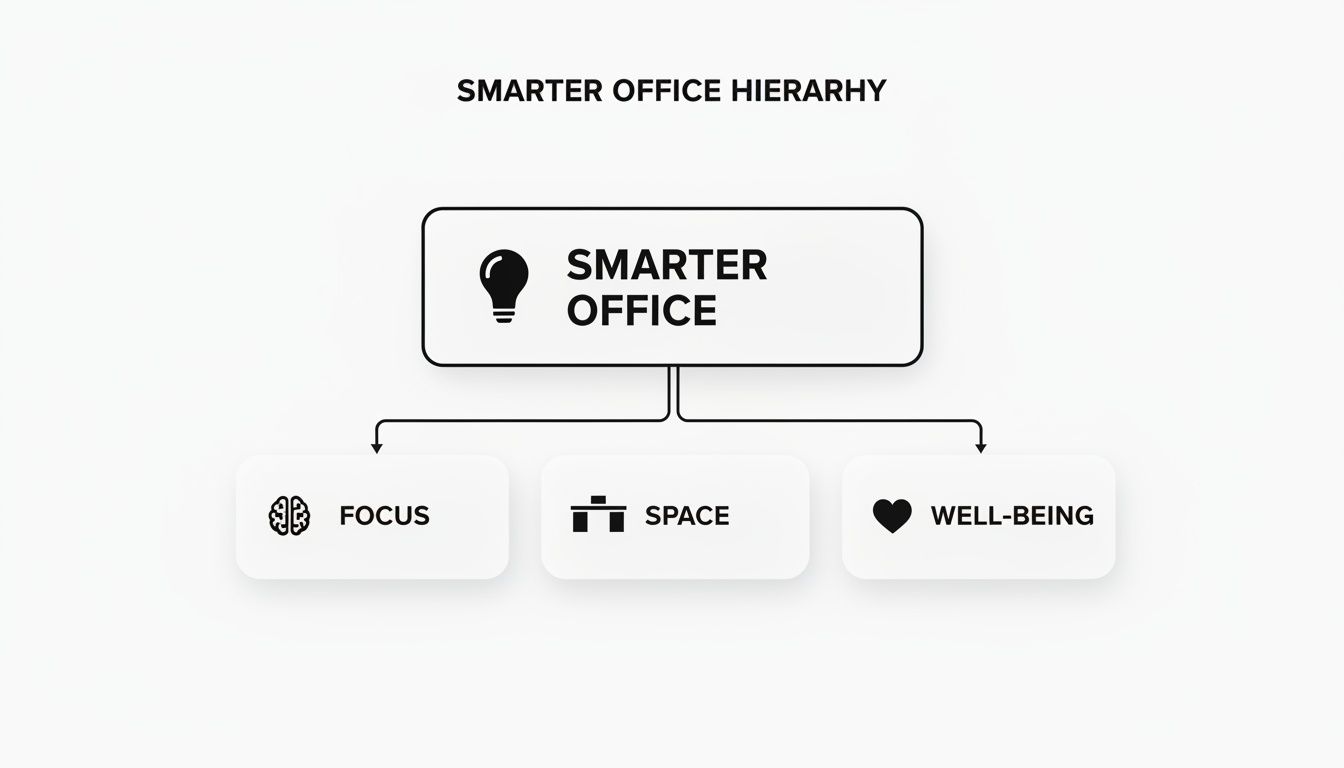
The big takeaway here is that a smart desk separator strategy isn't just about carving up space. It's about building an environment that actively supports your employees' performance and comfort.
To help you get a quick overview, this table breaks down the most common types of desk separators, their main advantages, and where they fit best.
Desk Separator Types At a Glance
| Separator Type | Primary Benefit | Best For | Example Application |
|---|---|---|---|
| Panel-Mounted | Quick, efficient privacy for existing desks | Rows of desks in open-plan offices, call centers | Adding visual barriers between workstations to minimize distractions. |
| Freestanding | Maximum flexibility to define entire zones | Agile workspaces, creating temporary meeting areas | Placing large partitions to create a "quiet zone" for deep work. |
| Acoustic | Superior sound absorption and noise reduction | Noisy environments like sales floors, open offices | Using sound-dampening panels to soak up ambient chatter and phone calls. |
| Glass/Acrylic | Defining space while maintaining an open feel | Reception areas, collaborative pods, modern offices | Creating physical boundaries for hygiene without blocking natural light. |
Each of these options serves a different purpose, so let's dive a little deeper into what makes them tick.
Panel-Mounted and Clamp-On Dividers
These are probably the most common and straightforward separators you'll see. Just like the name implies, they attach directly to the edge of a desk, usually with a simple clamp or mounting bracket. Their biggest advantage is efficiency—you can add a sense of privacy and structure to your existing furniture without having to overhaul the entire office layout.
They are perfect for creating defined personal zones within long rows of desks, giving employees a little bit of ownership over their immediate area. This simple addition can make a huge difference in cutting down on the visual distractions from colleagues moving around, which is one of the biggest complaints in open-plan setups.
Freestanding Partitions
Now think bigger than just the desk. Freestanding partitions are self-supporting walls that you can place anywhere you need them. They aren't tied to any specific piece of furniture, which gives you incredible flexibility to create temporary meeting spots, quiet nooks, or new walkways on the fly.
Because they are so easy to move, freestanding dividers are ideal for agile companies that are constantly reconfiguring their space for new projects or growing teams. They also come in a massive range of sizes and materials, including some fantastic options with serious sound-absorbing properties.
A key benefit of freestanding partitions is their ability to define functional zones within a larger open space. You can create a distinct "focus area" for deep work that is physically separate from a more collaborative "team hub."
Acoustic Desk Separators
When noise is the real enemy, acoustic separators are the specialized tool you need. These aren't just physical barriers; they are engineered with sound-absorbing materials like high-density foam or fabric designed specifically to soak up ambient chatter and office clamor.
Acoustic dividers are absolutely essential in places like call centers or on sales floors where constant phone calls can make it impossible for anyone to concentrate. They directly boost productivity by creating a quieter, more focused soundscape for each employee. While other separator types might muffle a little noise, acoustic models are purpose-built and tested for it.
Glass and Acrylic Separators
But what if you want to define space without losing that open, airy feel of your office? That’s where transparent or semi-transparent materials come into play. Glass and acrylic (or polycarbonate) partitions provide a clear physical boundary that helps with hygiene and workstation definition while still letting light and visibility flow through. You can see how these come to life in our guide on glass partition walls for offices.
These are an excellent choice for reception areas, collaborative team pods, and any space where you want to maintain a sense of connection among the team. They strike that perfect balance between separation and openness.
Choosing The Right Materials, Acoustics, And Size
So, you've landed on the general type of desk separator you need. Now it’s time to get into the details that really make or break its performance—the materials, acoustics, and sizing. These aren't just minor specs; they’re the core ingredients that determine whether a divider is a genuinely useful tool or just another piece of furniture. Getting this right is how you build a workspace that actually works.
There’s a reason the market for these solutions is booming. With the global shift to flexible and hybrid work, the office dividers market was valued at USD 1,375.56 million and is expected to hit USD 2,650.78 million by 2032. Modular panel dividers are leading the charge, making up 48.5% of that market—a trend that fits right in with the customizable cubicles we build here at Cubicle By Design.
Unpacking Material Options
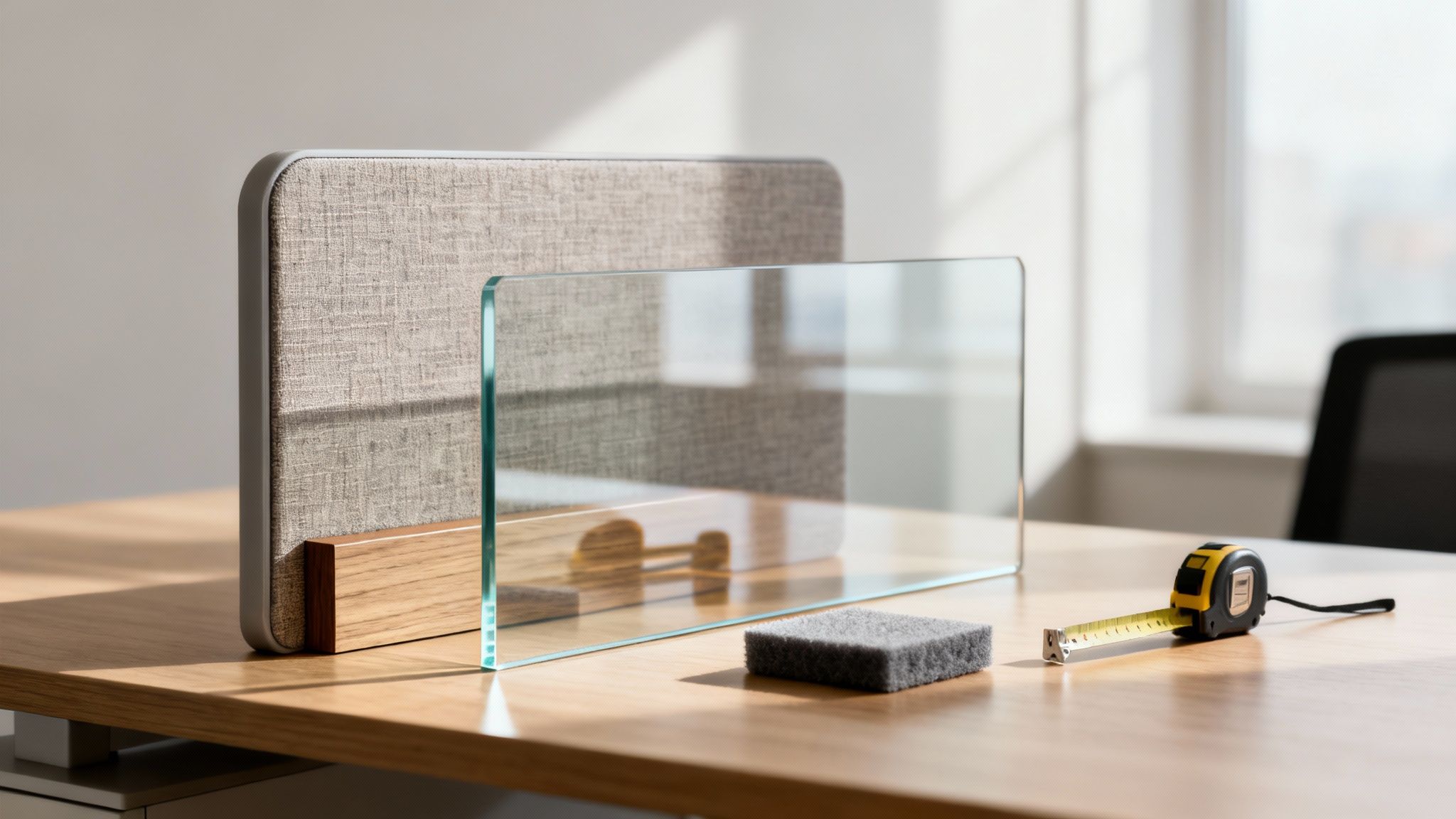
The material of a desk separator dictates its look, durability, and, most importantly, how it handles sound. Each option brings its own unique vibe and benefits to the table.
- Fabric Panels: These are the workhorses of the acoustic world. Usually wrapped around a dense core, fabric panels are born to soak up sound waves. This makes them the go-to choice for taming the ambient chatter in call centers or busy open-plan offices.
- Laminate and Wood Veneer: If you're going for a more traditional or high-end look, laminate and wood deliver durability with a premium feel. They tend to reflect more sound than they absorb, but they provide excellent visual privacy and a solid, professional aesthetic.
- Acrylic and Polycarbonate: These lightweight plastics are fantastic for creating clean, hygienic barriers without killing the natural light. They’re easy to wipe down and help maintain an open-air feel, perfect for reception areas or collaborative pods.
- Glass: Tempered glass is the king of visual openness while still carving out personal space. It’s a sleek, modern choice that lets light pour through, but much like laminate, it's a sound reflector, not an absorber.
The right material really just boils down to your main goal: Is it noise control, visual separation, or keeping the space bright and open?
The Science Of Sound: Acoustics Explained
When noise is enemy number one, you have to talk acoustics. The metric that matters here is the Noise Reduction Coefficient (NRC), a simple rating that tells you how much sound a material can absorb.
Think of NRC like a sponge for sound. A material with an NRC of 0, like glass or concrete, is like a dry, hard sponge—it doesn't absorb much water (or sound). A material with an NRC of 0.85, like a high-quality acoustic panel, is like a thick, absorbent sponge that soaks up most of the spill.
NRC ratings run from 0 to 1. An NRC of 0.75 or higher is what you want for environments where speech privacy and quiet are non-negotiable. For less chaotic spaces, a lower NRC might be perfectly fine. Understanding this simple rating helps you cut through the marketing noise and pick a product that will genuinely quiet your office down. You might be interested in exploring our detailed look at panel privacy screens that are built with acoustics in mind.
Getting The Size And Height Just Right
Even the best acoustic material is useless if the separator is the wrong size. You need to measure carefully to get that clean, professional fit and achieve the level of privacy you’re aiming for.
Before you click "buy," grab a tape measure and check these three things:
- Desk Length: Measure the full length of the desk surface. Do you want the divider to run the entire length or just a portion of it?
- Desk Thickness: For any clamp-on model, this is the most critical measurement of all. Get the exact thickness of your desktop to make sure the mounting hardware will fit snugly and securely.
- Desired Privacy Height: This is where strategy comes in. How much separation does your team actually need?
The height of your desk separator is a direct trade-off between privacy and collaboration. Here’s a quick guide to help you find the sweet spot:
- Low Profile (12-18 inches above desk): This height offers just a hint of visual separation. It’s more about defining territory than blocking views, making it ideal for highly collaborative teams who still want a sense of their own space.
- Seated Privacy (24 inches above desk): This is the goldilocks height for most offices. When seated, employees can't see each other, which slashes visual distractions. But all they have to do is stand up to chat with a neighbor.
- Standing Privacy (30+ inches above desk): For roles that demand deep focus or handle sensitive information, you need taller partitions. These create a much more enclosed, private workstation—a setup closer to what you’d find in traditional private office cubicles.
By thoughtfully weighing your options for materials, acoustics, and dimensions, you can move past the one-size-fits-all approach and craft a solution that perfectly supports your team’s workflow.
Integrating Power And Technology Seamlessly
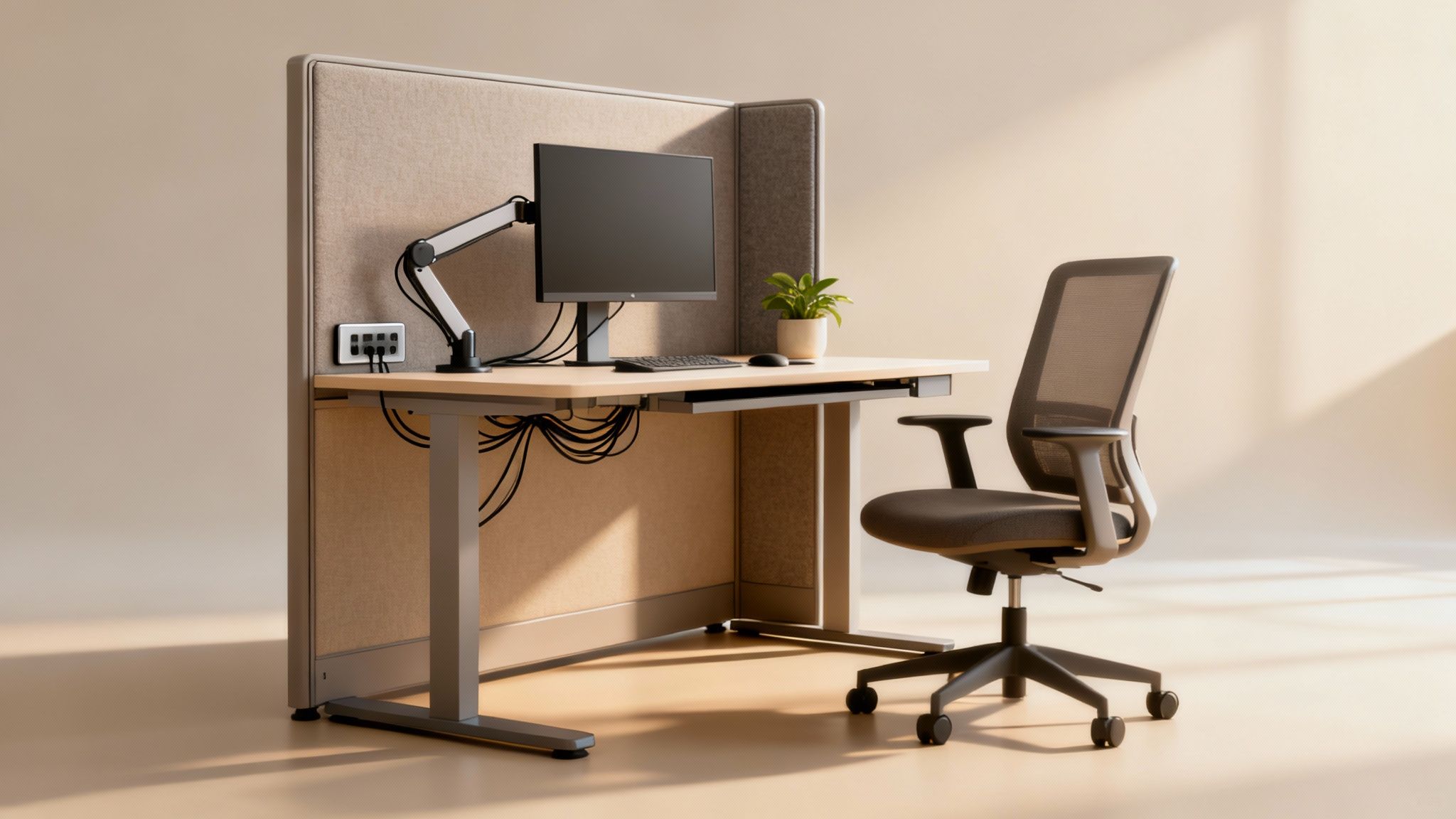
In today's office, a desk without easy access to power and data is little more than a fancy table. The real test of a functional workspace isn't the desk itself, but how it handles the tangled web of cables for monitors, laptops, phones, and chargers. A desk separator system that integrates technology from the ground up isn't a luxury anymore—it’s absolutely essential for a clean, safe, and productive office.
A mess of cables is more than just an eyesore. It's a genuine hazard, creating trip risks, making the space a nightmare to clean, and projecting a chaotic, unprofessional image. This is where cubicle systems with built-in electrical raceways really shine. These channels are hidden inside the base of the panels, keeping every last wire neatly tucked away and completely out of sight.
This kind of thoughtful design turns a jumble of cords into a streamlined, polished setup. Think of it like the plumbing in your house—you wouldn't want exposed pipes running all over your walls. You want them neatly contained, doing their job without being seen. The same principle applies here.
Planning Your Power And Data Needs
Getting power to your team isn't a one-size-fits-all job. You have to stop and think about how people actually work and what tech they use every single day. A basic setup might only need a simple power feed at the base of the panel. But a high-tech team? That requires a much more strategic approach.
For instance, a team of software developers or graphic designers will likely need multi-circuit systems to handle the heavy power load from multiple high-performance computers and monitors. Planning for this from the start prevents overloaded circuits and makes sure every employee has the outlets they need, without resorting to a daisy-chain of sketchy extension cords.
The key is to map out your technology requirements before you even think about furniture. When you plan for power and data from day one, you build a workspace that actually supports your team’s flow instead of creating daily headaches.
This foresight is more important than ever. The global market for cubicles and partitions is set to grow from USD 8.58 billion to USD 12.79 billion by 2034. A huge driver for this is the demand for tech-ready, ergonomic designs, which now make up 40% of new furniture installations. You can dig into the specifics in this comprehensive industry report.
Built For The Modern Connected Office
The best office furniture systems are engineered to solve these tech challenges before they even become problems. They come with a variety of power and data configurations that can be tailored to your floor plan and your team’s specific needs.
- Base-Level Power Feeds: This is the standard entry point for electricity into a cubicle cluster, usually fed from a connection in the floor or ceiling.
- Integrated Raceways: These channels run along the bottom of the panels, letting you route cables discreetly from one desk to the next.
- Desktop-Level Outlets: For pure convenience, outlets can be placed right at the desk surface. No more crawling on the floor to plug in a laptop.
- Data and USB Ports: Modern systems can also include ports for Ethernet and USB, giving every user a complete connectivity hub.
Solutions like our purpose-built Workstation Cubicles are designed with this kind of integration in mind from the very beginning. They give you the framework and the built-in infrastructure to create a workspace that's as connected as it is organized. For more practical tips on cord management, check out our guide on choosing an under-desk power strip that fits your setup perfectly. By choosing a system designed for technology, you end up with a safer, cleaner, and far more efficient office.
Balancing Privacy And Open Office Aesthetics
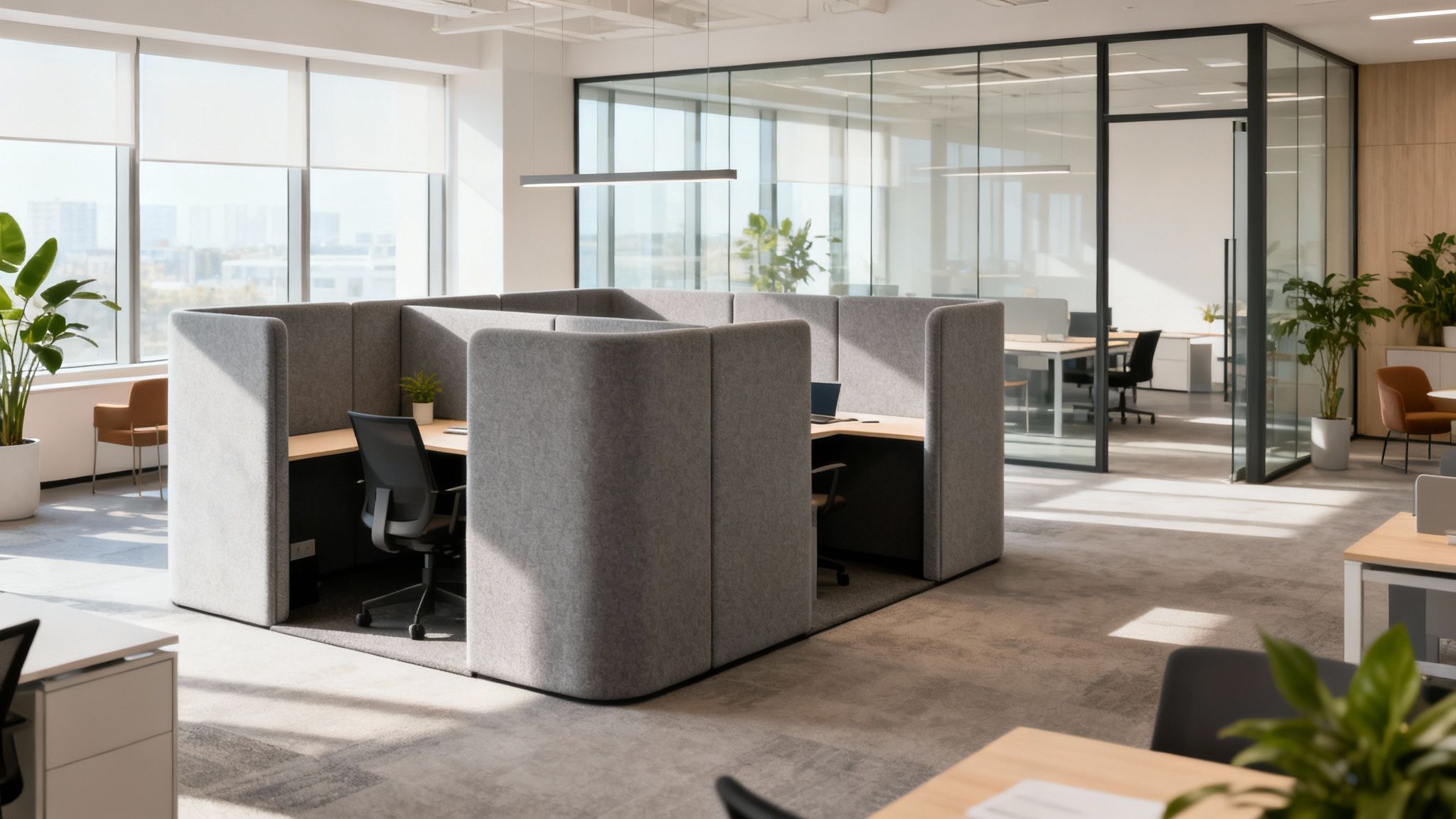
Adding desk separators is about more than just practicality—it's a design choice that actively shapes your office culture. The real challenge is hitting that sweet spot between focused work and collaborative energy. You're trying to create quiet zones without literally building walls that kill natural light and team connection.
Think of it as setting the stage for different kinds of work. A team of accountants hammering out numbers needs a totally different vibe than a marketing team that lives on spontaneous brainstorming. The right separators let you serve both needs in the same open floor plan, making the entire workspace more dynamic and effective for everyone.
This kind of intentional design is catching on. The market for commercial room dividers, a close cousin to desk separators, was valued at USD 789.19 million and is expected to hit USD 1,308.62 million by 2031. This trend lines up perfectly with the boom in co-working spaces, which are set to grow by 21.3% annually. Clearly, businesses want flexible, partitioned work environments. You can get more details from this detailed research on commercial dividers.
Strategic Use Of Height And Material
The height of your separator is the most direct way to toggle between privacy and openness. It's a simple lever with a huge impact on how your team interacts all day long.
- Low Dividers (12-18 inches): These are fantastic for collaborative pods. They define personal space without putting up a major visual wall, encouraging easy communication while giving people a sense of their own turf.
- Medium Dividers (24 inches): This is the "seated privacy" sweet spot for many offices. When you're sitting, visual distractions are blocked. Stand up, and you can easily chat with your neighbors.
- Tall Dividers (30+ inches): When it's time for serious, heads-down work, taller panels are the solution. They're perfect for focus-heavy roles, creating a bubble with minimal interruptions—much like our specialized Private Office Cubicles.
Material choice is just as important as height. Tall dividers made from sound-absorbing fabric can create a true quiet zone, whereas medium-height acrylic panels define a workstation without making the office feel walled off.
Preserving Light And Openness
One of the biggest fears is that adding separators will turn a bright, airy office into a dark, choppy maze. But with modern materials, you can easily define space while keeping that wide-open feeling.
The goal isn't to build fortresses around every desk. It’s to use partitions as subtle cues that guide behavior—encouraging quiet in one area and interaction in another, all while maintaining a cohesive and welcoming aesthetic.
Glass, acrylic, and polycarbonate are your best friends here. These transparent or semi-transparent options create a physical boundary (and can even help with hygiene) without blocking a single ray of sunshine. They're perfect for maintaining a visual connection across a department, making sure no one feels isolated from the team.
Designing For Function And Flow
At the end of the day, the best strategy is usually a mix-and-match approach. By combining different types of separators, you can design a layout that supports all the different ways your team works.
Think about creating "neighborhoods" within your office:
- A Focus Zone: Use taller, fabric-covered acoustic panels to create a library-like atmosphere for your coders, writers, or analysts.
- A Collaborative Hub: Equip this area with lower, easily movable dividers that allow teams to reconfigure their space on the fly for project work.
- A Team Area: Go with medium-height separators for departments that need a blend of individual task time and frequent internal chats.
This thoughtful approach is about more than just putting up barriers; it’s about building a responsive, functional environment. By blending different heights, materials, and layouts, you can craft a space that not only looks great but helps every single employee do their best work. For more inspiration, check out our guide on modern office cubicle design, which dives deeper into creating these kinds of functional, beautiful workspaces.
Making a Smart Long Term Investment
Buying an office desk separator isn't just a one-and-done purchase; it’s a commitment to the future of your workspace. The real value isn't just in the product itself, but in how well it's implemented and how it adapts over time. Getting the installation, maintenance, and scalability right is what turns a good purchase into a truly smart investment.
The initial setup can be anything from a quick DIY project to a complex job that needs a professional crew. For simple clamp-on or freestanding screens, you can often handle it yourself. But when you get into integrated systems with power and data cabling, professional installation is a must to ensure everything is safe, up to code, and looks seamless.
Installation and Long-Term Care
Deciding between DIY and professional help really comes down to the complexity of the system you've chosen. A handful of acrylic screens? You can probably knock that out in an afternoon. But a full office fit-out with powered cubicles involves electrical work that absolutely requires certified technicians. A botched installation can create safety hazards and void warranties, making professional support a wise move for any larger project.
Once they're in place, keeping your separators looking sharp is pretty straightforward. You just need to know what you're working with.
- Fabric Panels: The best approach here is regular vacuuming with a soft brush attachment to get rid of dust. If a small spill happens, blot it right away with a clean, damp cloth and a bit of mild detergent.
- Laminate and Wood: These surfaces are tough. A simple wipe-down with a soft cloth and a gentle, non-abrasive cleaner is all they need. Just stay away from harsh chemicals that could ruin the finish.
- Acrylic and Glass: Grab a microfiber cloth and a cleaner made specifically for glass or plastic to prevent streaks and scratches. A quick tip: never use ammonia-based cleaners on acrylic.
The True ROI of Modular Systems
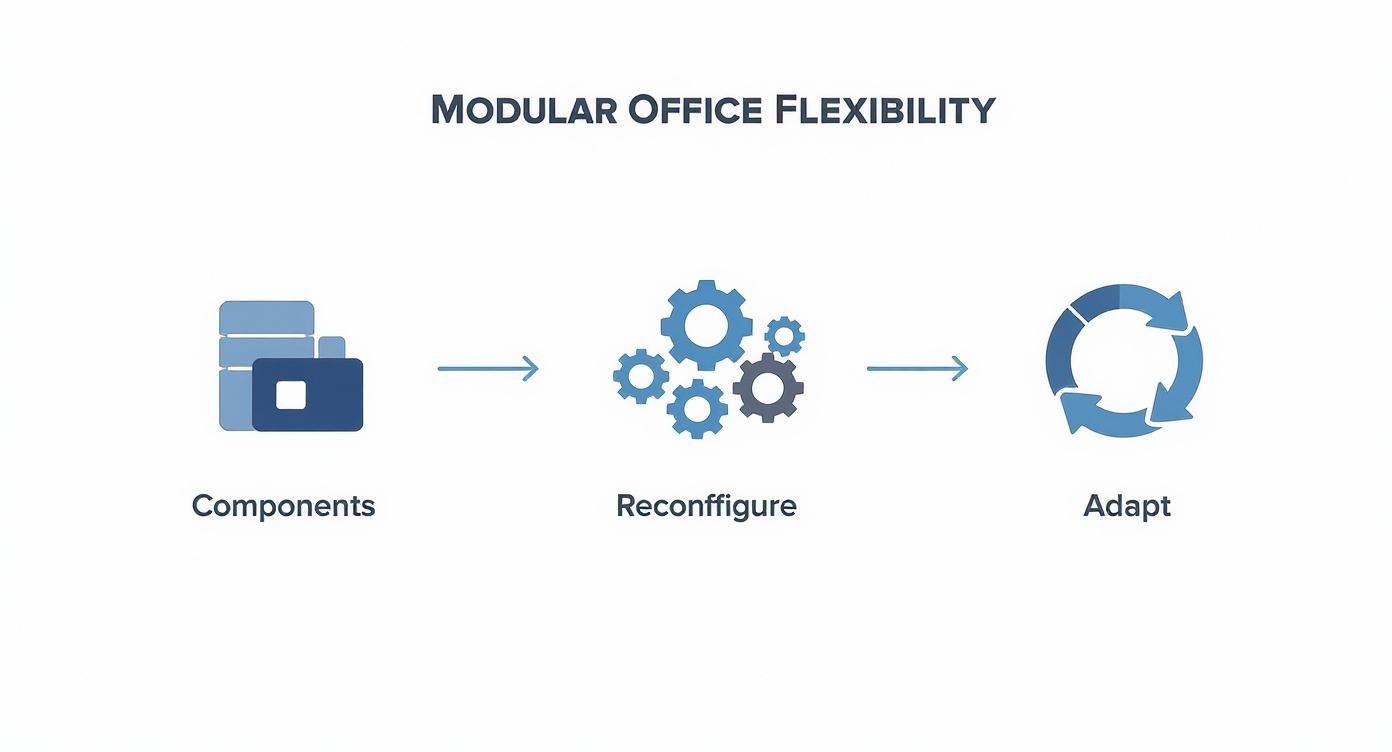
The biggest long-term win with a high-quality desk separator system is its adaptability. Your business is always changing, so your office furniture should be able to change with you. Modular systems are built to evolve, whether you're bringing on new team members, shuffling departments around, or even moving to a whole new building.
This flexibility is where you see an incredible return on investment. Instead of buying all new furniture every time your needs shift, you can just reconfigure, add to, or repurpose the components you already have. This saves a massive amount of time and money over the years, making it a much more sustainable choice. You can learn more about the long-term benefits in our article exploring why a good cubicle is a great investment.
Partnering with a full-service provider like Cubicle By Design means you have expert support for the entire lifecycle of your furniture. From initial space planning and power configuration to professional installation and future reconfigurations, we ensure your investment continues to meet your needs as you grow.
Desk Separator Questions Answered
When you're looking to add partitions to your office, a few questions always pop up. Getting the right answers is the key to picking a solution that truly fits your team, your space, and your budget. We've pulled together the most common questions we hear to help you feel confident in your decision.
Think of this as the final checklist, clearing up any lingering uncertainties about everything from sizing and costs to how well they actually block out noise.
What Is The Best Height For An Office Desk Separator?
There’s no magic number here—the "best" height is all about the level of privacy your team actually needs to get their work done. It's a strategic choice that should reflect your office culture and workflow.
If you just need to create some seated privacy so employees can focus without constant eye contact, a height between 42 to 54 inches is perfect. This is a great middle ground; it kills the visual distractions when sitting but makes it easy to stand up and chat with a neighbor. For roles that demand serious concentration or deal with sensitive info, you’ll want to go for full standing privacy at 65 inches or higher.
How Much Do Office Desk Separators Cost?
The price tag can swing wildly depending on what you're buying. A simple, small clamp-on screen might run you less than $100. It's a quick fix, but it's a basic one.
On the other hand, a high-performance acoustic panel built for maximum sound absorption or a full modular cubicle system is a bigger investment, often costing several hundred dollars or more for each workstation. The best way to approach it is to figure out your must-haves first—is it privacy, noise control, or aesthetics?—and then get a custom quote. That way, you know you’re aligning your budget with what really matters.
Are Glass Desk Separators Good For Noise Reduction?
Glass is fantastic for creating visual separation and defining a space without making it feel closed off. But for noise reduction? Not so much. Glass reflects sound waves instead of absorbing them, which means all that office chatter just bounces right off and continues around the room.
It’s a great pick if you want to keep things looking open, bright, and modern. However, if you're trying to quiet down a busy sales floor or call center, you need materials made for the job. Fabric-covered acoustic panels with a high Noise Reduction Coefficient (NRC) rating are a far better bet for actually soaking up sound.
Can I Add Separators To My Existing Desks?
Absolutely. Plenty of desk separators are designed specifically to be retrofitted onto the furniture you already own. Clamp-on screens and freestanding partitions are two of the easiest ways to add a bit of privacy and structure without having to replace everything.
Just make sure you measure twice. Get the dimensions of your desk's surface, and more importantly, its thickness. You need to be sure the mounting hardware will fit securely. While retrofitting is a solid option for a quick upgrade, a fully integrated system like our workstation cubicles is often the better long-term play for a clean, cohesive look with built-in features like power.
Ready to create a more focused and productive workspace? At Cubicle By Design, we specialize in modular solutions that balance privacy and collaboration. Explore our cubicle systems or use our Custom Cubicle Designer to build the perfect setup for your team.