20 Apr Modern Office Layout Ideas: Hybrid & Open Plans
If you’re planning a redesign, you’re probably dealing with a floor plan that no longer matches how people work. Maybe the office was built for assigned desks and full attendance, but now traffic rises and falls throughout the week. Maybe the space looks open on paper but feels noisy, cramped, and hard to manage in real life.
That gap is where most office projects go sideways. Teams ask for collaboration space, then complain about noise. Leadership wants a cleaner, more modern look, but facilities still has to make the numbers work. HR wants flexibility, IT wants power and cabling that won’t become a mess, and employees want a workplace that supports more than one type of task.
Modern office layout ideas only work when they’re tied to operations. A floor plan has to support focus, movement, supervision, privacy, storage, and future change. It also has to justify the spend.
Modern Office Layout Ideas
Beyond the Buzzwords Rethinking Your Workspace Strategy
A modern office isn’t defined by exposed ceilings, café tables, or a wall of glass. It’s defined by whether the space helps people do their jobs with less friction.
That sounds obvious, but many redesigns still start with images instead of workflow. A company sees an open plan, copies the look, and then discovers the sales team can’t hear calls, managers have nowhere to meet privately, and employees start wearing headphones all day just to protect their attention.
The business case for getting this right is stronger than is commonly understood. Research on modern office design notes that a well-planned office layout can improve productivity by as much as 12%, while distractions can consume about 86 minutes of an employee’s day. For a facility manager, that shifts layout from a design topic to an operating decision.
Practical rule: If your current layout creates daily workarounds, your team is already paying for a redesign. You’re just paying in lost time instead of capital.
Most companies in this position share the same pattern. They’re in a legacy layout that was built for a different headcount, a different management style, or a different attendance model. Private offices may sit where the best light is, collaboration may happen in circulation paths instead of designated zones, and storage may occupy space that should be doing more useful work.
A smarter approach starts with fit. Not style. The right plan for a support center isn’t the right plan for a design studio. A startup with shifting teams needs something different from a law office or a regional sales hub. That’s why some of the most useful planning frameworks come from practical construction and renovation guidance, not trend lists. If you’re reviewing scope and sequencing before layout decisions, these essential office renovation tips are worth a look.
The strongest redesigns usually share three traits:
- They solve a clear problem: noise, underused square footage, poor adjacency, or lack of privacy.
- They leave room to change: especially when attendance patterns aren’t fixed.
- They connect layout decisions to measurable outcomes: utilization, employee experience, and operational efficiency.
For facility teams working through modern office layout ideas, trend awareness matters less than disciplined planning. A useful place to start is understanding broader workplace design trends without treating any one trend as a default answer.
Assessing Your Team’s Real Workspace Needs
On day one of a redesign, the wrong question is usually “How many desks do we need?” Facility managers get better results by asking how work happens across a normal week, a peak week, and a deadline week. That is where wasted square footage, noise complaints, and meeting room shortages usually show up.

Start with work patterns, not titles
Department names rarely tell the full story. A finance team may need quiet for concentrated work in the morning and quick access to leadership in the afternoon. Sales may look highly mobile on paper but still need reliable touchdown space, enclosed rooms for calls, and nearby storage for print materials.
I usually advise clients to map four things before they sketch a single floor plan:
- Assigned-seat demand: Roles with specialized equipment, security requirements, or high in-office frequency.
- Shared-seat potential: Staff with predictable hybrid schedules or mobile workflows.
- Privacy demand: Teams handling calls, video meetings, HR conversations, billing, or heads-down work.
- Adjacency needs: Groups that depend on fast approvals, frequent handoffs, or constant coordination.
That exercise changes the brief fast. In many offices, the actual gap is not desk count. It is the lack of enclosed focus rooms, small meeting spaces, and flexible benching or modular cubicles that can absorb schedule changes without a full rebuild.
Ask better questions and get usable answers
Broad employee surveys often produce broad complaints. Useful surveys focus on tasks, frequency, and failure points. Ask where people lose time, not whether they “like the space.”
Use prompts such as:
- Focus work: Where do you go when you need 60 to 90 minutes of uninterrupted work?
- Calls and meetings: How often do you need a room with a door for calls or sensitive conversations?
- Storage: What needs to stay within reach every day, and what can move to shared storage?
- Movement: Which teams do you need to reach quickly during the day?
- Environment: What causes the most friction, noise, glare, temperature swings, or lack of power?
Analysts at Hughes Marino’s workplace design analysis found that 62% of employees prefer natural light, 77% believe flexible work options are essential for productivity, and 76% want dedicated spaces for different activities. In that same Hughes Marino workplace design analysis, the firm notes that private offices have shrunk by 25% over the last decade. The practical takeaway is straightforward. Teams do not need one universal setting. They need a mix of spaces that support different kinds of work without adding daily friction.
That has direct budget implications. If natural light matters, do not bury staff in high panels along the window line while private offices hold the perimeter. If flexibility matters, reserve some budget for movable furniture, modular cubicles, and glass-fronted rooms that preserve borrowed light.
Teams rarely want one perfect workspace. They want the ability to shift between focus, calls, collaboration, and confidential conversations without losing time.
Build a discovery checklist before you buy anything
Before you approve furniture, demountable walls, or electrical changes, document the operating facts.
| Planning input | What to document | Why it matters |
|---|---|---|
| Attendance patterns | Peak in-office days by team | Average attendance often understates real capacity pressure |
| Work modes | Focus, collaboration, calls, confidential work | Each mode needs a different setting and acoustic level |
| Adjacency needs | Frequent handoffs and shared workflows | Reduces travel time and daily interruption |
| Technology needs | Monitors, docking, power, reservation tools | Affects furniture specs and infrastructure cost |
| Growth assumptions | Hiring, consolidation, new roles | Keeps the plan usable longer |
Flooring belongs on that checklist too. Layout decisions change wear patterns, acoustics, maintenance, and replacement timing. If your redesign includes collaborative zones, café seating, or circulation changes, review choosing the best commercial flooring before finalizing materials.
Plan for change without paying twice
A first redesign often fails because it fits today’s attendance pattern too tightly. The better target is a layout that handles three staffing scenarios with minor changes. Conservative growth, expected growth, and a busier-than-expected year.
That usually means limiting fixed construction to spaces that need full enclosure. It also means using products that can be reconfigured, expanded, or relocated instead of treating every wall as permanent. For many facility teams, a practical review of office workspace configurations and office types helps connect survey feedback to real planning options, including where glass walls, benching, and modular stations will produce a better return than more hard-built private offices.
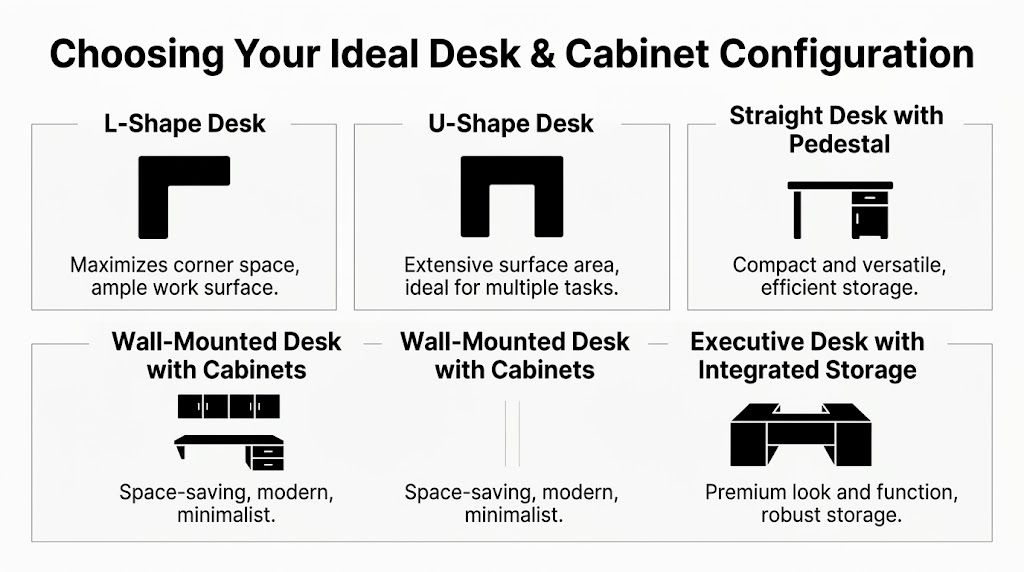
Choosing the Right Modern Office Layout Typology
Once the diagnostic work is done, the layout type becomes easier to choose. Most offices don’t need a pure model. They need a primary structure with a few targeted exceptions. That’s the practical difference between good planning and trend chasing.
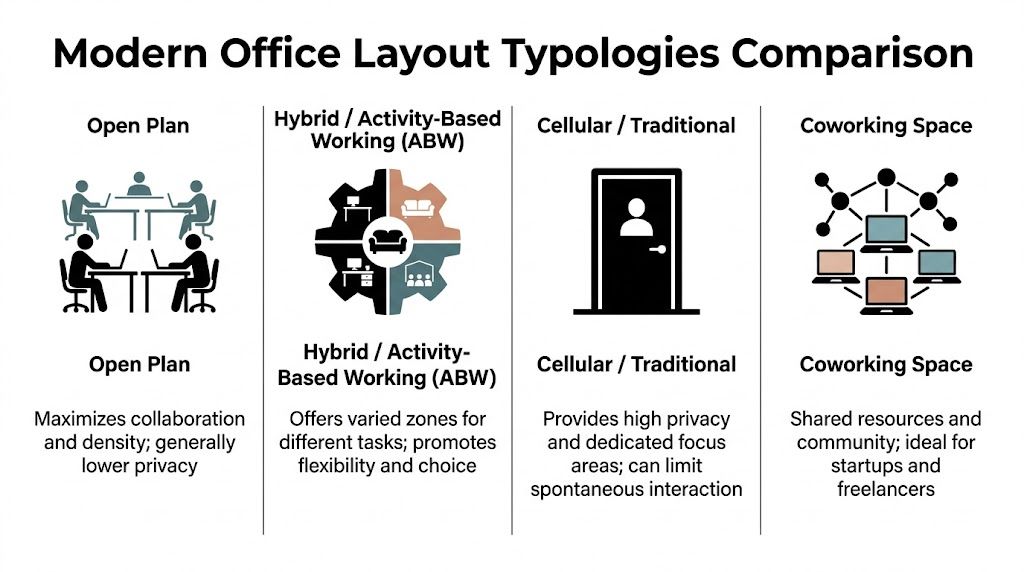
Open plan
Open plan still appeals to leadership because it looks efficient and feels contemporary. It can support visibility, informal interaction, and high density. It also helps smaller offices avoid a boxed-in feel.
The trade-off is predictable. If too much work in the office depends on calls, concentration, or privacy, open plan pushes those problems into daily behavior. People start taking meetings in hallways, booking rooms for solo work, or competing for the same quiet corners.
Open plan works best when:
- Work is highly collaborative: teams need quick, frequent interaction.
- Acoustic demand is moderate: not every role is call-heavy or confidential.
- There are enough escape spaces: focus rooms, booths, or enclosed meeting rooms.
If those support spaces aren’t funded, open plan usually underperforms.
Hybrid and activity-based layouts
Many modern office layout ideas become useful instead of cosmetic. A hybrid or activity-based plan accepts that one workstation can’t serve every task. The office includes a mix of assigned desks, shared touchdown seating, meeting spaces, and enclosed areas for quieter work.
This model often gives facility managers the best balance of efficiency and employee acceptance. It supports hybrid attendance patterns without forcing every person into the same setting.
The ROI argument is stronger here as well. According to Cubicle By Design’s guidance on small office layouts, modular partitions in hybrid setups can increase productivity by 18% by reducing distractions. The same source notes a three-year ROI of $2,500 to $4,000 per station in some startup and call center settings because of lower turnover.
A hybrid office doesn’t mean less structure. It means more intentional structure.
Cellular and enclosed office layouts
Traditional enclosed offices still make sense in specific environments. Legal work, confidential financial functions, executive coaching, and HR conversations all benefit from privacy that isn’t borrowed from shared rooms.
The mistake is applying enclosed space too broadly. When too much of the floor plate becomes private, daylight distribution suffers, circulation gets choppy, and interaction drops. That’s why many current plans use enclosed space surgically instead of universally.
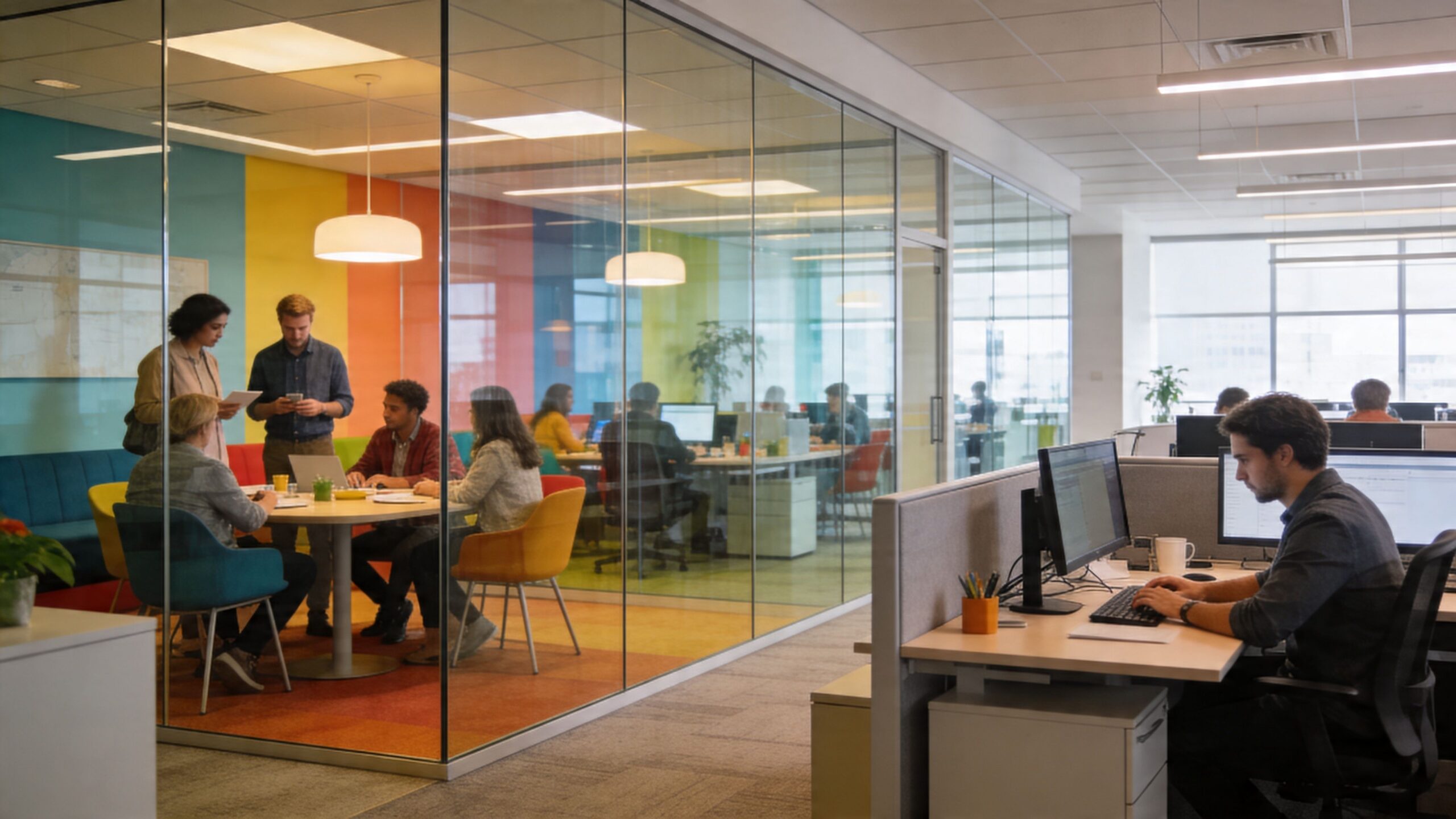
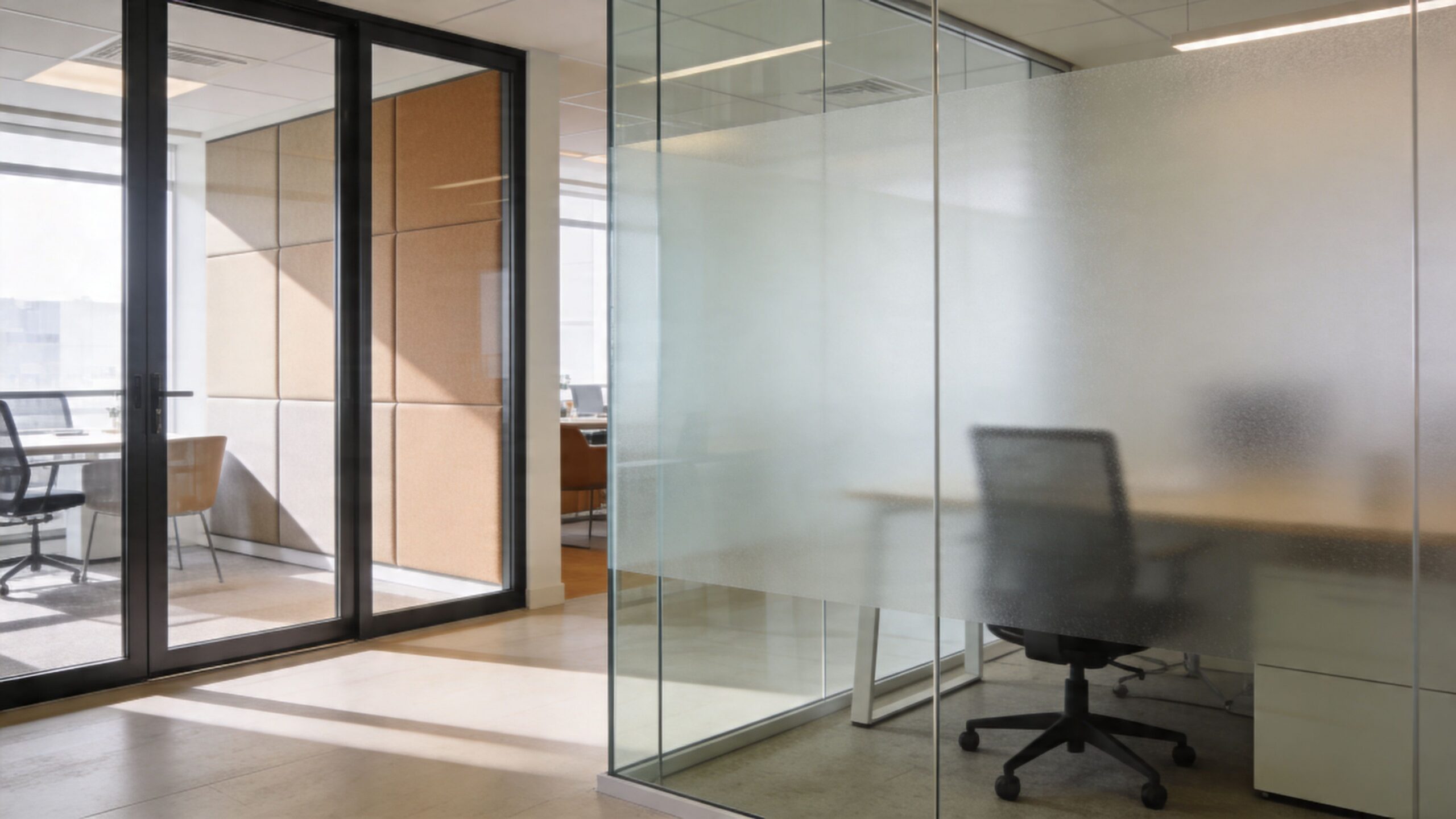
Glass-fronted rooms often solve part of this problem. They define space without making the office feel sealed off.
Reimagined cubicle grids
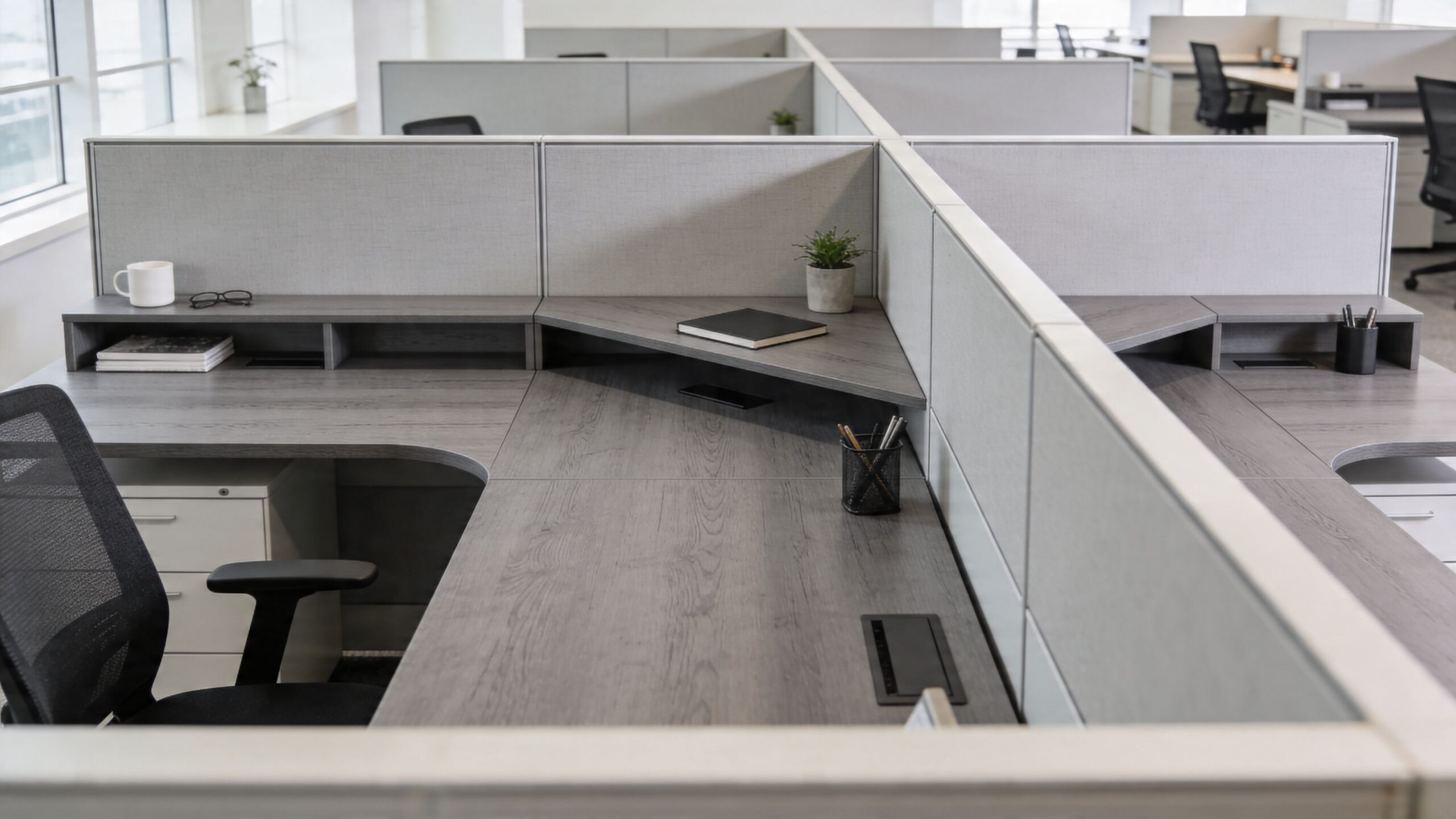
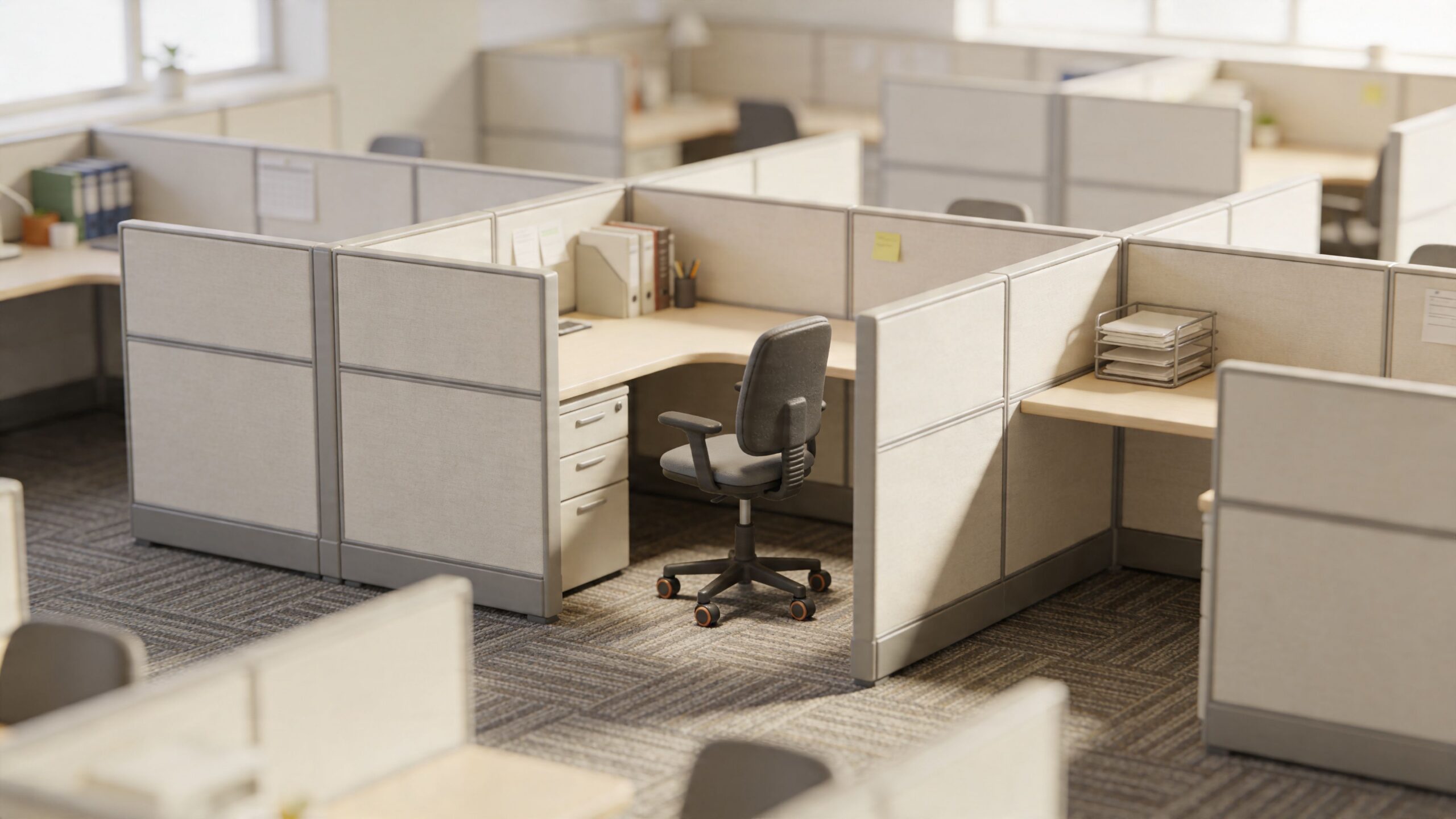
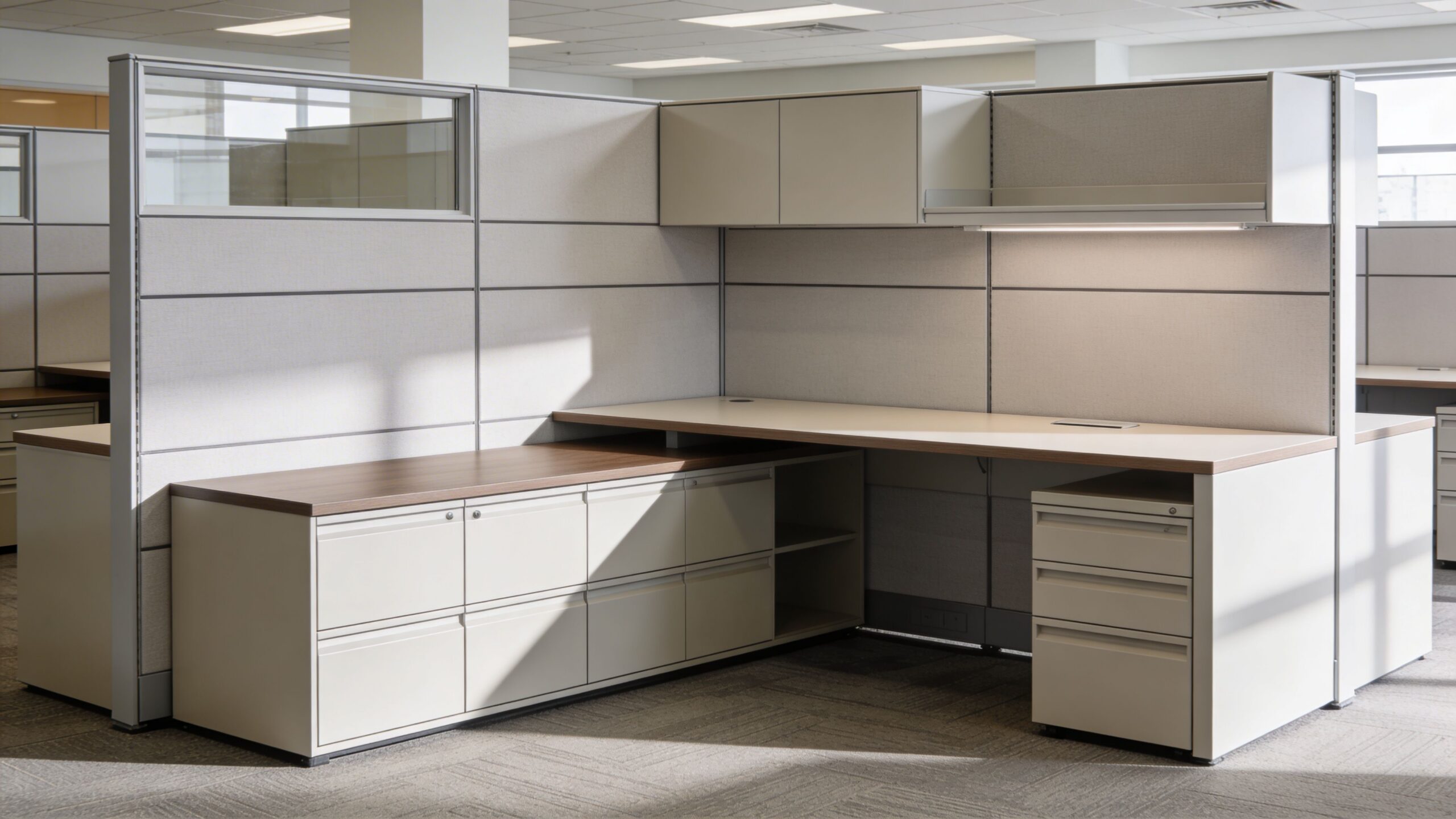
The old cubicle farm earned its reputation for a reason. High panels, repetitive rows, and poor light access created isolation. The modern version is different when it’s planned well. Lower partitions, smarter benching, better cable management, and more deliberate team clustering can produce a cleaner balance between openness and protection.
For many operations, especially support teams, admin groups, and structured knowledge work, this format remains one of the most efficient options on the market. It creates personal territory, supports equipment, and gives managers a more predictable planning module.
A quick comparison helps:
| Layout type | Where it works | Where it struggles |
|---|---|---|
| Open plan | Creative teams, lighter acoustic demand | Call-heavy and focus-heavy work |
| Hybrid / ABW | Mixed work modes, variable attendance | Poorly managed booking and underdefined norms |
| Cellular | Confidential work, leadership, specialist roles | Space efficiency and daylight distribution |
| Modern cubicle grid | Operational teams, support functions, scalable planning | Can feel rigid if not broken up with shared spaces |
Material choices matter too. Flooring affects acoustics, maintenance, and perceived quality more than many teams expect. If you’re evaluating finish decisions alongside furniture and zoning, this guide to choosing the best commercial flooring is a useful companion to layout planning.
For a broader breakdown of office formats and use cases, review the different types of office layouts and workspace models.
Creating Your Blueprint A Guide to Space Planning
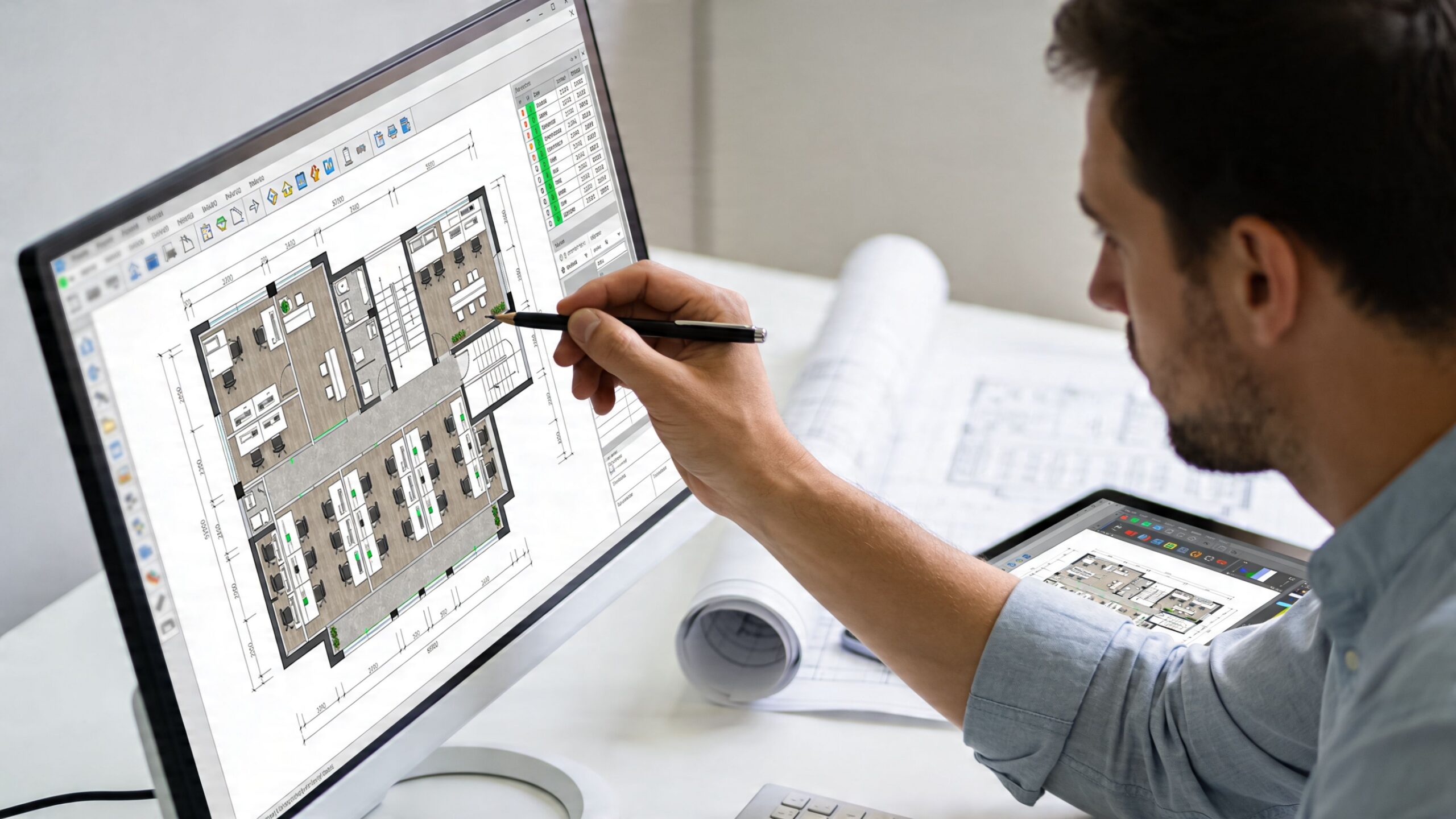
A layout concept becomes useful when it can survive measurement. This is the point where adjacency, circulation, furniture dimensions, and infrastructure all have to work together on a real floor plan.
Set capacity before aesthetics
Start with peak use, not average attendance. If your busiest day feels crowded, the office will be judged by that experience, not by the quieter days.
For hybrid offices, Oktra’s office layout guidance identifies a desk-to-person ratio of 0.6 to 0.8 as standard, with 15% to 25% of total area allocated to circulation space. Those numbers help prevent two common planning mistakes. Too many desks create a cramped office with no breathing room. Too few create booking friction and overflow behavior.
Build an adjacency map
Adjacency planning sounds technical, but it’s simple in practice. List your departments on both axes of a grid and rate how often they need direct interaction. High-contact teams should sit near each other. Teams that need quiet should be buffered from noisy groups and main traffic paths.
A practical adjacency review should include:
- Daily handoffs: sales to support, design to project management, HR to leadership
- Noise profile: customer calls, internal collaboration, heads-down analysis
- Visitor flow: reception traffic, interview routes, client-facing rooms
- Shared resources: print areas, file storage, mail, sample libraries, equipment
This one exercise usually eliminates a lot of avoidable movement.
Field note: Circulation isn’t leftover space. It’s working space. If people can’t move cleanly between zones, the office never feels settled.
Use planning tools early
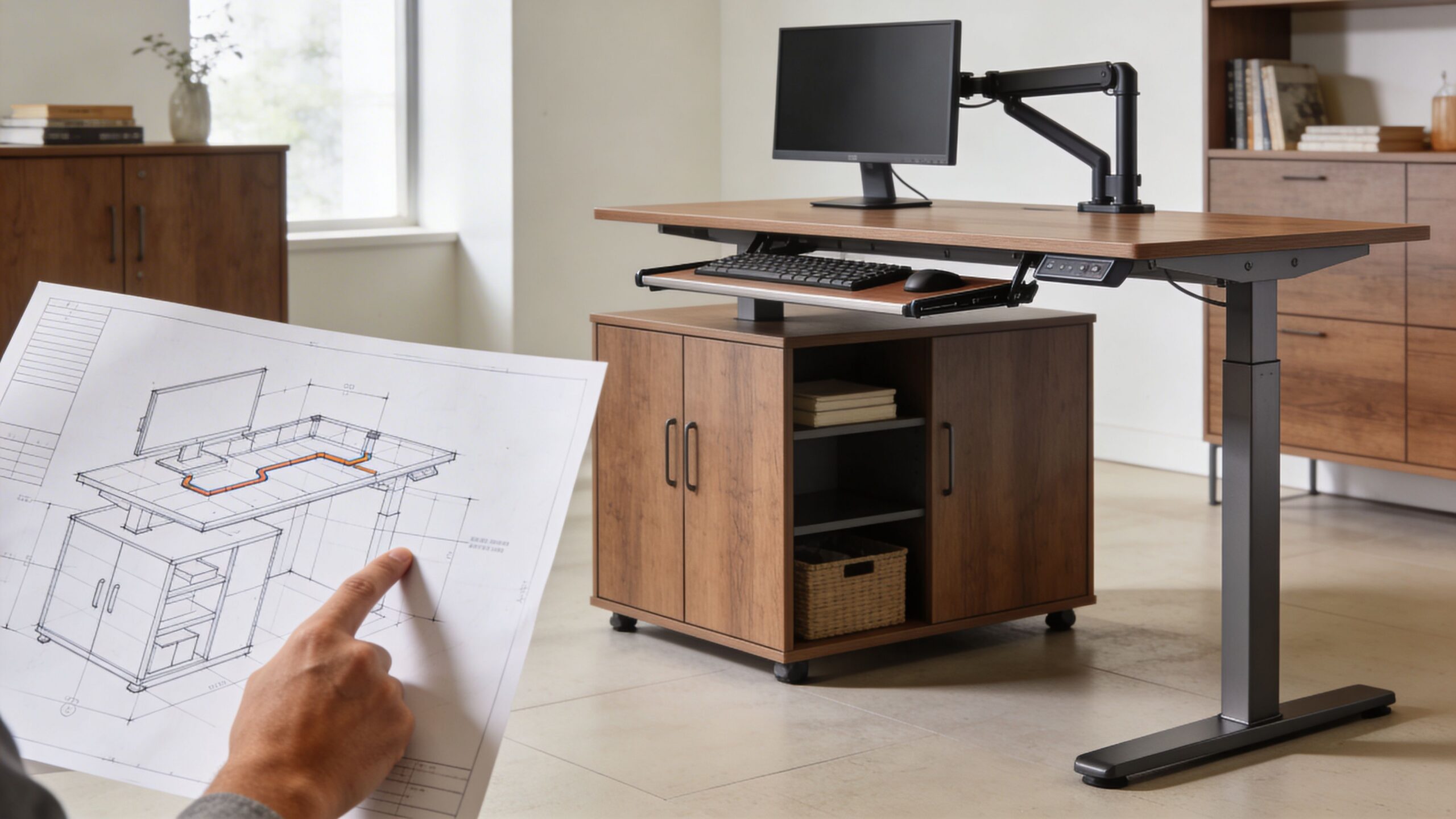
You don’t need to start with advanced software. A scaled PDF, graph paper, or a simple digital drawing can reveal whether your assumptions hold up. What matters is that you test actual dimensions, not just broad ideas.
Then move to a configurable planning tool. The office space planning guide is a useful reference for thinking through desk counts, pathways, and support spaces before procurement.
When you’re ready to test furniture layouts, a configurable tool saves time. The custom cubicle designer lets teams model workstation dimensions, panel heights, finishes, storage, and electrical choices so the plan can be stress-tested before anything is ordered.
A short walkthrough can help you think through layout options and planning logic:
Pressure-test the blueprint
Before sign-off, check the plan against actual office behavior.
Ask:
- Can people move from entry to work areas without cutting through focused zones?
- Do managers have access to teams without sitting in the noisiest path?
- Are enclosed rooms located where they’re needed most?
- Is natural light reaching the broadest possible portion of the floor?
- Can the plan absorb headcount changes without demolition?
A workable blueprint should feel slightly conservative. Not flashy. If every square foot is doing double duty with no slack, the plan may look efficient but operate poorly.
Furnishing for Productivity Privacy and Flexibility
Furniture is where strategy becomes behavior. The layout can be sound on paper, but if the furniture doesn’t support focus, privacy, movement, and technology, employees will invent their own workarounds.
Use furniture to shape the room
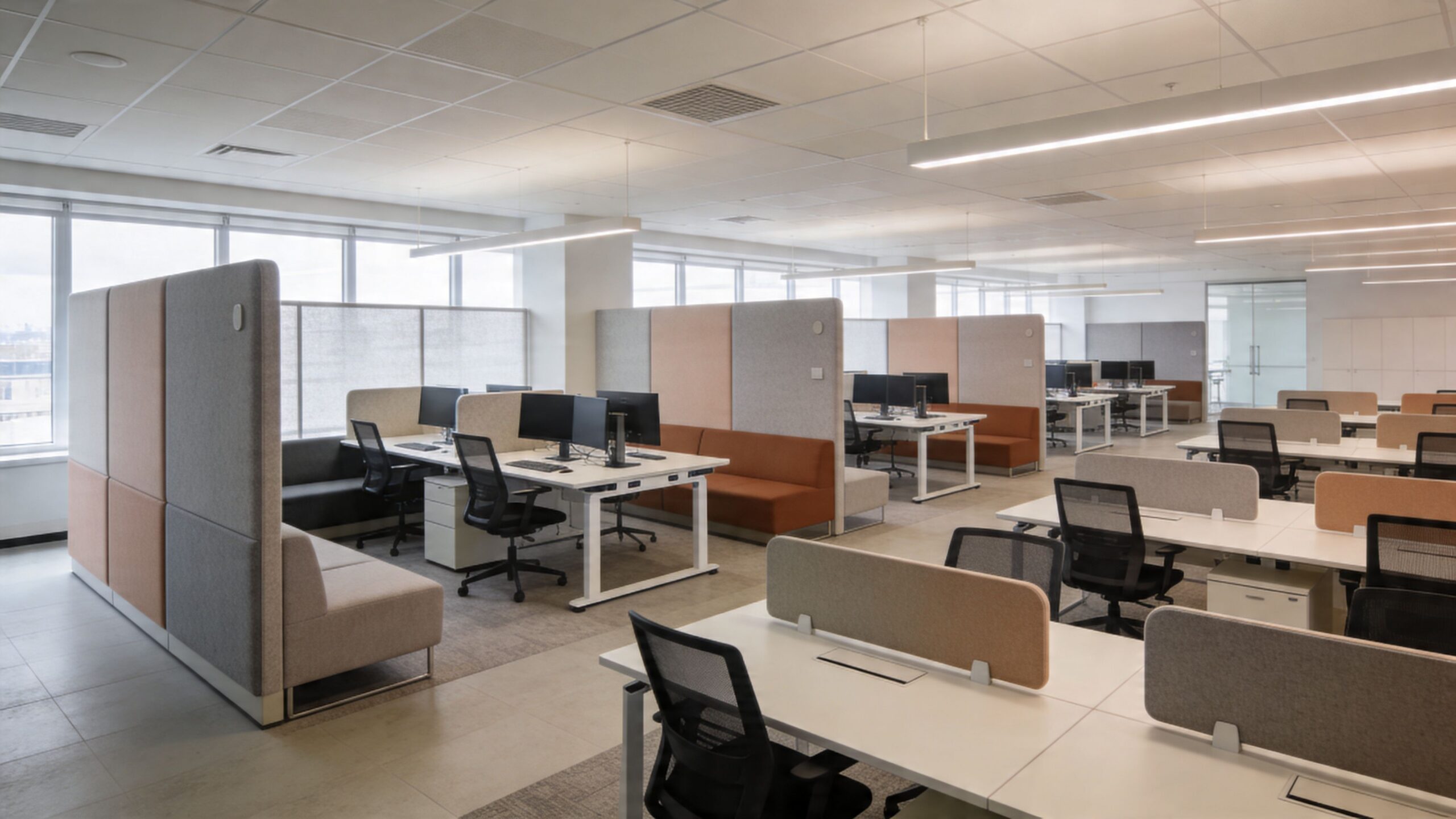
Most offices don’t need more square footage. They need better definition. The right furniture package creates quiet edges, collaboration zones, and individual territory without depending on permanent construction everywhere.
That usually means mixing several elements:
- Workstation systems: for teams that need repeatable, scalable seating
- Private office configurations: for leadership, HR, or confidential functions
- Glass-fronted rooms or dividers: to preserve light while defining rooms
- Soft seating and touchdown points: for short-duration collaboration
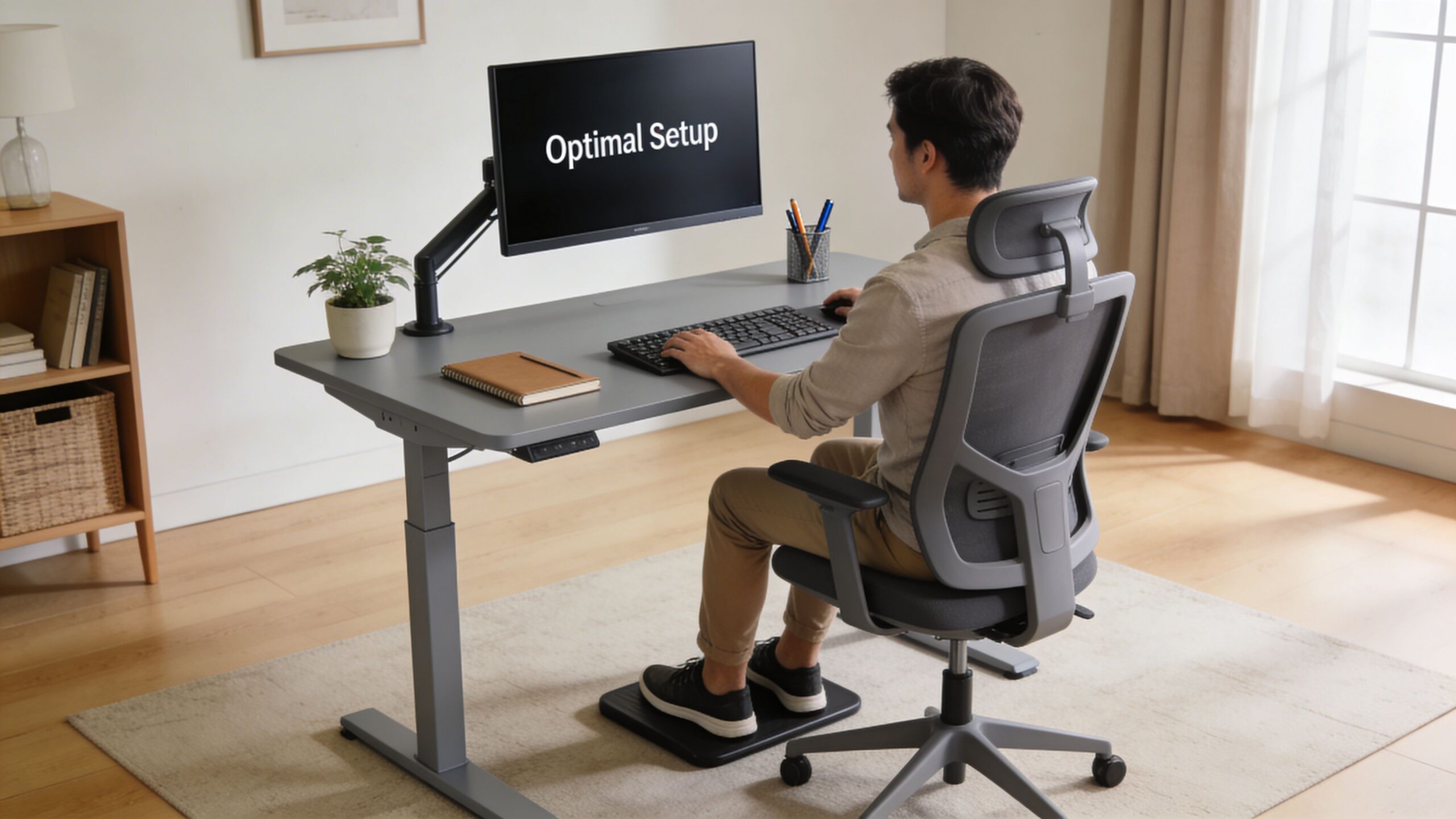
- Ergonomic task seating: because comfort problems become attention problems fast
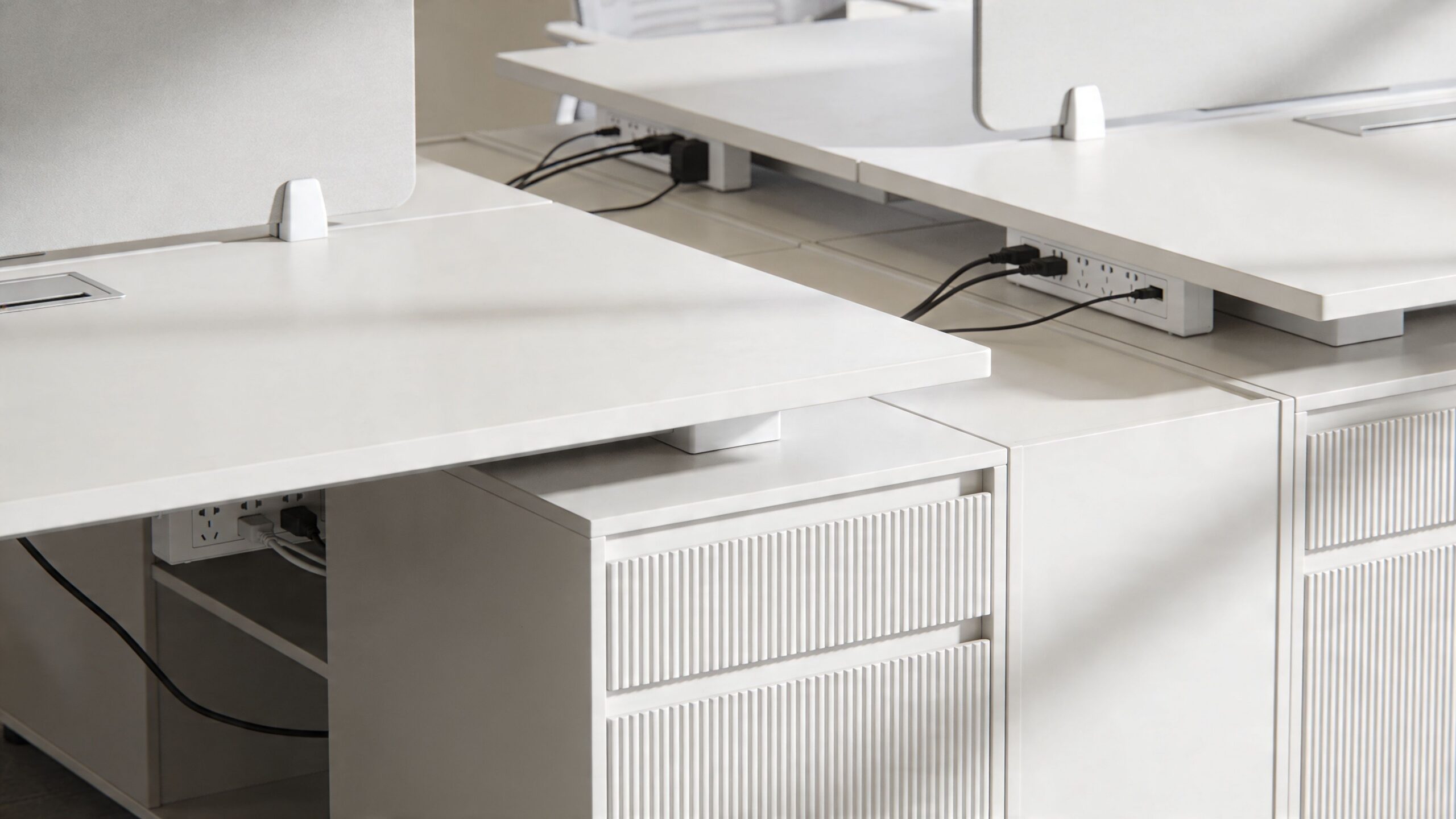
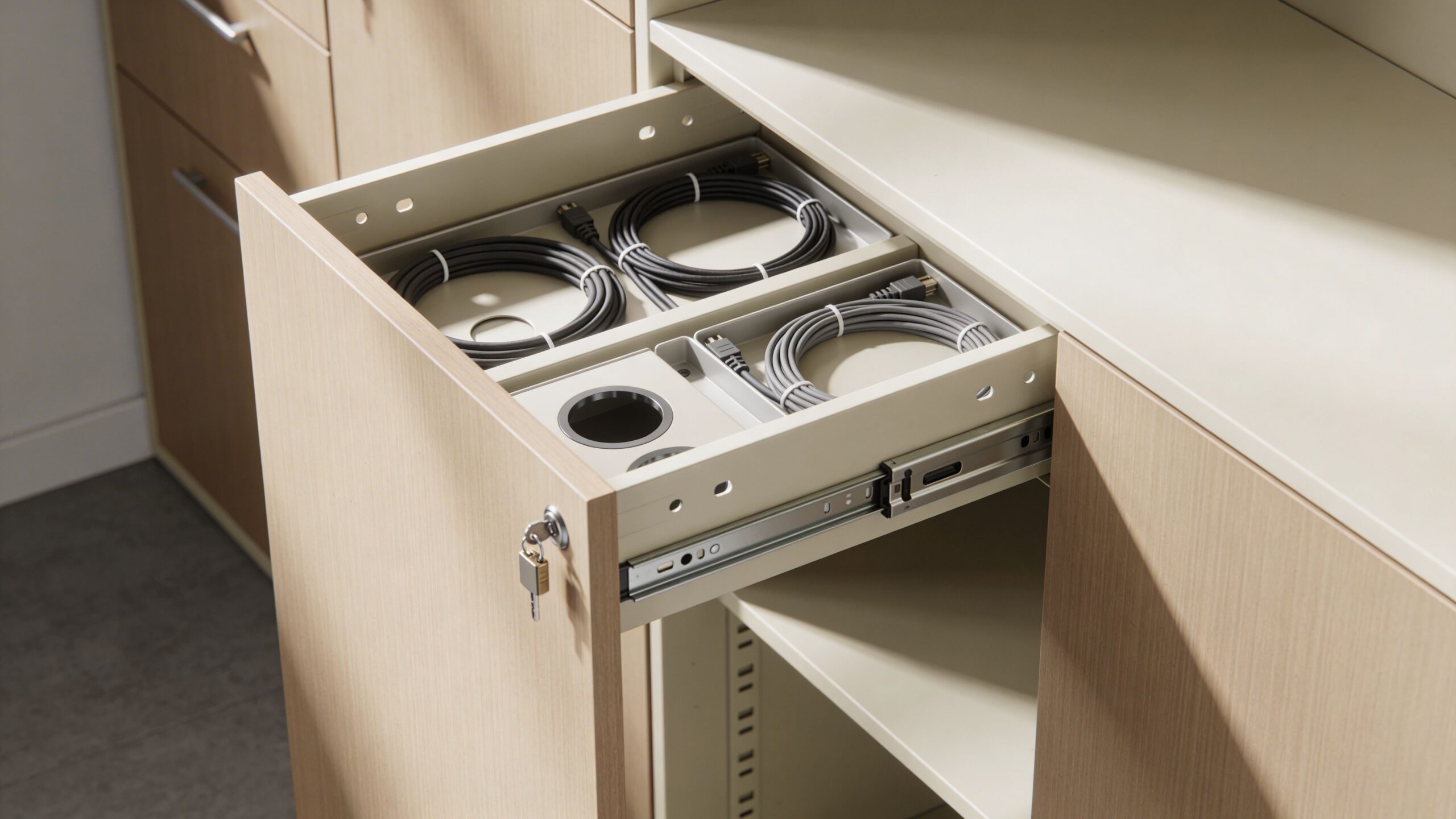
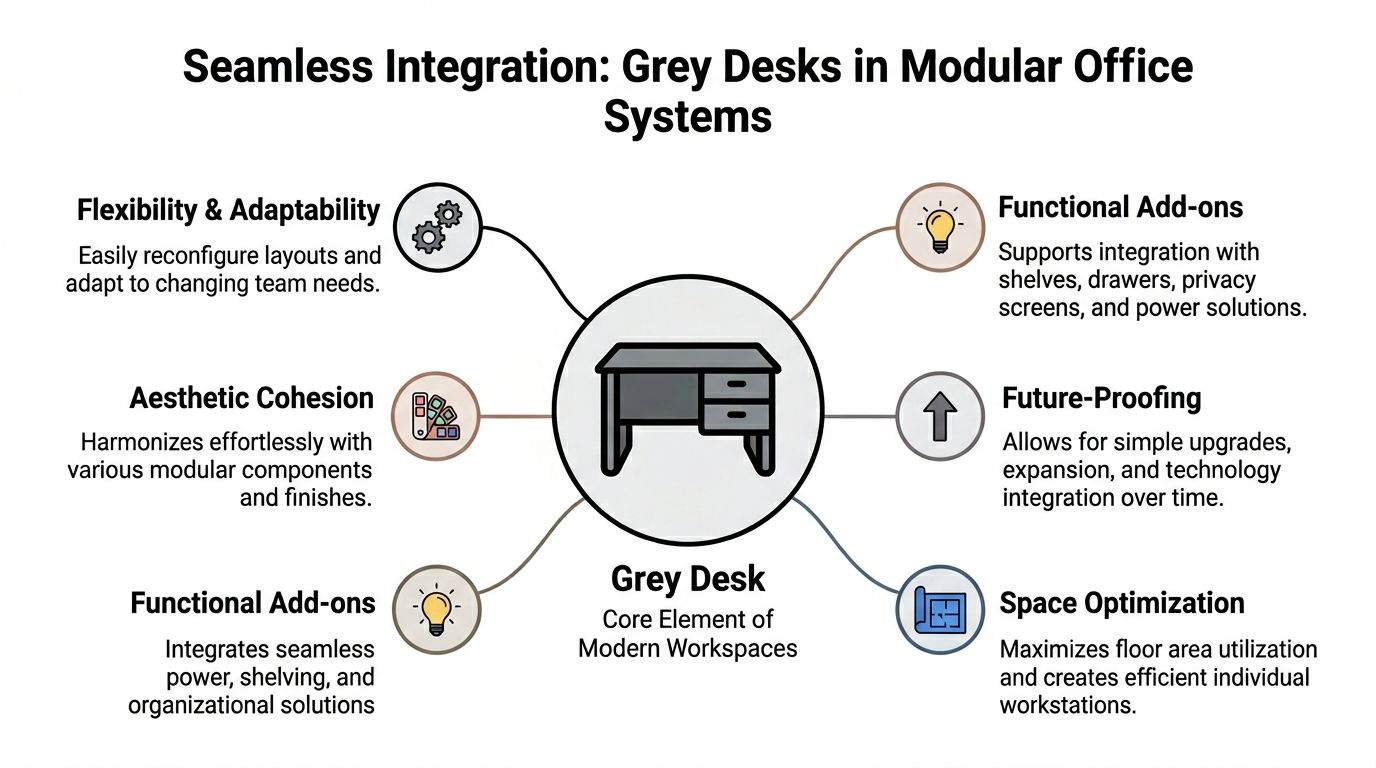
A workstation should do more than hold a monitor. It should support cable routing, storage, visual privacy, and clean supervision. That’s why modular office cubicles still play a central role in many successful redesigns.
Match privacy to the task
Privacy isn’t one thing. A payroll administrator needs a different level of separation than a marketing coordinator. A call center needs speech control. A design team may only need visual boundaries and a few enclosed rooms nearby.
Panel height and enclosure type are important considerations. Lower panels keep the space visually open and make team communication easier. Higher or partially glazed panels create more separation. Enclosed rooms with glass fronts can protect acoustic privacy while still sharing light across the floor.
For teams that need dedicated enclosed space, private office cubicles can create defined rooms without committing to conventional drywall construction in every case. For larger operational groups, workstation cubicles offer a more repeatable planning module.
Don’t treat acoustics as a finishing touch
A visually clean office can still be exhausting if sound is uncontrolled. Hard floors, exposed ceilings, and open benching all increase the chance that speech and movement will dominate the room.
Acoustic control usually comes from layering:
| Acoustic tool | What it solves |
|---|---|
| Panels and screens | Reduces direct sound transfer between neighbors |
| Soft finishes | Lowers reflected noise in open zones |
| Enclosed rooms | Protects calls, meetings, and focused work |
| Zoning | Keeps noisy teams away from quiet work |
| Sound masking or white noise | Helps reduce speech intelligibility in open areas |
The right answer is rarely a single product. It’s a system of choices working together.
Good furniture planning doesn’t chase minimalism at all costs. It gives each work mode enough support to function without disrupting the next one.
Make flexibility visible
Employees trust a redesign more when they can see how it adapts. Reconfigurable stations, movable storage, modular screens, and reservable touchdown areas signal that the office is built for change, not locked into one attendance pattern.
That’s where a supplier’s planning tools matter. Cubicle By Design provides modular workstation systems, glass walls, planning support, and configurable options that let facility teams match privacy, size, and electrical needs to real workflows. Used properly, those tools make the office easier to modify later instead of forcing another reset.
For a useful reference on furniture choices that support a current workplace, see what makes a modern office and the furniture pieces that shape it.
Executing Your Plan Budgeting Power and Phased Rollout
Many office projects don’t fail in planning. They fail in execution. The layout may be solid, but the budget is thin, power isn’t coordinated with the furniture, and installation gets scheduled without a realistic sequence.
Budget the full project, not just the furniture
Facility managers usually know to price desks, panels, seating, and meeting tables. The misses tend to show up elsewhere. Electrical work, data routing, delivery conditions, installation labor, punch corrections, and temporary disruption costs can shift the total fast.
A practical budget should separate costs into categories:
- Furniture and architectural products: workstations, enclosed rooms, seating, storage
- Infrastructure: power, data, floor cores, surface raceways, charging access
- Labor: delivery, assembly, reconfiguration, debris removal
- Technology: monitors, reservation tools, conferencing support
- Contingency: for field conditions, damaged finishes, and scope creep
If the office needs flexible furniture, plan infrastructure to match. It doesn’t help to buy adaptable workstations if power and data lock every seat into one permanent location.
Phase the rollout to protect operations
A phased installation works well when shutdown isn’t realistic. The sequence matters. Move low-dependency departments first, complete one zone before disrupting the next, and establish temporary swing space before installers arrive.
A simple phased rollout often follows this pattern:
- Prep phase: final field verification, power coordination, delivery scheduling
- Pilot zone: install one area first and test assumptions
- Main deployment: roll by department or floor segment
- Stabilization: fix punch items, rebalance seating, adjust support spaces
This approach reduces operational shock. It also gives managers time to correct small planning misses before they spread across the whole project.
Measure what the office does after launch
A redesign isn’t finished when the installers leave. Post-occupancy review is where you find out whether the plan works under real conditions.
According to Office Snapshots’ guidance on evaluating office design, successful firms often use a workplace balanced scoreboard to track measures such as desk utilization, and continuous monitoring can support productivity gains of up to 19%. The point isn’t to build a giant reporting system. It’s to watch a few useful indicators consistently.
Focus on:
- Utilization: which desks, rooms, and zones are used
- Behavior: where employees work around the design instead of with it
- Feedback: what teams say about noise, availability, comfort, and flow
- Adjustment needs: where furniture or zoning should be rebalanced
If you need field support for deployment, sequencing, and punch-list coordination, office furniture installation services can help keep the transition organized from delivery through occupancy.
If you’re planning a redesign and need a layout that works in real operating conditions, Cubicle By Design is a practical place to start. Review workstation options, test dimensions, and build a plan that fits your team’s workflow, privacy needs, and budget instead of forcing your office into a trend.