27 Jan Your Guide to the Office Cubicle Power Pole
Let’s be honest, tangled cords and overloaded power strips are more than just an eyesore—they’re a productivity killer and a safety nightmare. In any modern office, everyone has multiple devices that need juice. This is where the humble office cubicle power pole steps in, turning a chaotic mess of cables into a clean, functional workstation.
The Unsung Hero of Your Modern Workspace
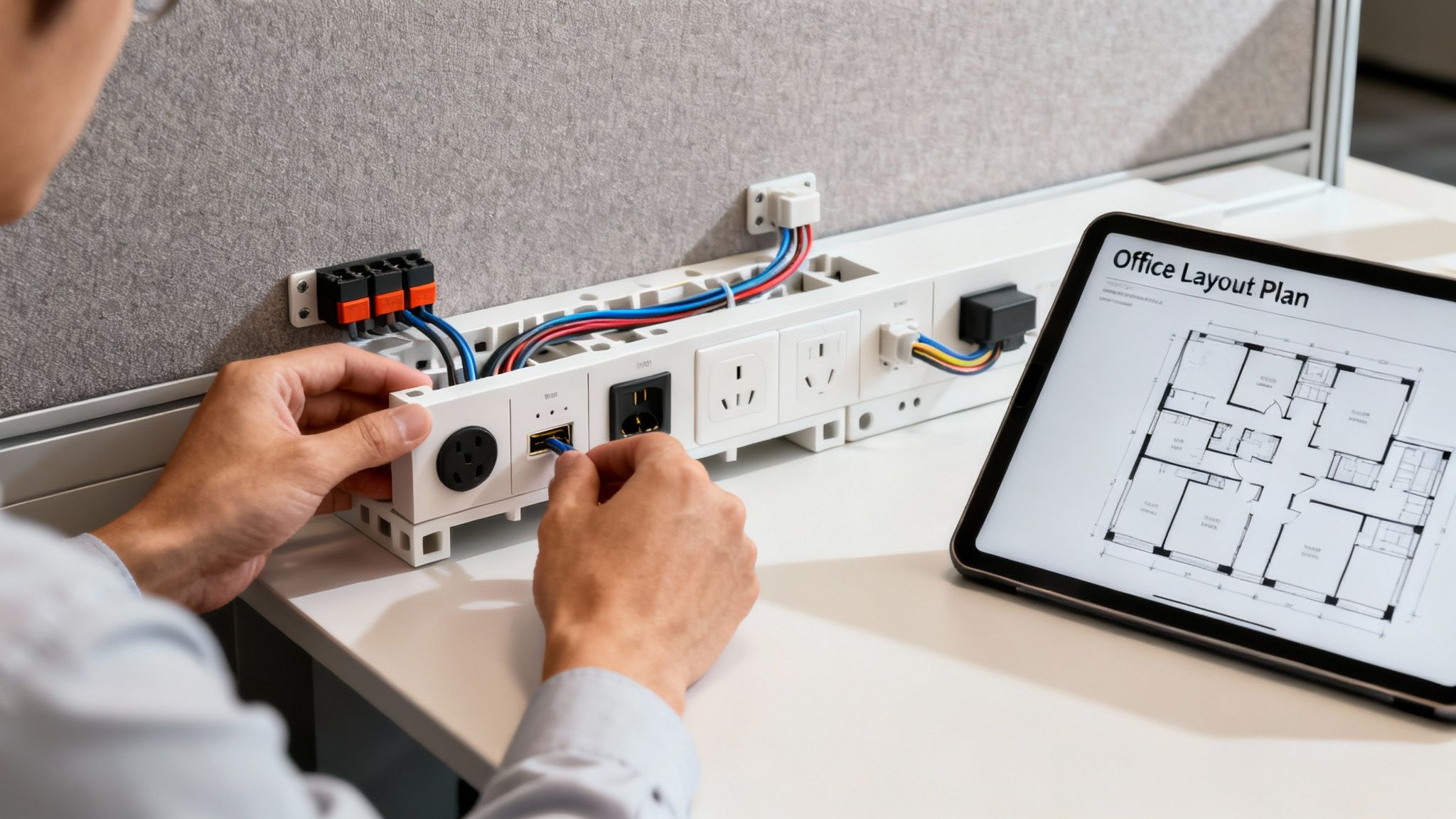
Think of a power pole as a vertical conduit that safely brings all your electrical and data wiring down from the ceiling directly to your cubicles. It’s the central nervous system for your office, getting rid of those hazardous extension cords snaking across the floor and saving you from having to core drill through concrete.
It’s essentially the bridge connecting your building’s power grid to your team’s desks. It neatly bundles everything—standard electrical outlets, USB ports, network cables—into a single, organized channel. This doesn’t just make the office look better; it creates a far more flexible and scalable environment for the future.
Why Power Poles Are Essential Today
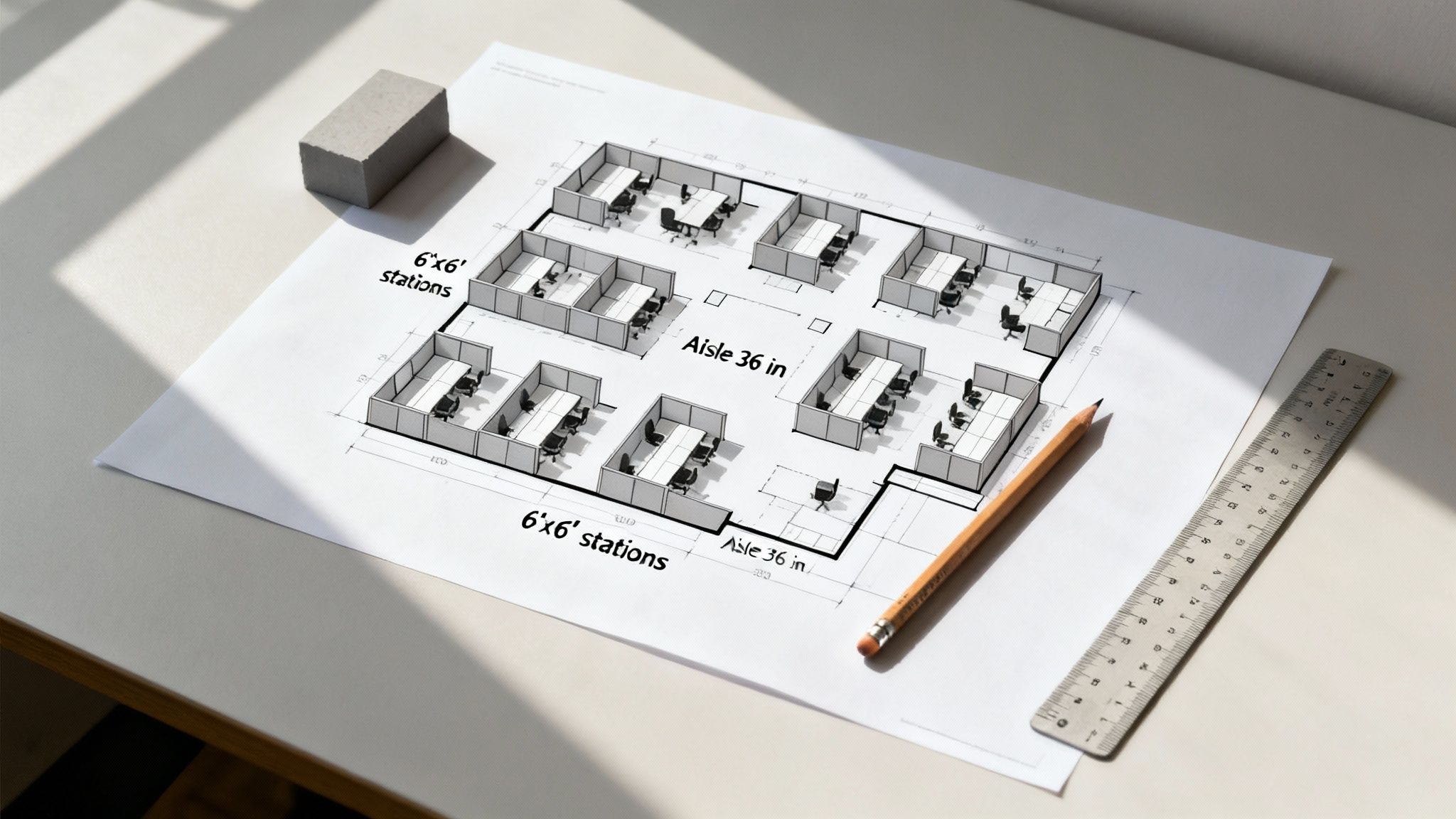
The move toward dynamic, modular office layouts has made a lot of traditional wiring methods feel clunky and outdated. Power poles are the solution that actually adapts to your business. It doesn’t matter if you’re setting up a high-density call center or an open, collaborative space. For more ideas on how to lay out your space, check out our guide on modern office cubicle design ideas.
The real value of a power pole is its ability to centralize power distribution. It allows you to place workstation clusters anywhere in an open-plan office, completely independent of where the wall outlets are located. This freedom is key to designing a truly agile workspace.
These components have become a game-changer in the evolving world of office design. The global market for electrical power poles was valued at a whopping $12.9 billion and is expected to jump to $21.9 billion by 2034. That growth is a direct reflection of the shift toward modular cubicles with built-in power, which help boost productivity without the wiring mess. You can read more about these growing market trends if you’re curious.
Ultimately, investing in a proper power distribution system is a smart, strategic move that delivers on several fronts:
- Enhanced Safety: It gets rid of trip hazards from cords stretched across walkways.
- Code Compliance: You can stop worrying about the dangerous practice of “daisy-chaining” power strips, a common electrical code violation.
- Improved Aesthetics: It just looks better. A clean, professional, and uncluttered work environment makes a huge difference.
- Future-Proofing: It makes it easy to handle changes in technology and office layouts down the road without calling in an electrician for major work.
Choosing the Right Type of Power Pole
Picking the right power pole for your office cubicles isn’t a one-size-fits-all deal. It’s really about matching the solution to your specific office layout and how your teams actually work. The choice you make will directly influence your office’s flexibility, its overall look, and even its day-to-day function.
Think of it like planning the roads for a new neighborhood—what works for a row of houses along a main street won’t be the best fit for a cul-de-sac in the middle of the development. Each type of power pole is built to solve a specific wiring puzzle. Getting to know the core differences is the first real step toward a clean, organized, and truly functional workspace that can grow with you.
Let’s break down the main options.
Freestanding Power Poles: The Open Office Solution
Picture a cluster of workstations floating in the middle of a big, open room, nowhere near a wall. How do you get power and internet to them without creating a tripwire maze of cords? This is exactly where the freestanding power pole comes in. It acts like a utility drop, bringing power safely down from the ceiling to a central point for your cubicle island.
These poles are the go-to for open-plan offices because they give you total freedom with your layout. You can design your workspace around team collaboration and natural workflow, not around where the building’s outlets happen to be. The wires feed from the pole straight into the cubicle panels’ built-in raceways, keeping everything out of sight and totally secure.
Surface-Mounted Power Poles: For Perimeter Layouts
Now, think about workstations or private office cubicles that are set up against a wall or a structural column. In a setup like that, a freestanding pole in the middle of the room would just be overkill. Instead, a surface-mounted power pole is the perfect fit.
These poles are designed to mount right onto a wall or column, creating a neat, contained channel for wiring to run from the ceiling down to the cubicle. They’re much less noticeable than freestanding models and are ideal for perimeter-based layouts or for powering a single row of desks. It’s a clean approach that efficiently gets power to workstations right next to existing structures.
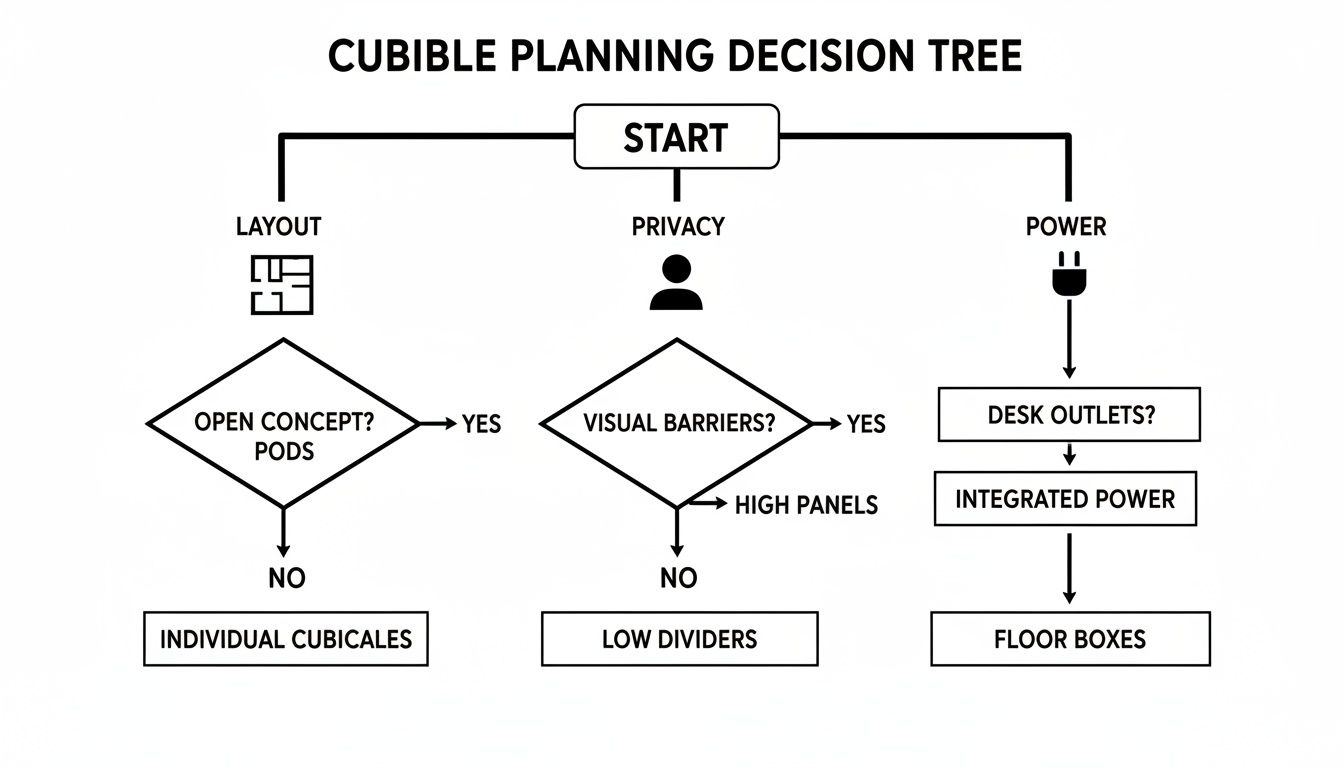
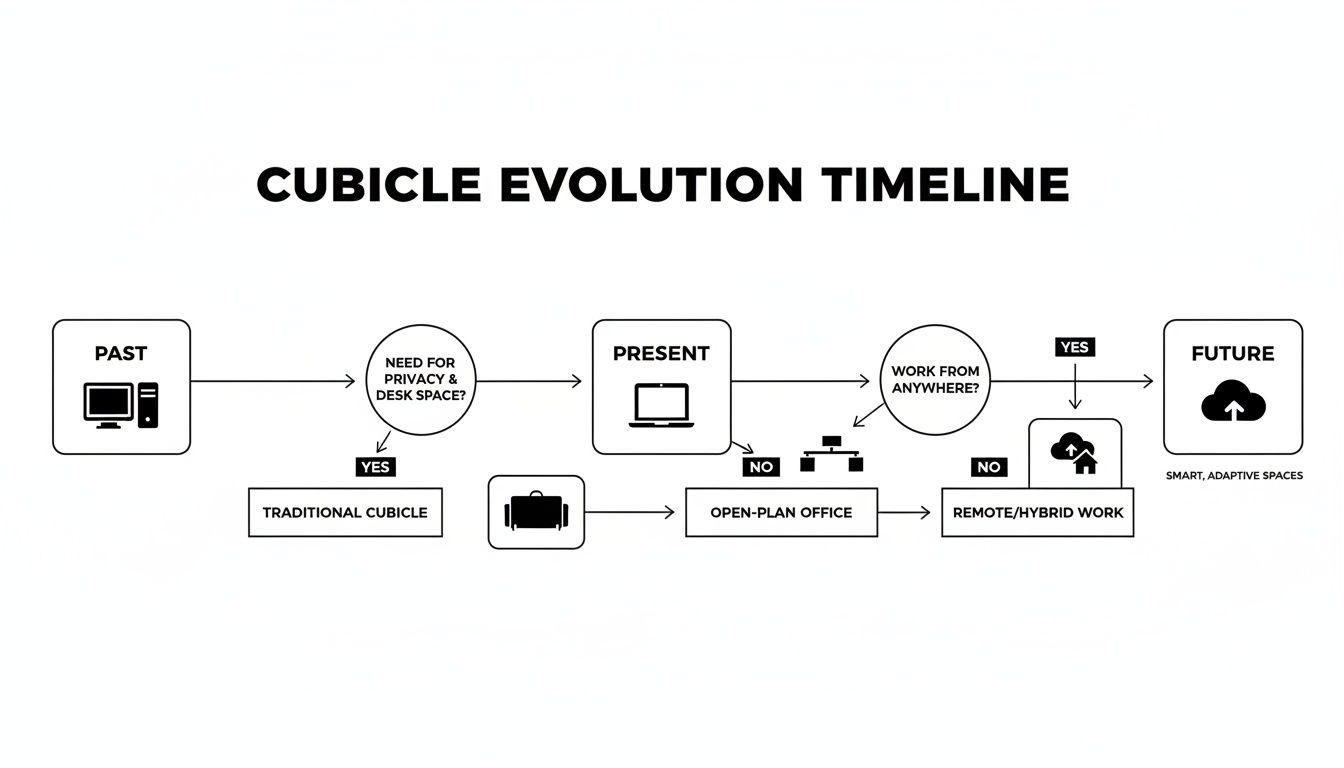
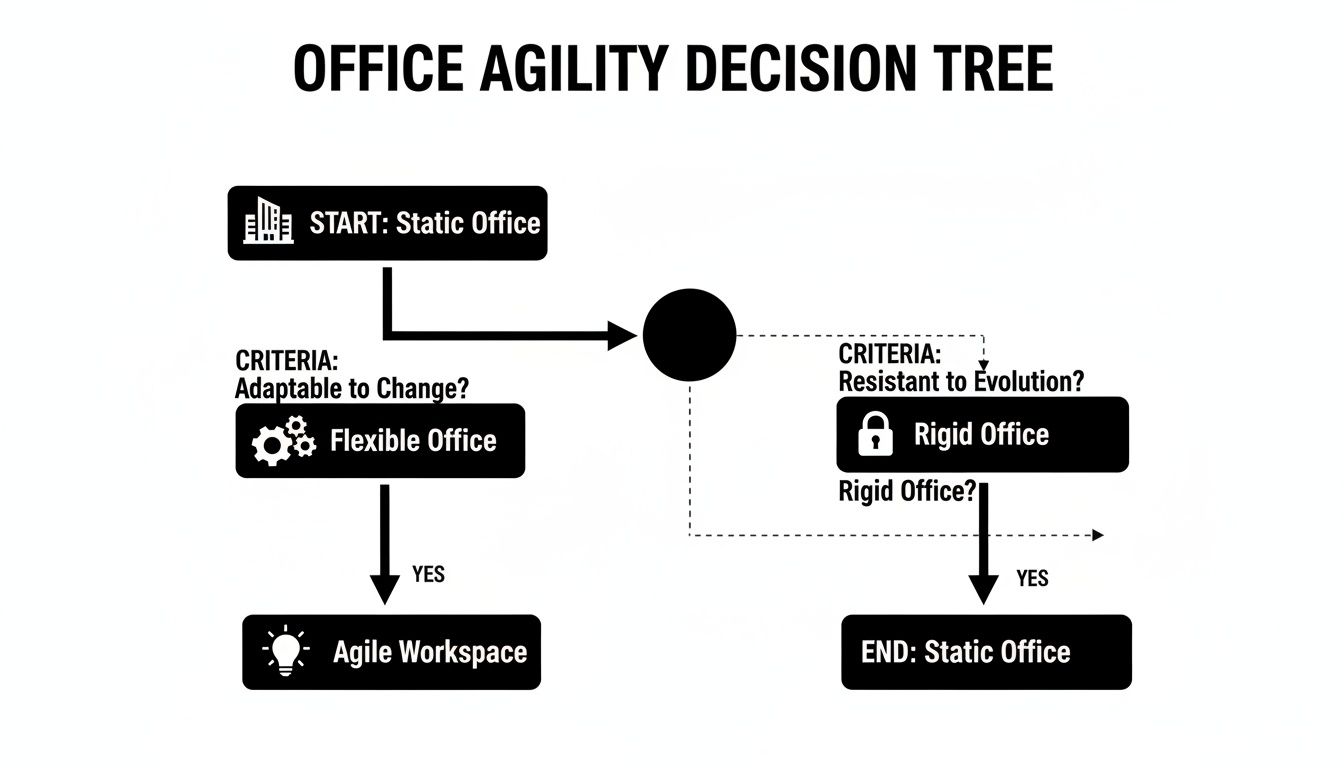
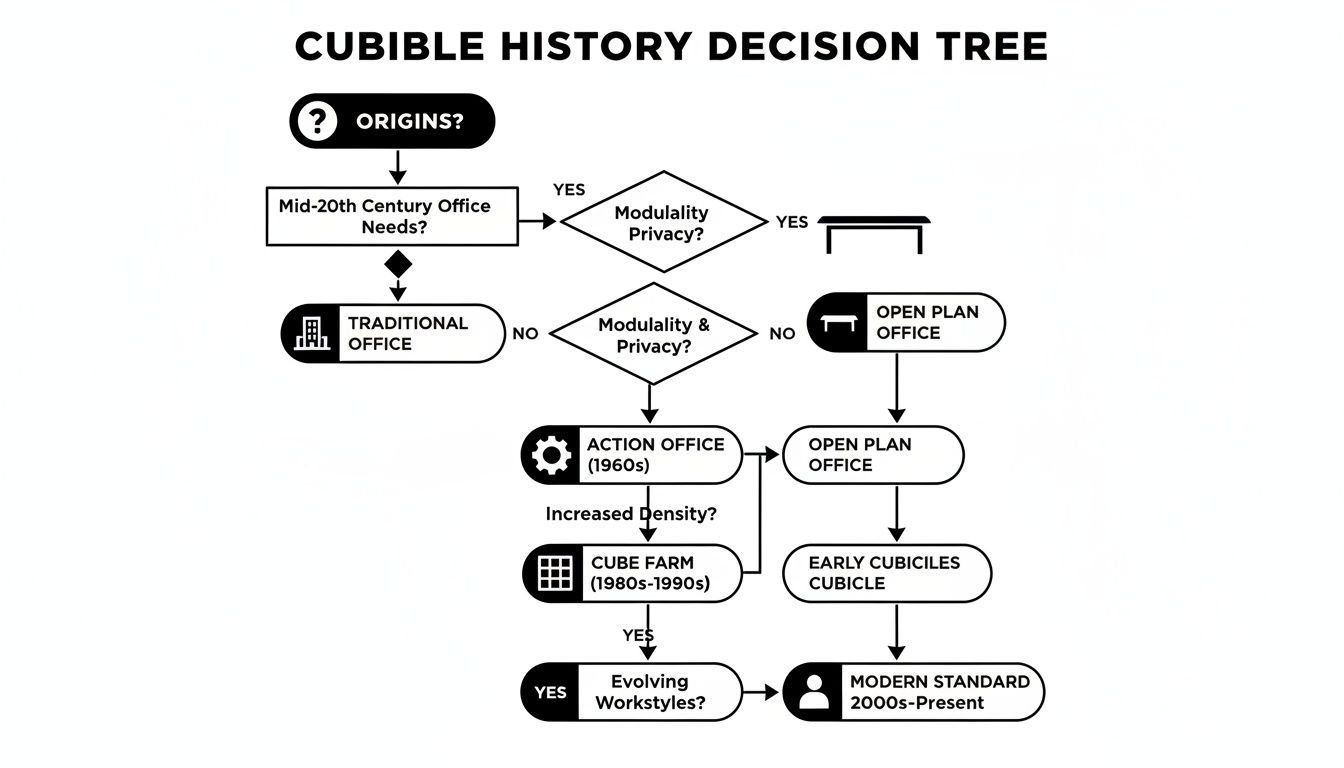
This little decision tree can help you figure out if a power pole is the answer to your cord-management headaches.
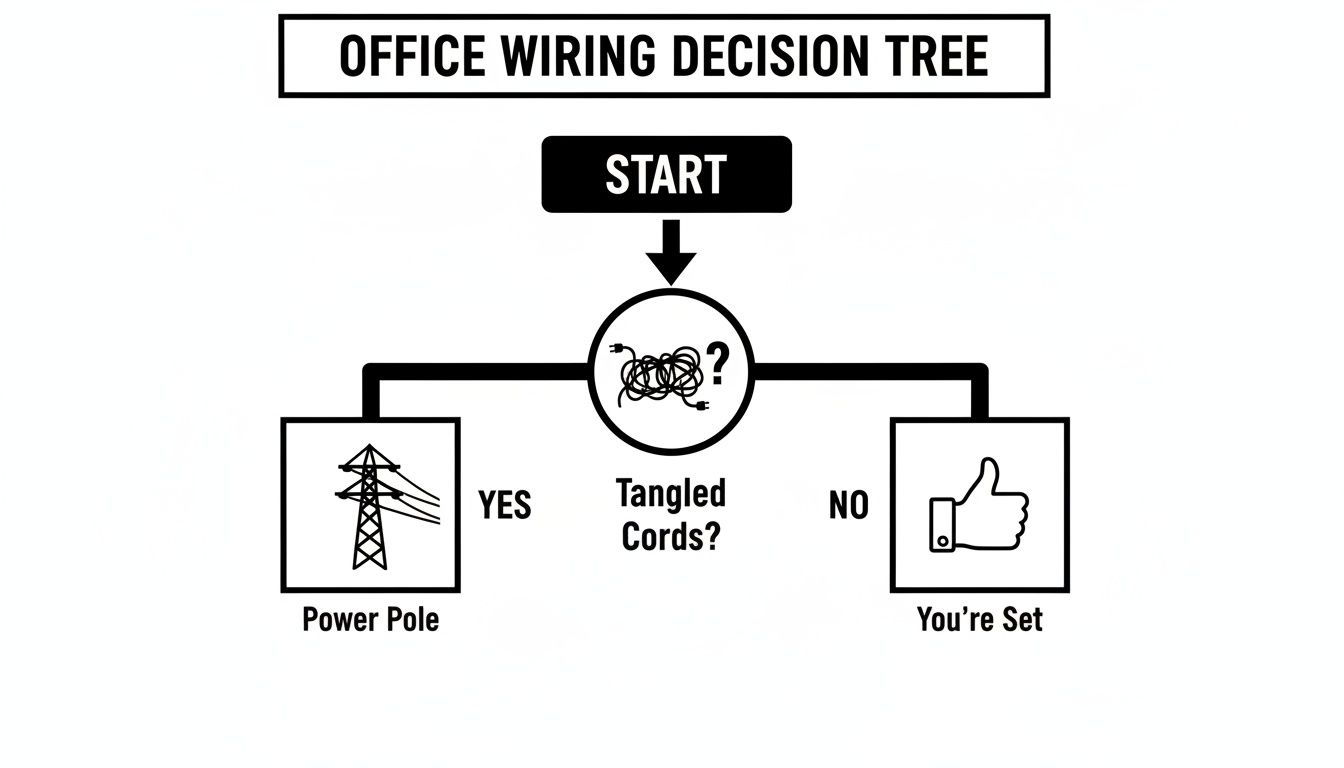
As you can see, if tangled cords are the problem, a power pole is usually the next logical step toward getting things organized.
Integrated Power Feeds: The Seamless System
Finally, many modern modular cubicle systems come with what are called integrated power feeds. These aren’t standalone poles in the traditional sense; they’re components designed to connect directly to the cubicle’s own structure. Power is fed from the ceiling into a special panel or connector, which then distributes it through the system’s own hidden channels.
This method gives you the most seamless look imaginable, because the power entry point becomes part of the furniture itself. It’s a slick approach, usually seen in new installations where the cubicles and power plan are designed together right from the start. This integrated solution is perfect for companies that want a highly polished and cohesive feel.
To help you compare these options side-by-side, here’s a quick breakdown.
Power Pole Types at a Glance
| Power Pole Type | Best For | Installation | Key Benefit |
|---|---|---|---|
| Freestanding | Open-plan offices with cubicle “islands” far from walls. | Anchored to the floor and connected to the ceiling grid. | Maximum layout flexibility; power anywhere you need it. |
| Surface-Mounted | Workstations placed against existing walls or columns. | Mounted directly onto a wall or building support. | Clean, low-profile look for perimeter-based layouts. |
| Integrated Feed | New, cohesive installations of modern modular cubicle systems. | Connects directly into a specialized cubicle panel or component. | The most seamless, “built-in” appearance. |
Ultimately, the right choice depends on whether you’re retrofitting an existing space or designing a new one from scratch.
While power poles are a fantastic solution for routing power cleanly from the ceiling, don’t forget about the final delivery point. For individual desks, you might want to learn more about the best under-desk power strips to complete your setup. Every piece plays a part in building a fully powered and productive office.
Figuring Out Your Power and Connectivity Needs
Before you can pick the right power pole for your office cubicles, you first have to know what you’ll be plugging into it. This is about more than just counting outlets; it’s about making sure you’re delivering enough power safely while giving your team the modern connections they need to actually get work done.
Think of it like planning the plumbing for a new house. You wouldn’t install pipes without knowing how many sinks, showers, and appliances you’ll have. In the same way, you need to calculate your office’s power demands to avoid frustrating issues like tripped breakers and overloaded circuits. Every single device, from a laptop charger to a big-screen monitor, draws a specific amount of electricity (measured in amps). A little planning upfront ensures the system can handle your team’s daily workload without a single hiccup.
How to Calculate Your Team’s Power Requirements
Don’t worry, you don’t need an electrical engineering degree for this part. The core idea is simple: add up the power needs for one typical workstation, then multiply that by the number of cubicles running off a single power pole. A standard office electrical circuit is usually rated for 15 or 20 amps.
Here’s a quick way to estimate what you’ll need:
- List Every Device: For one workstation, make a list of everything that gets plugged in. This is usually a computer, one or two monitors, a phone charger, and maybe a desk lamp.
- Check the Amps: Most electronics have a label showing their amperage (A) or wattage (W). If you only see watts, you can find the amps by dividing the wattage by the voltage (which is typically 120V in the U.S.).
- Add It All Up: Tally the total amps for a single, fully-equipped workstation. For instance, a laptop might draw 3A, two monitors 1.5A combined, and a phone charger 0.5A, bringing your total to 5A.
- Plan for Cubicle Clusters: If one power pole is going to feed a cluster of four cubicles, you’ll need a system that can handle about 20 amps (5A x 4 workstations). It’s always a smart move to add a buffer of around 20-25% to handle any future gadgets or power-hungry equipment.
This kind of forward-thinking is a huge part of effective office space planning and design. When you anticipate your team’s needs, you build a workspace that just works, right from day one.
Beyond Standard Outlets: Modern Connectivity Options
Today’s offices need more than just the classic three-prong outlet. To make sure your investment lasts, your power poles and distribution system should offer a mix of modern ports to support all the devices your team uses.
Choosing a power system isn’t just about meeting today’s needs; it’s about anticipating tomorrow’s technology. Integrating USB-C and data ports directly into the cubicle eliminates the need for bulky adapters and ensures your team has fast, reliable access to power and data.
Look for poles that can incorporate these essential connection types:
- USB-A Ports: These are still the go-to for keyboards, mice, webcams, and charging older devices.
- USB-C Ports: The new standard for charging modern laptops, tablets, and smartphones, offering much faster power delivery.
- RJ45 Data Ports: Absolutely essential for providing a stable, hardwired internet connection. For things like video conferencing, a wired connection is often far more reliable than Wi-Fi.
Cubicle power poles are also critical for routing data connections cleanly throughout the office. For a complete solution, you need a plan that integrates both power and data, often handled by professionals offering commercial telephone and computer wiring services. By thinking about both power and connectivity from the start, you create a workspace that’s truly functional and self-sufficient.
Ensuring a Safe and Code-Compliant Installation
When you’re dealing with electricity, there is absolutely zero room for error. A properly installed office cubicle power pole is the backbone of a safe, productive workspace. Get it wrong, and you’re creating some serious risks. That’s why following strict safety standards and electrical codes isn’t just a good idea—it’s an absolute must for protecting your team and your business.
Think of it this way: you’re building a secure bridge for electricity to travel from your building’s main supply right to each person’s desk. Every connection has to be solid, every part needs to be certified, and the whole system has to be grounded to prevent electrical shocks or fire hazards. Getting this right from the start means peace of mind and a reliable power grid for years to come.
Navigating Critical Safety Standards
The first step to a secure installation is using certified components. Here in North America, the gold standard for electrical product safety is the UL Listing. When a power pole or its parts are UL Listed, it means they’ve been put through rigorous testing by Underwriters Laboratories to meet nationally recognized safety standards.
Using non-certified parts is a dangerous gamble. It can lead to equipment failure, but it can also void your business insurance and cause you to fail building inspections. Always, always check that every single component—from the pole itself to the outlets and junction boxes—carries that UL mark.
Another critical piece of the puzzle is proper grounding. Grounding gives any excess electrical current a safe path to travel away from your equipment and your people if there’s a fault, like a short circuit. Without it, the metal parts of your cubicles could become energized, creating a severe shock hazard. A licensed electrician will make sure the entire system is correctly grounded all the way back to your building’s main electrical panel.
Understanding the Installation Process
While a professional electrician should always be the one handling the final connections, knowing the basic steps helps you coordinate the project smoothly. The process generally follows a clear sequence to make sure everything is done safely and in the right order.
- Planning the Power Drop: First, the electrician finds the best spot in the ceiling to bring down the power. This means locating a suitable junction box that’s tied to a dedicated circuit in your electrical panel.
- Mounting the Pole: The office cubicle power pole is then securely fastened in place. Freestanding poles are anchored to the floor and attached to the ceiling grid, while surface-mounted poles are fixed right to a wall or column.
- Running the Conduit: Next, flexible or rigid conduit is run from the ceiling’s junction box down through the power pole. This metal or plastic tube acts as a protective shield for the wiring inside.
- Connecting to the Raceway: The wiring is then fed from the base of the pole into the cubicle’s built-in raceway—that hidden channel at the bottom of the panels.
- Final Connections and Testing: Finally, the electrician connects the wiring to the cubicle outlets. They’ll test every single circuit to ensure it’s delivering the correct voltage and is properly grounded.
The global utility pole market’s steady growth speaks volumes about the reliability of high-voltage systems. This is a lot like how an office cubicle power pole safely manages power for a whole cluster of desks, often cutting down on cable clutter by 40-50% and making high-traffic areas much safer. This structured approach ensures your setup can handle high energy demands while staying neat and organized. You can find more insights about the growth of utility systems.
Common Mistakes to Avoid
A safe installation is as much about sidestepping common pitfalls as it is about following the right steps. This is especially true when you’re setting up enclosed workspaces like private office cubicles, where electrical integrity is everything.
Here are a few frequent mistakes that can compromise safety:
- Overloading Circuits: Plugging too many high-draw devices (like space heaters or multiple monitors) into a single circuit is a classic cause of tripped breakers and a potential fire hazard.
- Using Incorrect Wire Gauges: The thickness of the electrical wire has to match the amperage of the circuit. Using a wire that’s too thin can cause it to overheat, which is a major risk.
- Improper Grounding: We’ve said it before, but it’s worth repeating. This is a critical failure that can turn your entire cubicle system into a safety hazard.
- Ignoring Local Codes: Electrical codes can vary from one city to the next. A professional will know the local requirements inside and out, ensuring a fully compliant installation.
By prioritizing certified components and professional work, you ensure your workspace is not just functional but fundamentally safe for everyone in it. You can learn more by checking out our guide on professional office furniture installation.
Integrating Power with Your Cubicle System
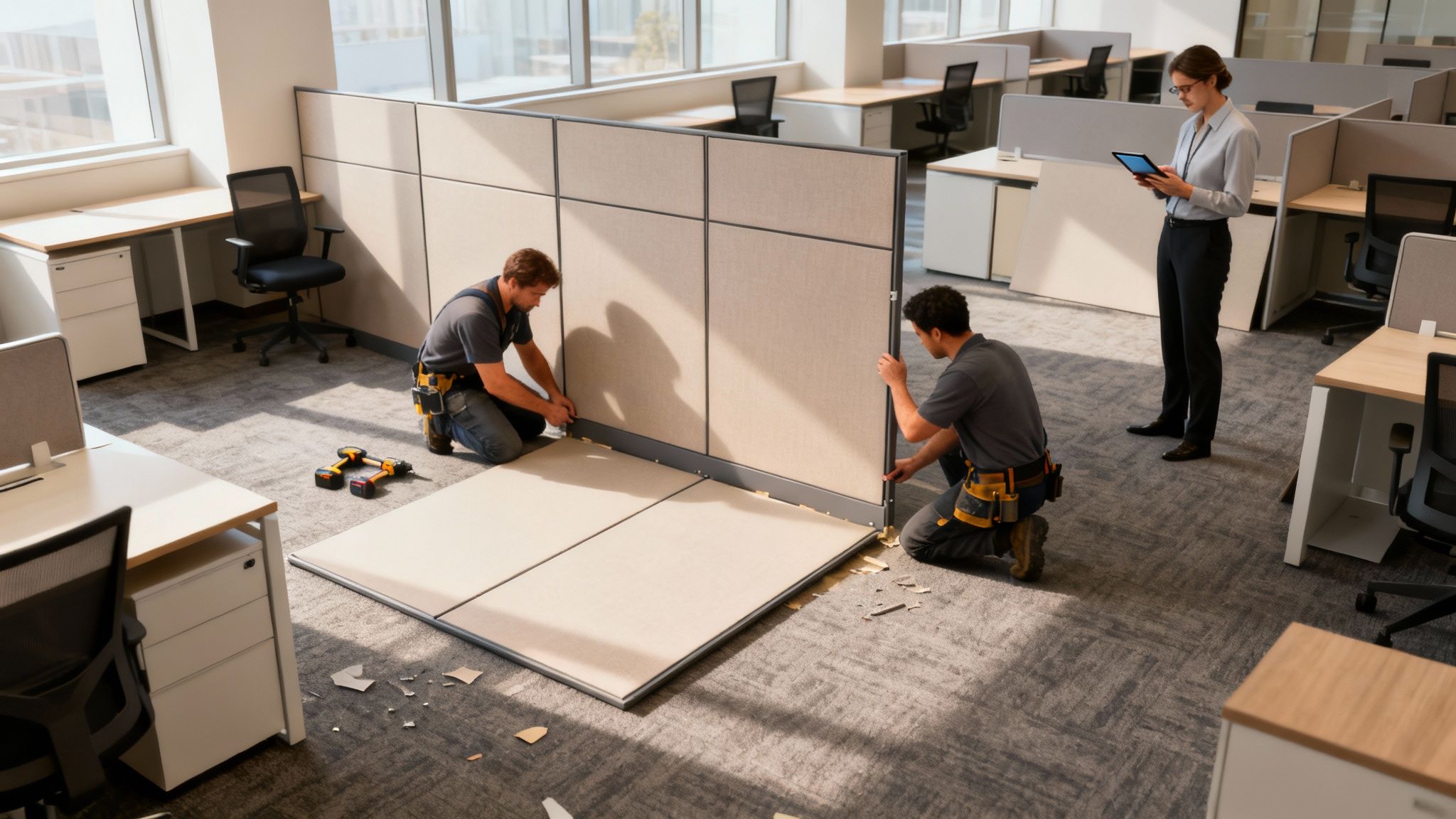
This is where smart design really shines. A power pole isn’t just a separate piece of hardware; it’s the bridge that connects your office’s power source to a clean, fully integrated distribution network for every single workstation. It takes what could be a messy electrical problem and tucks it away into an elegant, hidden solution.
Think of it like a river. The power pole is the main channel, bringing electricity down from the ceiling grid. From there, the current flows into smaller, unseen streams—the base raceways built right into the bottom of the cubicle panels. That’s the real magic of a modern cubicle system from Cubicle By Design.
From Pole to Panel: The Journey of Power
The best part about this setup is how invisible it is. Once the power enters the raceway at the base of the first cubicle panel, it can snake its way through an entire cluster of connected desks. The wiring travels discreetly inside these channels, feeding power to outlets conveniently placed right at desk level for each employee.
The result is a remarkably clean, wire-free look that just elevates the whole office. No more ugly cords running along baseboards or under carpets. Everything is neatly contained within the furniture itself, creating a professional, uncluttered space that cuts down on distractions and eliminates tripping hazards.
Flexibility for the Modern Agile Office
Maybe the biggest win with an integrated power system is the incredible flexibility it offers. In a traditional office, moving a desk meant wrestling with fixed wall outlets and a mess of extension cords. With a power pole and raceway system, changing your office layout becomes a breeze.
A modular power system basically untethers your office design from the building’s walls. It gives you the freedom to add, remove, or rearrange workstations as your teams grow and projects change—all without calling in an electrician for a major rewiring job.
This kind of adaptability is crucial for any business that needs to stay nimble. You can create new team pods, expand a department, or shift to an entirely new floor plan as your company evolves. If you’re planning a bigger move, a solid office relocation checklist for zero downtime can help you coordinate your power pole installation to keep things running smoothly.
The Value of a Holistic Design
At the end of the day, integrating power with your cubicles shows the value of thinking about your office furniture as a complete ecosystem, not just a bunch of separate pieces. When power, data, and the furniture itself all work together, you get a workspace that’s safer, more attractive, and a whole lot more practical. Consider exploring workstation cubicles to see how these systems come together. This approach makes sure your office is ready for today’s needs and whatever comes next.
Troubleshooting Common Power Pole Issues
It happens to the best of us. Even with a well-planned office layout, an outlet can suddenly go dead, or an entire bank of cubicles loses power. While it’s easy to assume the worst, it doesn’t always signal a major electrical failure. More often than not, the fix is surprisingly simple, and a few quick checks can save you the time and hassle of calling in an electrician.
Think of it as first aid for your office’s power grid. Before you pick up the phone, an office manager can run through these basic diagnostic steps. It’s a proactive approach that can get your team back online in minutes and keep productivity humming along.
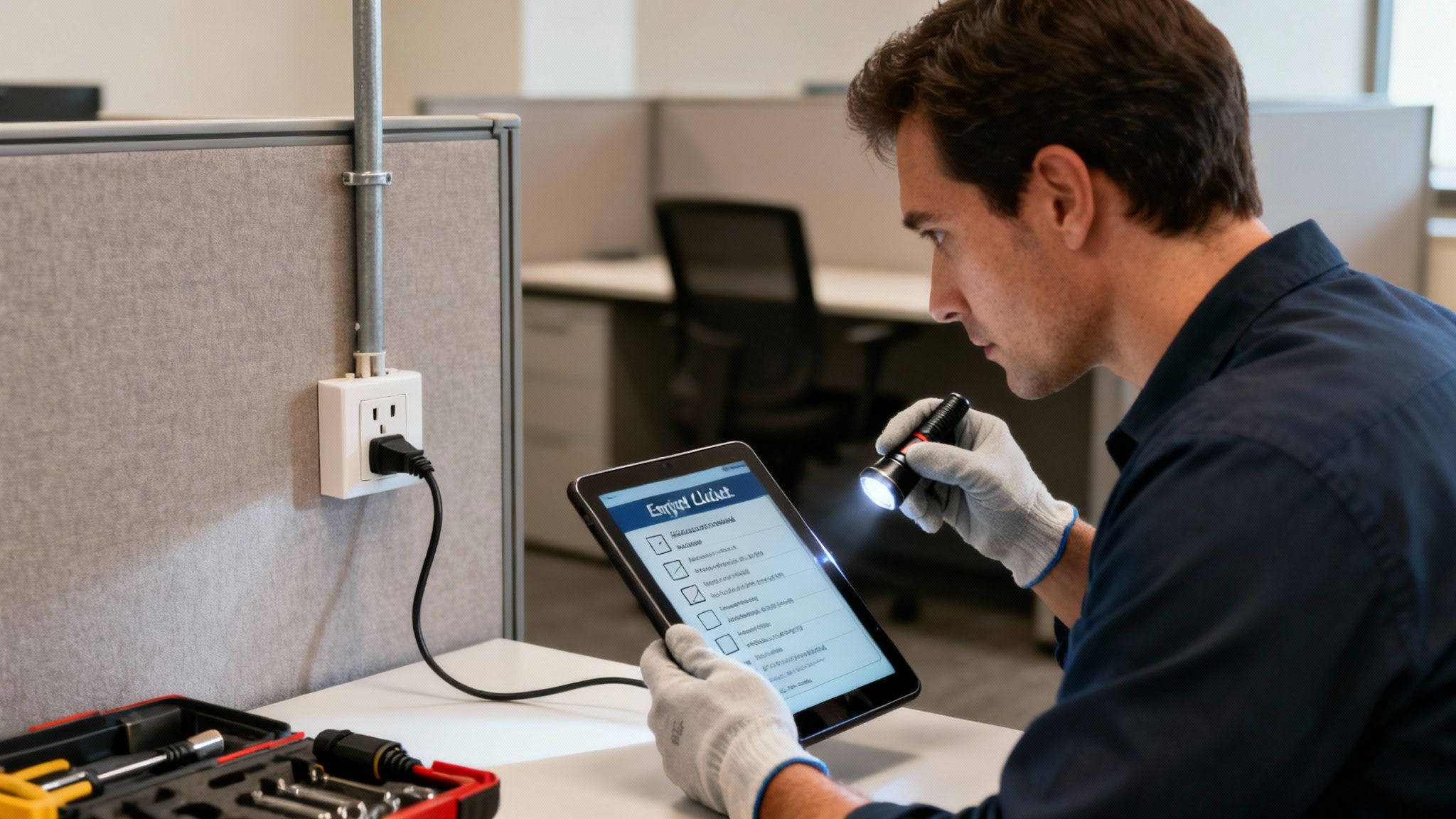
A First-Line Diagnostic Checklist
When a workstation goes dark, always start with the most obvious culprits. These simple checks can often solve the problem on the spot.
-
Check the Circuit Breaker: Your first stop should always be the building’s electrical panel. A tripped breaker is, by far, the most common reason for power loss. Find the panel, look for a switch that’s flipped to the “off” or a neutral middle position, and flip it back on.
-
Inspect All Connections: Take a walk and trace the power from the office cubicle power pole to the desk that lost power. Sometimes, the “jumper” cables connecting the cubicle panels can work themselves loose, which is enough to disrupt the flow of electricity to everything downstream.
-
Test Other Outlets: Grab a small lamp or a phone charger you know is working and plug it into a different outlet on the same cubicle wall. If the other outlets are also dead, it points back to a tripped breaker. If only one outlet is out, the problem is likely with that specific receptacle.
-
Review Device Load: What was running when the power cut out? A personal space heater, a high-draw printer, or another power-hungry gadget can easily overload a standard 15- or 20-amp circuit. The breaker trips as a safety measure to prevent a bigger problem.
Preventative maintenance is the key to longevity for any electrical system. Regular, simple inspections can identify potential issues long before they lead to downtime, ensuring the safety and reliability of your workspace.
Tips for Preventative Maintenance
Beyond just fixing things when they break, a little ongoing care can go a long way in extending the life and safety of your power system.
- Periodic Inspections: Once or twice a year, do a quick visual scan of the power poles and raceway connections. You’re just looking for obvious signs of damage, wear and tear, or any fittings that look loose.
- Balance the Load: As you set up new workstations or reconfigure your layout, be mindful of how you’re distributing the electrical load. Try to avoid plugging too many power-hungry devices into a single circuit.
- Educate Your Team: A friendly reminder to employees to avoid using personal high-wattage appliances—like coffee makers and space heaters—can work wonders. These are some of the most common culprits for tripped breakers in an office.
Following these simple troubleshooting and maintenance steps can turn a potential headache into a minor, manageable task. For more complex setups like private office cubicles or larger-scale workstation cubicles, keeping the power system reliable is absolutely essential.
Common Questions About Power Poles
Let’s wrap up by tackling some of the most common questions that pop up when office managers start looking into a power pole system. Getting clear, straightforward answers can help you plan your project with confidence and make sure the whole process goes smoothly.
What’s the Typical Cost to Install a Power Pole?
The final price tag can vary quite a bit depending on the pole type you choose, how many circuits you need, and, of course, local labor rates. The pole itself is just one piece of the puzzle; you also have to factor in the cost of a licensed electrician to run the wiring from your main electrical panel down to where the cubicles will be.
That said, going with power poles is often a lot friendlier on the budget than core drilling through a concrete slab or installing brand new floor outlets. In fact, for larger projects, you could see savings of 20-30% on the electrical work. For a real-world quote, it’s always best to work with a full-service dealer like Cubicle By Design who can roll the electrical planning right into your furniture budget.
Can I Just Install a Cubicle Power Pole Myself?
While putting together the cubicle panels themselves can sometimes be a DIY job, installing a power pole is strictly for a licensed electrician. This is a hard-and-fast rule, both for safety and to keep everything up to local and national electrical codes.
An electrician makes sure the whole system is grounded correctly and that the circuits aren’t overloaded, which prevents fire hazards and guarantees you’ll pass your building inspection. Trying to do your own electrical work can also get you in hot water with your business insurance. Bringing in a pro ensures the job gets done right the first time, no questions asked.
Do Power Poles Work with All Types of Cubicles?
Most modern, modular cubicle systems are built with power poles in mind. They have built-in raceways, which are hidden channels along the base of the panels. These are designed specifically to hide the wiring as it travels from the pole to all the different workstations in a cluster.
It’s absolutely crucial to double-check that your specific cubicle model is designed for power integration. Not all of them are, and just assuming compatibility can lead to some major headaches during installation.
Starting with an integrated system from the get-go gives you a clean, safe, and fully functional setup. A tool like our Custom Cubicle Designer can help you map out a completely compatible system of workstation cubicles or even private office cubicles with the right power solution from day one. This kind of planning takes all the guesswork out of the equation.
Ready to design a workplace that’s clean, safe, and has all the power you need? The experts at Cubicle By Design can help you plan the perfect layout with integrated power solutions. Explore our wide range of cubicles and start building a better workspace today.